2-23Installation: CPU-NXT 3.2 into the BBxD
16-1408348
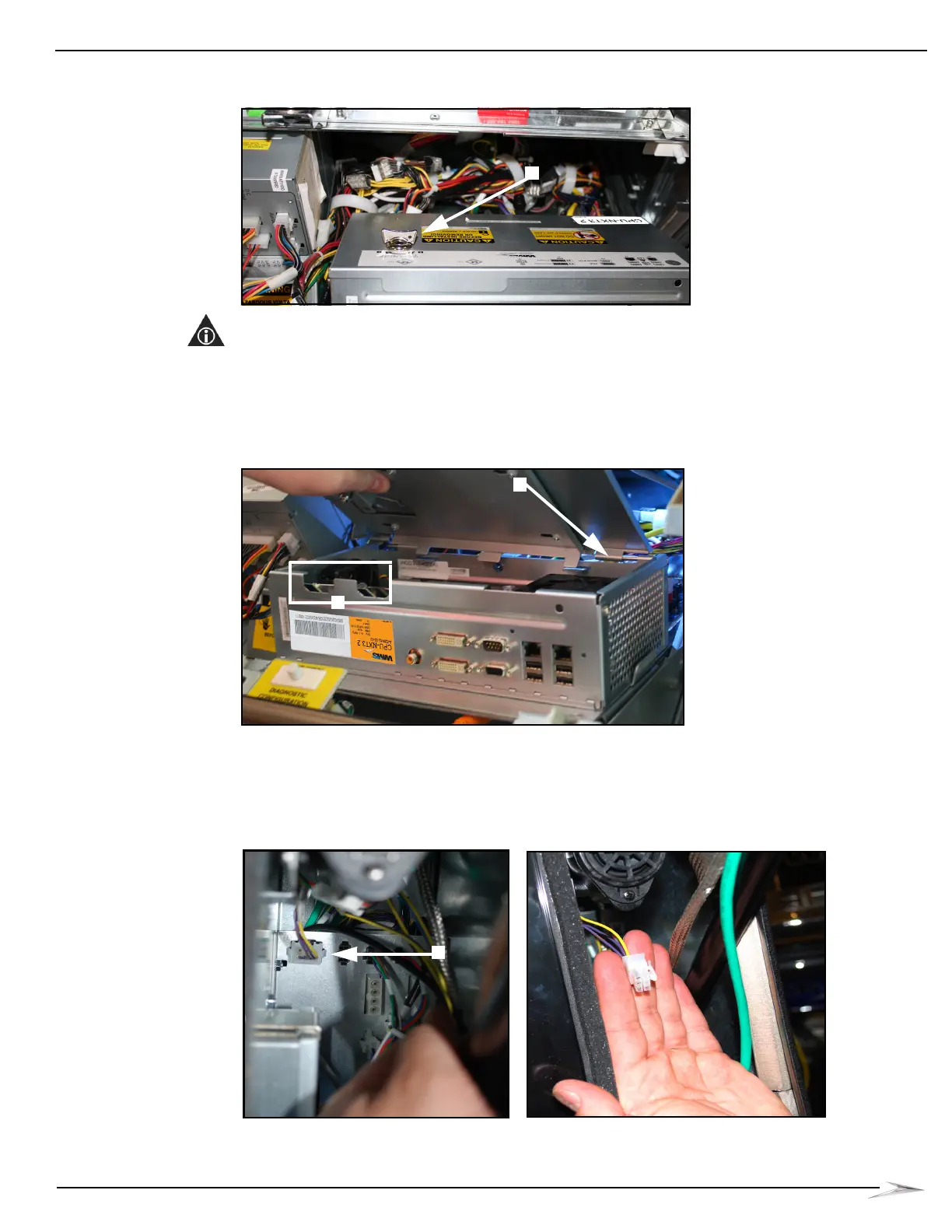
10 Close and lock the Logic Door, Figure 2-49 (A).
Figure 2-49 Locking Logic Door.
NOTE: If the Logic Door detaches, reinstall it by first engaging the right mounting pin,
Figure 2-50 (A), turning the Logic Door Key clockwise, Figure 2-49 (A), and pushing the Logic
Door slightly to the right to engage the right mounting pin.
CPU-NXT 3.2 CompactFlash Card Slots become accessible when CPU Assembly Door is
open, Figure 2-50 (B).
Figure 2-50 CPU-NXT 3.2 CompactFlash Card Slots become accessible when CPU Assembly Door is open.
Connecting the
Tower Light
Extension Cable
Complete the following steps to connect the Tower Light Extension Cable (HD-009861-00-01) to the
Tower Light Board.
1 Disconnect the Tower Light Cable from the Tower Light Board, Figure 2-51 (A).
Figure 2-51 Tower Light Cable connected (left) and disconnected (right).



 To Next Page