Troubleshooting
WorkCentre 7425/7428/7435
User Guide
206
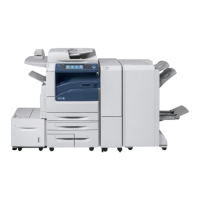
Clearing Paper Jams in the Office LX Finisher
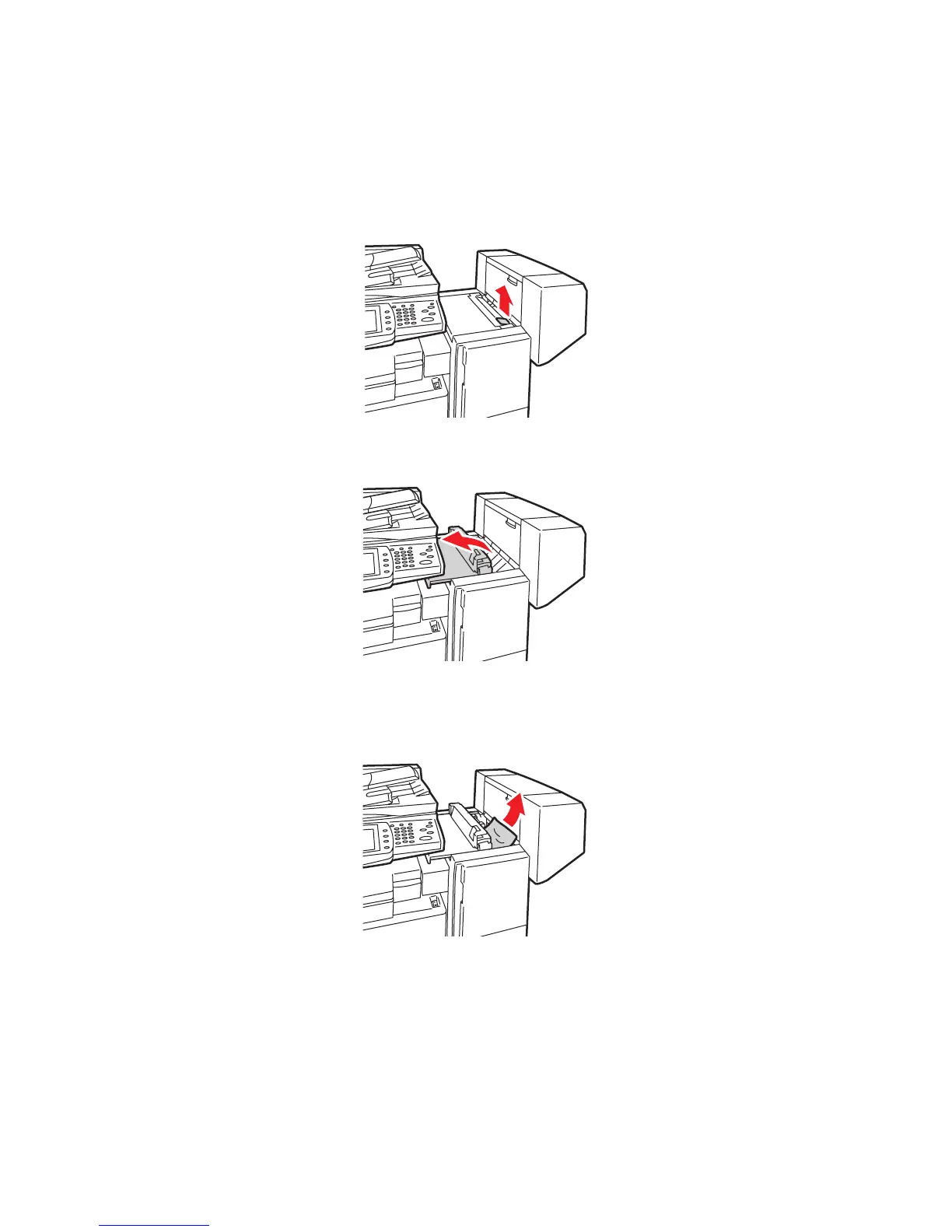
Paper Jams under the Top Cover
1. Pull up the lever on the top cover.
2. The top cover opens.
3. Remove the jammed paper.
Note: If the paper is torn, remove all torn pieces from the printer.
4. Close the top cover of the finisher.
-
-
-


 To Next Page
 Loading...