HW-130 Programmer User Guide
1-6 Xilinx Development System
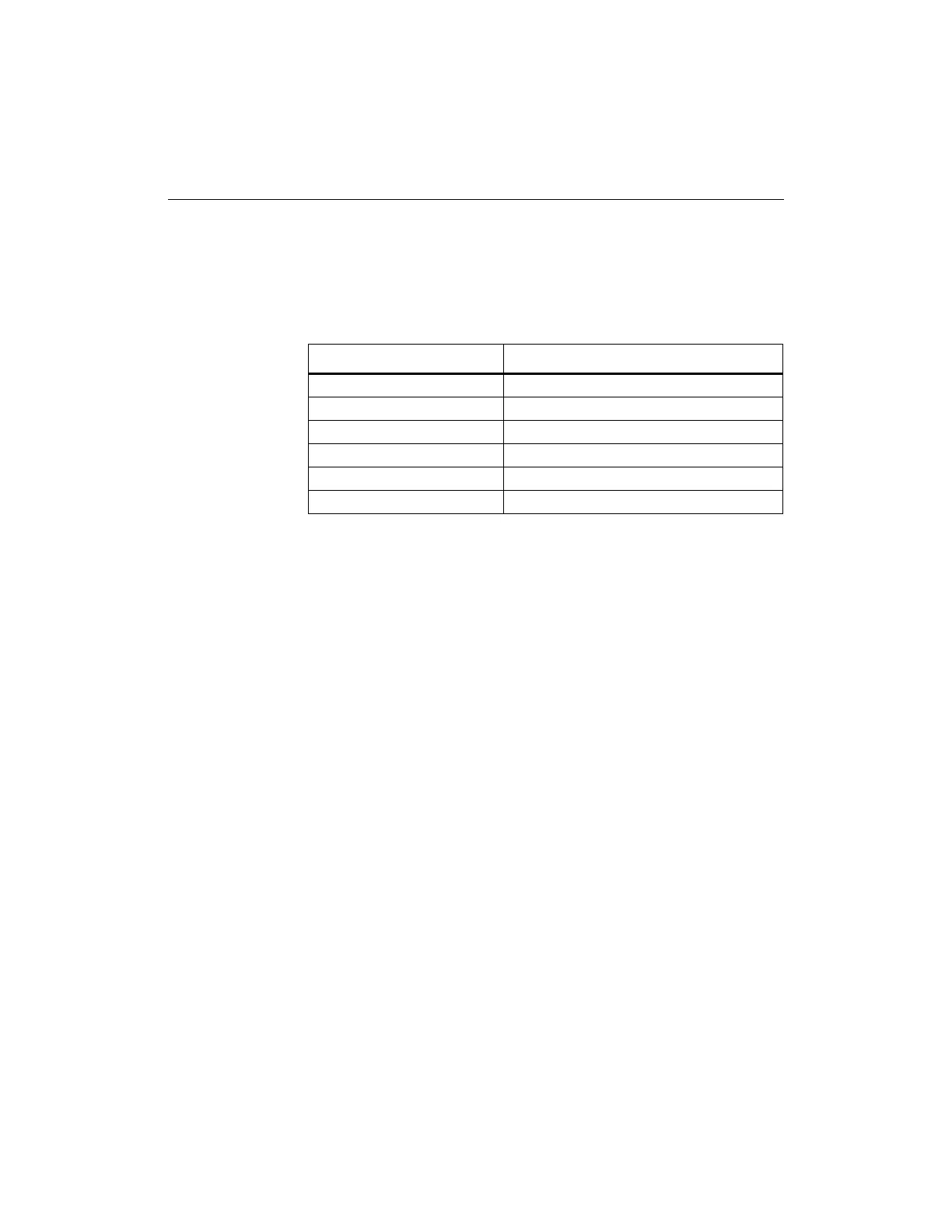
The Fail indicator LED flashes during the POST if there is a
hardware problem. Refer to Table 1-1 to determine the nature of
the problem.
Table 1-1 HW-130 Programmer Troubleshooting
Resetting the HW-130 Programmer
If for any reason, the programmer stops responding, the keyboard
locks up, or you wish to abort all operations, select the Reset
Programmer command from the Options menu to execute a
hardware reset. This command causes the HW-130 Programmer to
run its POST and display the test results listed in Table 1-1 if a
hardware error occurs. POST runs only once for each invocation of
Reset and is only active if there is no device in the socket adapter.
Software Installation
This section covers installation of the HW-130 Programmer software.
Go to the section for the environment you are using, Windows, UNIX,
or DOS.
Installing Software from Windows
Use the information in this section to install and run the program
from Windows.
Installing Software
To install the software, follow these instructions:
1. If you are using a diskette, insert the diskette into the appropriate
Fail Indicator Flashing Problem
1 time Socket adapter not empty
2 times EPROM checksum failure
3 times Voltage DAC calibration failure
4 times PVpp current measurement failure
5 times Memory banks 0 and 1 failures
6 times Memory banks 2 and 3 failures














 To Next Page