Command Reference
HW-130 Programmer User Guide 3-5
Programmer, if necessary.
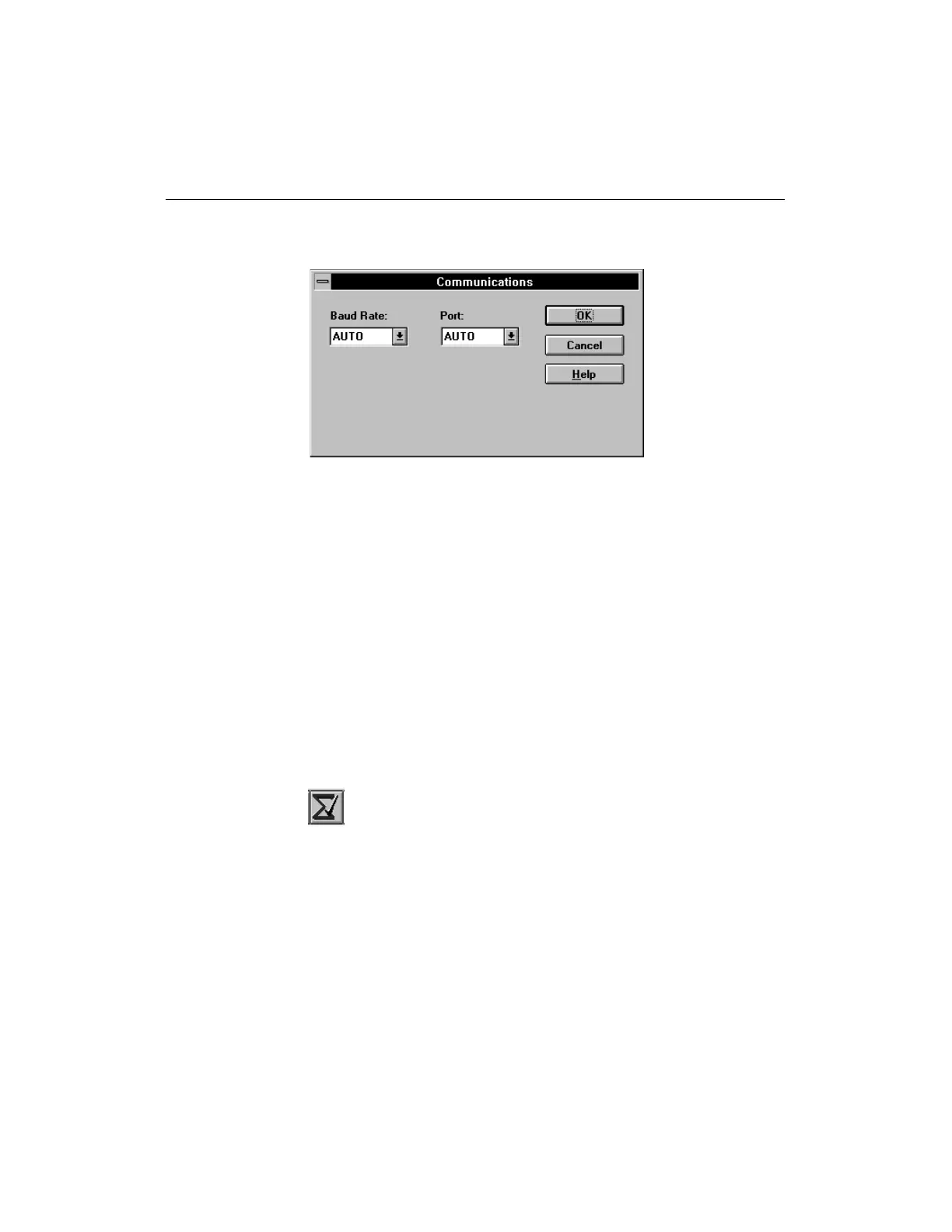
Figure 3-5 Communications Dialog Box
Contents (Help Menu)
Use this command to bring up a list of help topics in the online help
window.
Device Checksum (Options Menu)
Use this command to check the device checksum.This command is
available after you have specified a device type.
After calculating the device checksum, the program updates the
appropriate field on the display: Pass if the operation was successful,
and Fail if the operation failed. In addition, the Device Checksum
field on the display reflects the new value.
Figure 3-6 Device Checksum Toolbar Button
The checksum number of a programmed device should match the
checksum of the file that was used to program the device. The
following figure is a partial view of the display that was updated














 To Next Page