HW-130 Programmer User Guide
C-2 Xilinx Development System
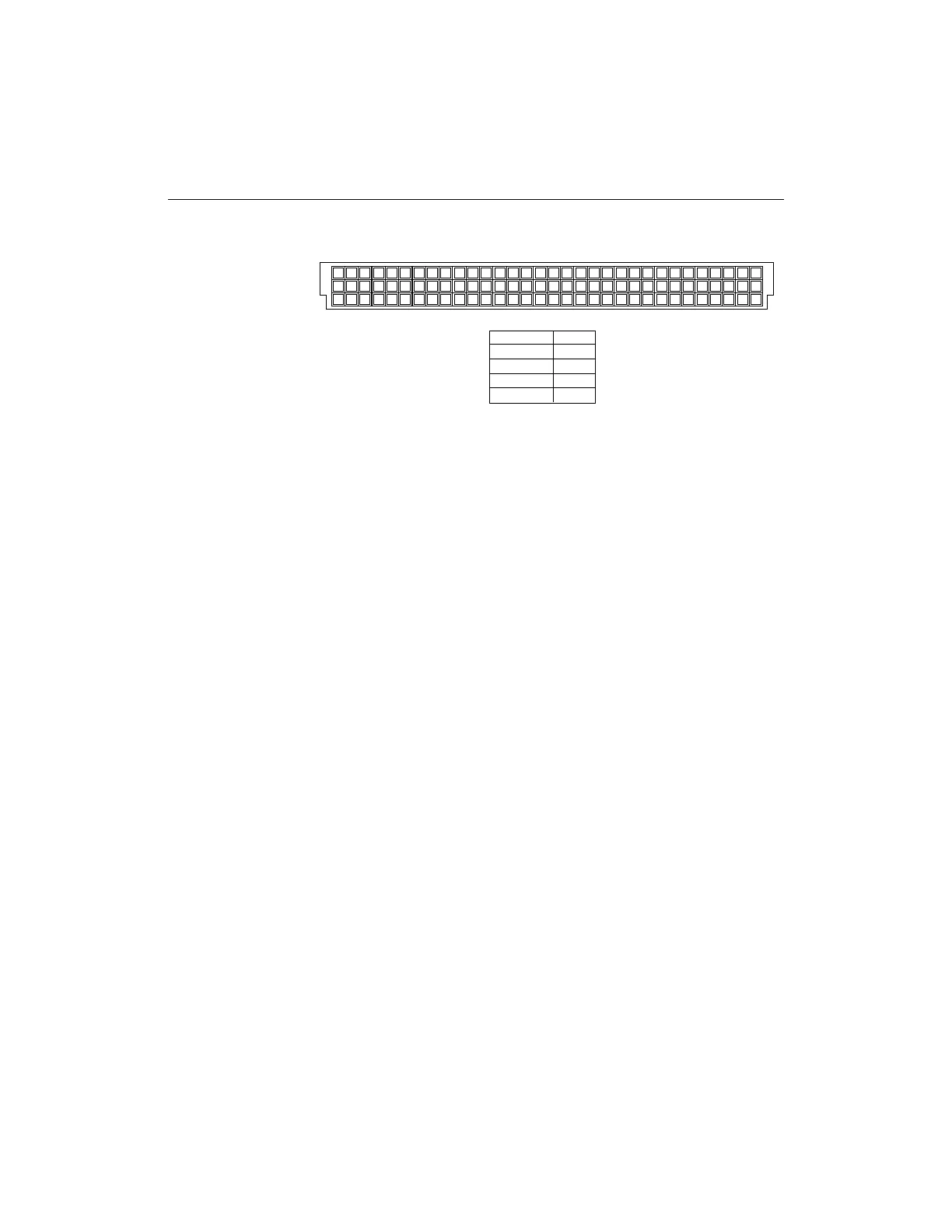
Figure C-2 HW-130 96-Pin DIN Connector (Top View)
2. Select Options ➝ Autohandler ➝ On.
The main screen now indicates that the autohandler is on.
Programmer Operation
This section summarizes the instructions for using the programmer in
conjunction with an autohandler. Please refer to the “Programming
Operations” chapter for details on the individual procedures.
1. Specify a device by pressing the Device Select button on the
main screen.
Alternatively, you can select a profile. The profile loads a device
type, its polarity or security feature, and a design into the
programmer memory.
2. Click on the Select Design toolbar button to open a design.
Note: If you wish to load a master device, do so before selecting the
autohandler mode.
3. Specify the device quantity to program in the Quantity field.
The quantity only needs to be specified for programming.
4. Select the desired programmer operation, Program Device,
Verify Device, or Blank Check by pressing the appropriate
toolbar button on the HW-130 Programmer main screen.
Note: While you are in autohandler mode, only the Program Device,
Verify Device, and Blank Check commands are functional. To use the
other commands, you must not be in autohandler mode.
X6615
32
A
B
C
A
B
C
31302928272625242322212019181716151413121110987654321
Description
Start Test B25
Pass Signal B27
Fail Signal B29
Ground A15-A31
Pin No.














 To Next Page