Programmer Operations
HW-130 Programmer User Guide 2-3
Figure 2-3 Select Device Toolbar Button
After you select the device, the software automatically downloads
the corresponding device algorithm into the memory of the
HW-130 Programmer. The status bar marks the progress of the
download operation.
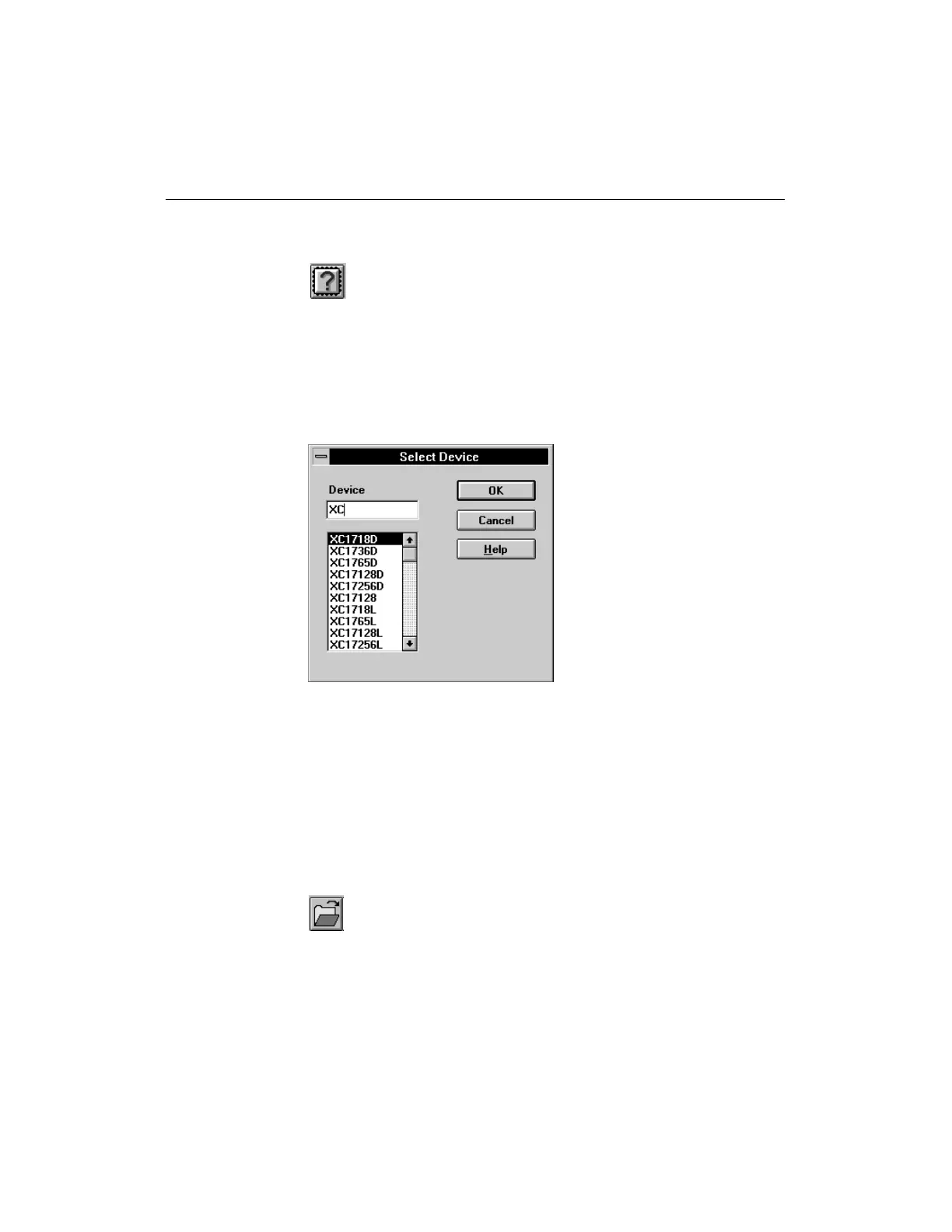
Figure 2-4 Device Selection Dialog Box
Specifying a Design (Ctrl-F)
Before programming a device, you must specify the design file to
download to the programmer memory.
1. Select a design by selecting the Open File command from the
File menu or by clicking on the Select Design toolbar button
displayed in Figure 2-5.
Figure 2-5 Select Design Toolbar Button
The Open File dialog box is displayed as shown in Figure 2-6.














 To Next Page