HW-130 Programmer User Guide
2-4 Xilinx Development System
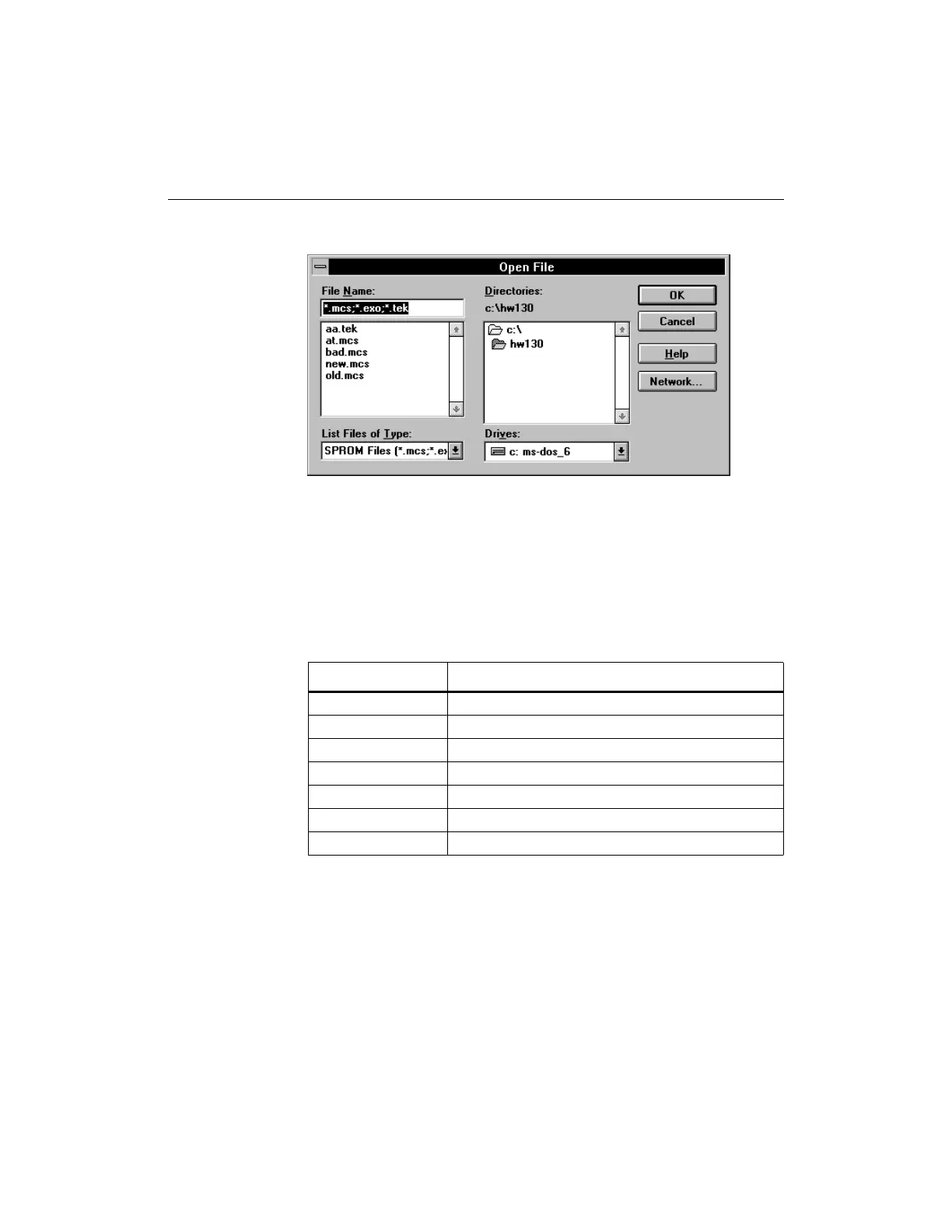
Figure 2-6 Open File Dialog Box
2. Specify the drive, directory, and file name of the design to
download. You can specify one or all of the file formats listed in
Table 2-1 in the List Files of Type box to locate files of the file type
you want.
Table 2-1 Supported File Formats
Note: The HW-130 programmer will automatically give the user the
correct format for the device selected. Some formats listed may not be
applicable for all devices in a particular family. For information on
how to generate these files using the Xilinx tools, refer to the XACT
development system documentation.
3. Click on the OK button to accept the selections.
Format Description
SPROM
MCS Intel MCS-86 format (preferred default)
EXO Motorola EXORmacs format
TEK Tektronix TEKHEX format
EPLD/CPLD
PRG Extended Intel HEX format
JED JEDEC format














 To Next Page