HW-130 Programmer User Guide
3-6 Xilinx Development System
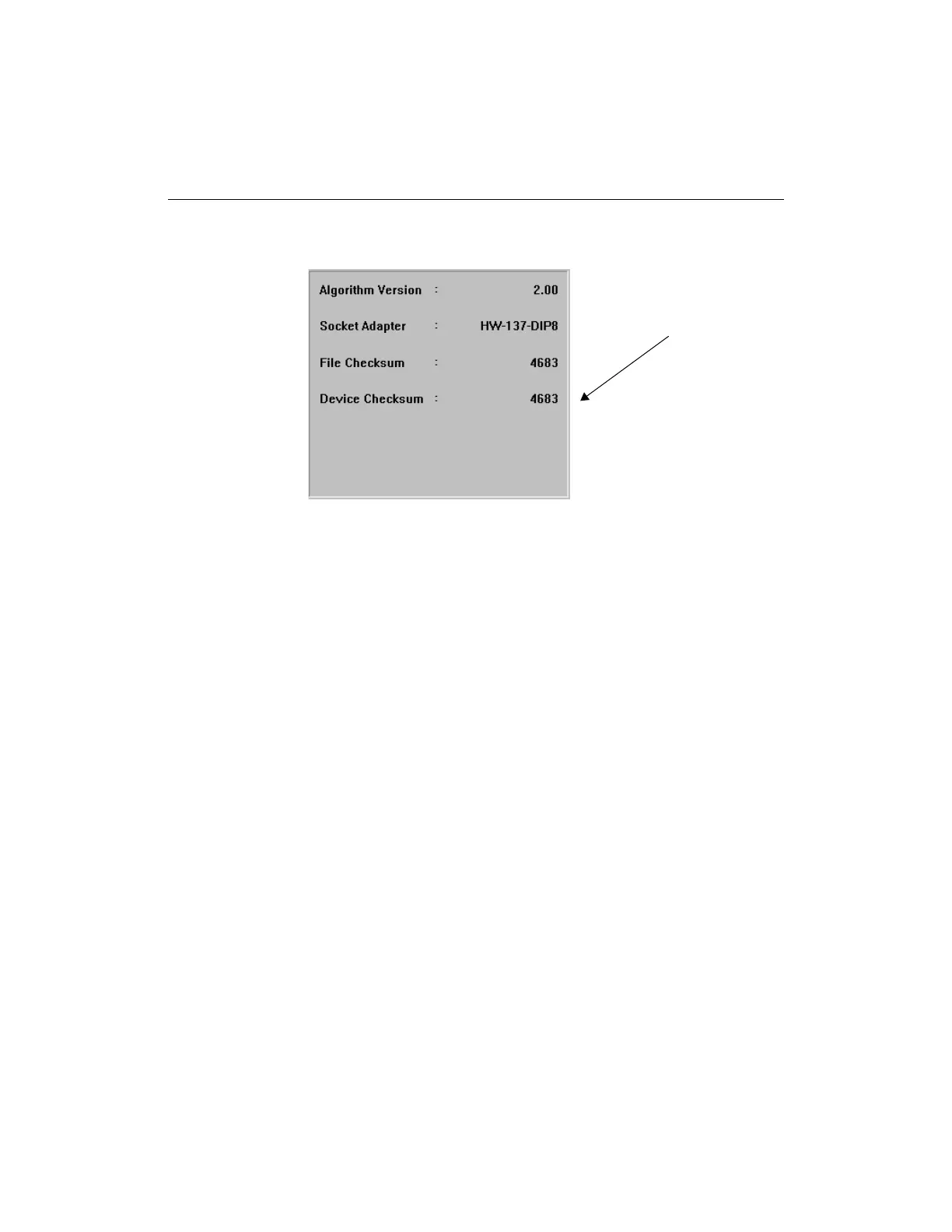
with the checksum number of a programmed device.
Figure 3-7 Device Checksum of a Programmed Device
Diagnostics (Options Menu)
Use this command to execute the diagnostics loops and check the
port, memory, pin drivers, and supply voltage of your programmer.
Select a test by clicking on the radio button preceding the test that
you want to execute. Then press the Execute button to start the test.
For more information, refer to the “Diagnostics Procedures”
appendix.
Device Checksum














 To Next Page