HW-130 Programmer User Guide
3-4 Xilinx Development System
Autohandler Mode (Options Menu)
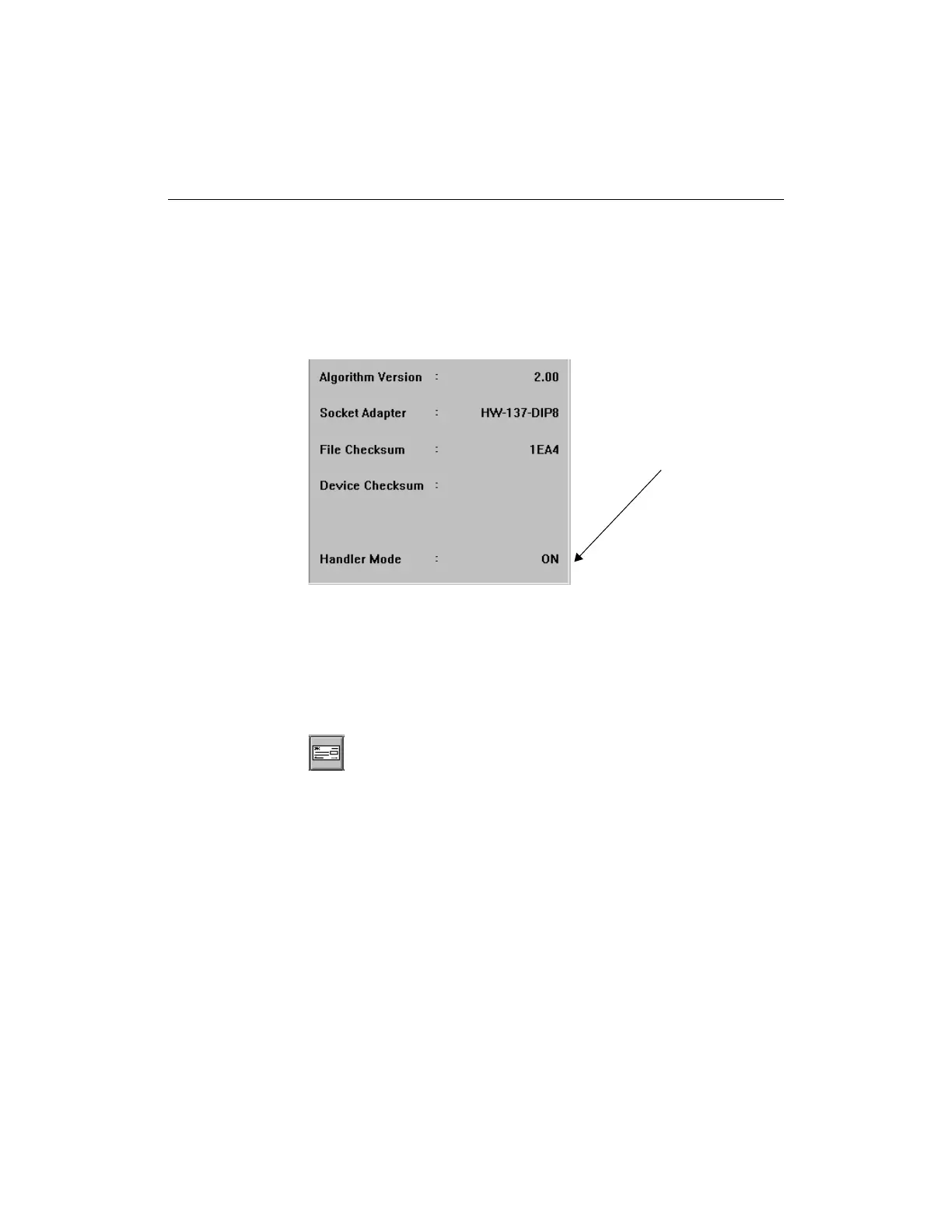
Use this command to turn the autohandler mode on or off. When you
turn on the autohandler mode, a Handler Mode field is added to the
bottom right-hand side of the display. If you have not installed an
auto-handler, this command should be set to off.
Figure 3-3 Handler Mode Set to On
Blank Check Device (Options Menu)
Use this command to check that the device is blank. This command is
available after you have specified a device type.
Figure 3-4 Blank Check Toolbar Button
Communications (Options Menu)
Use this command to set the port and baud rate of the HW-130
Handler Mode














 To Next Page