HW-130 Programmer User Guide
B-6 Xilinx Development System
socket.
2. Select Programmable Supply Voltage from the Options
Diagnostics menu.
3. Click on Execute.
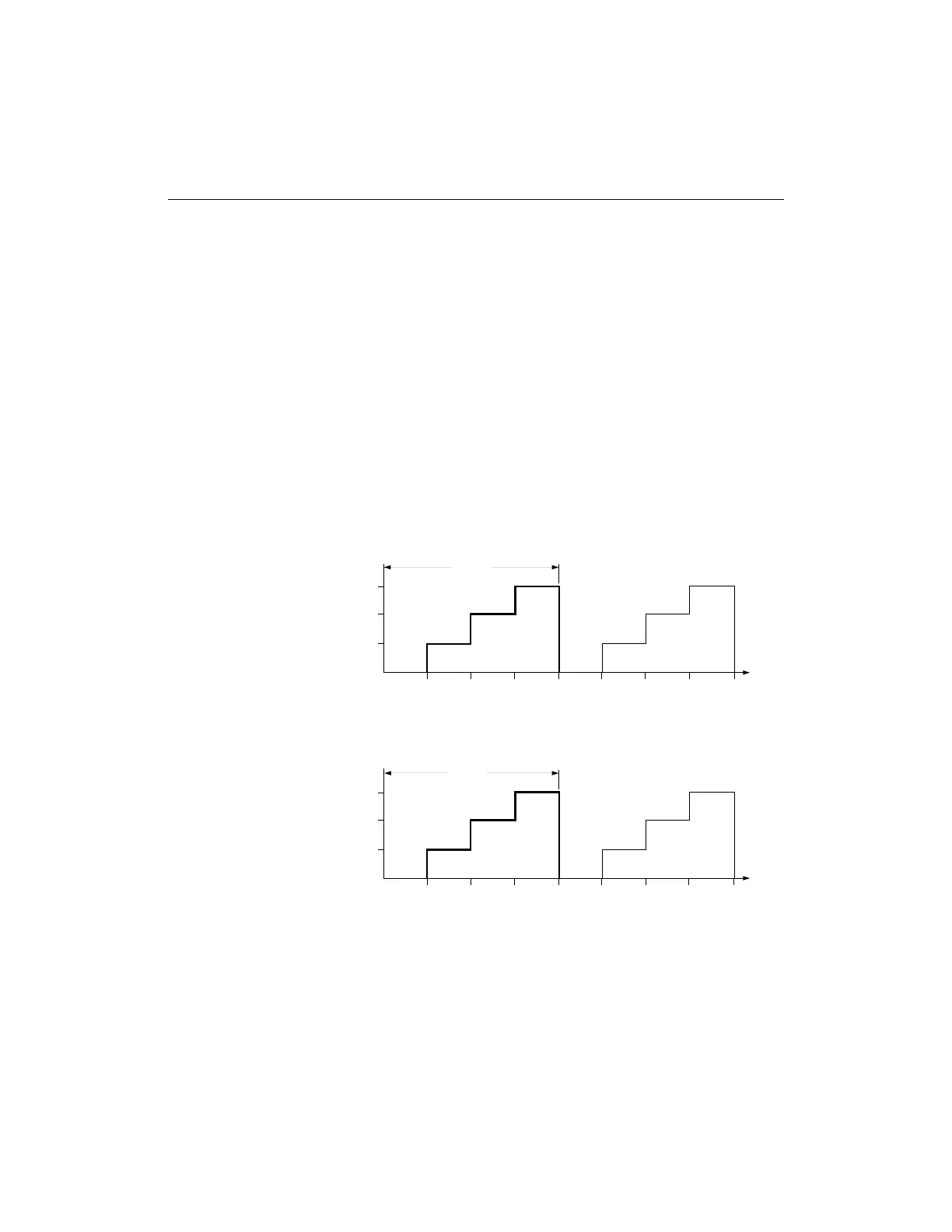
The loop causes the supplies to step between the four voltage levels
shown in Figure B-4.
You can view the waveforms by using an oscilloscope to probe the
appropriate pins of the adapter socket. Refer to the device data sheet
for pin-out information. There are no Pass/Fail conditions for this
test.
Warning: Exercise caution when probing the socket pins to avoid
damaging them.
Figure B-4 Programmable Supply Test Levels
X6043
6.0
4.0
2.0
LEVEL
(Volts)
LEVEL
(Volts)
TIME (ms)
TIME (ms)
0.0
024
Cycle
68
•••
15.0
10.0
5.0
0.0
024
Cycle
68
•••
PV
cc
PV
pp
/PV
sp














 To Next Page