E-mail: sales@xtramus.com
Website: www.Xtramus.com
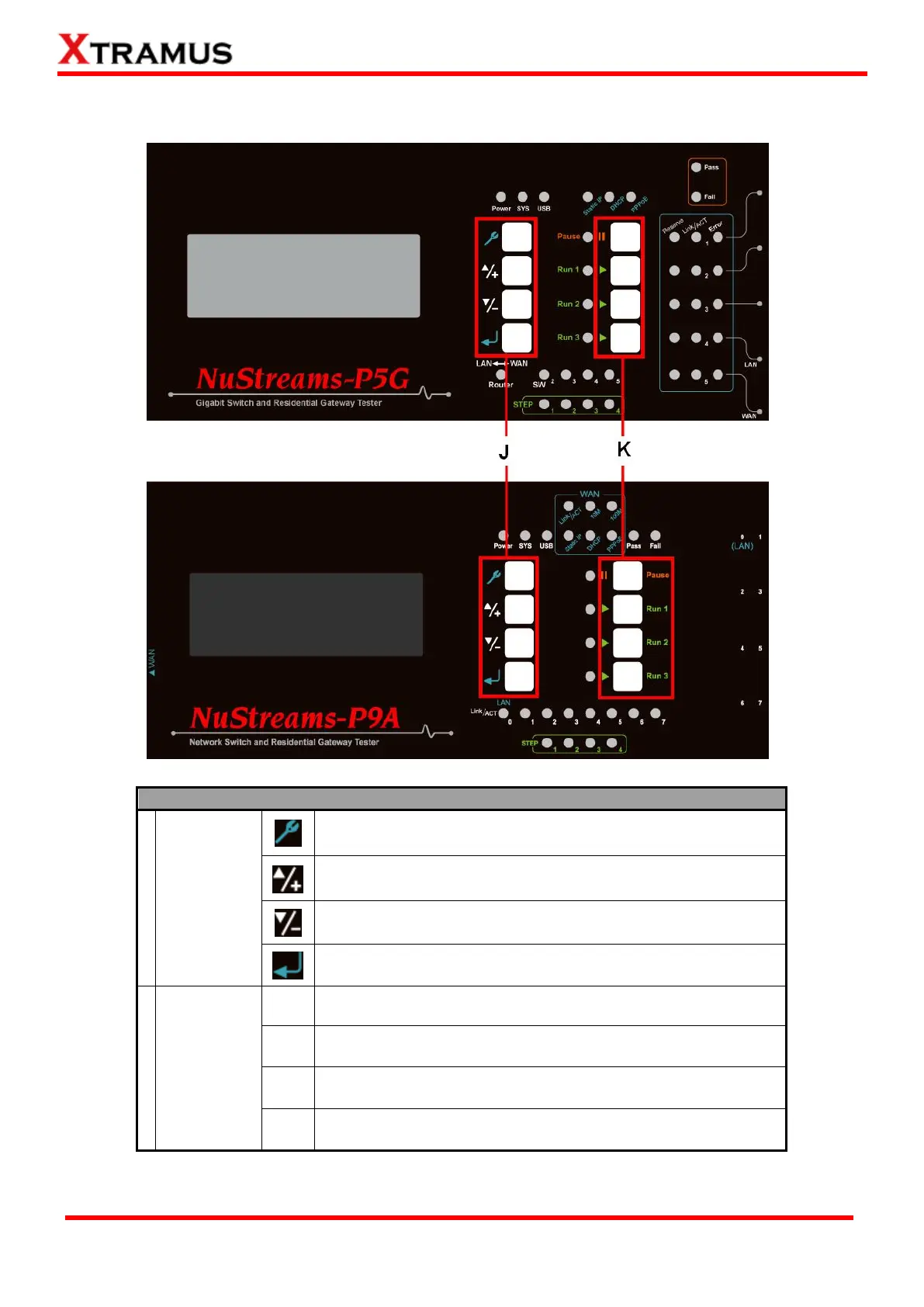
2.4. NuStreams-P5G & NuStreams-P9A Front Panel – Buttons
Enter the Main Menu(*) or return to the previous Menu
Move the select cursor up
Move the select cursor down
Execute the selected selection
Pause the current running test
Start all Tasks set in Run 1. Up to 4 Tasks can be configured in
Run 1 hotkey. Press this button to test ALL TASKS AT ONCE.
2
nd
hotkey that works as Run 1
3
rd
hotkey that works as Run 1
*Menu will be displayed on the LCD screen.



 To Next Page