EasyManua.ls Logo

Xtramus NuStreams-P5G - Nustreams-P9 A Front Panel Functions - System Information

Default Icon
73 pages
Print Icon
To Next Page IconTo Next Page
To Previous Page IconTo Previous Page
Loading...
37
E-mail: sales@xtramus.com
Website: www.Xtramus.com
XTRAMUS TECHNOLOGIES
®
Function
Control Button Action
LCD Display
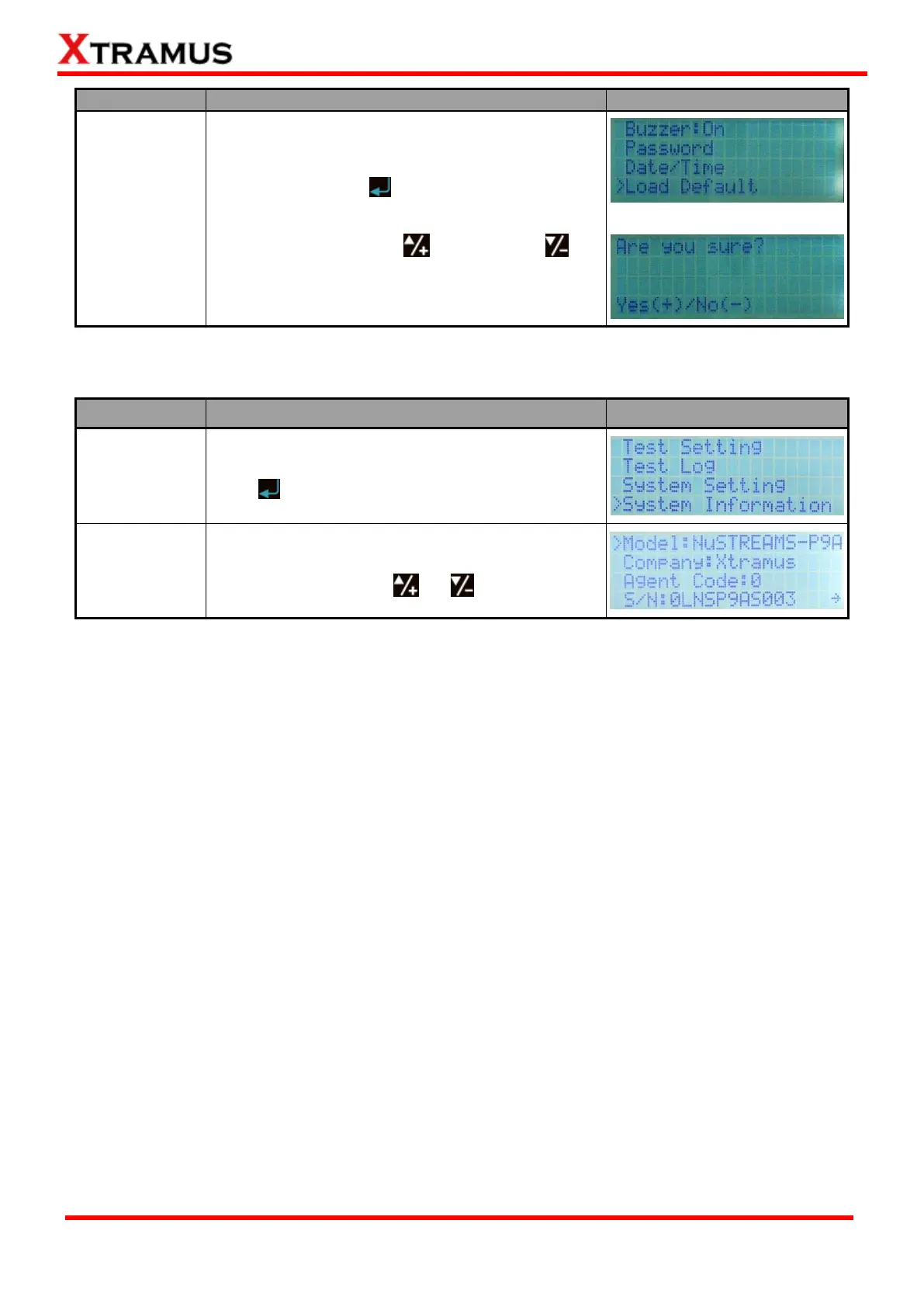
Load System
Default Value
Choose “Load Default” from “System Setting
menu list, and press button.
System will ask if you really want to set all system
settings to default. Press to confirm, or to
cancel.
4.2.7. NuStreams-P9A Front Panel Functions System Information
Function
Control Button Action
LCD Display
Entering
System
Information
Move the cursor to “System Information”, and
press button.
View System
Information
You can browser NuStreams-P9As system
information by pressing or buttons.

Table of Contents

Related product manuals