E-mail: sales@xtramus.com
Website: www.Xtramus.com
5.1. Installing/Uninstalling NuSet-MiniPG
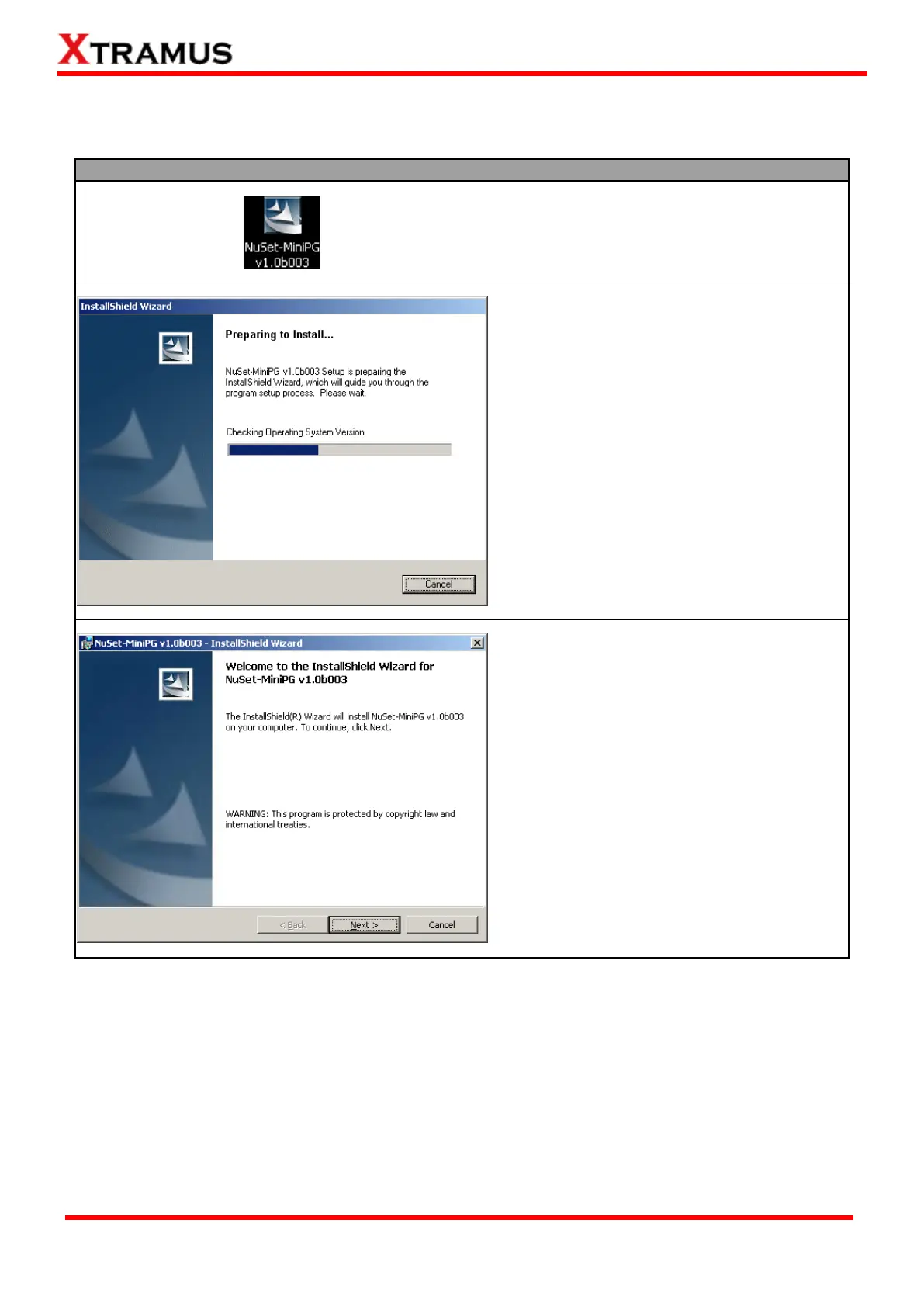
Please follow the steps down below to install NuSet-MiniPG.
1. Double-click NuSet-MiniPG installation
program and start the installation
process*.
2. InstallShield Wizard is starting to install
NuSet-MiniPG. If you would like to cancel
installation, click “Cancel”.
3. Click “Next” to continue installation.
*Note: Due to different Operating Systems or system settings, warning messages might pop up when
installing NuSet-MiniPG or driver for your device. When this occurs, please choose the options on
these pop-up warning messages that allow you to continue installing NuSet-MiniPG or device driver.



 To Next Page