E-mail: sales@xtramus.com
Website: www.Xtramus.com
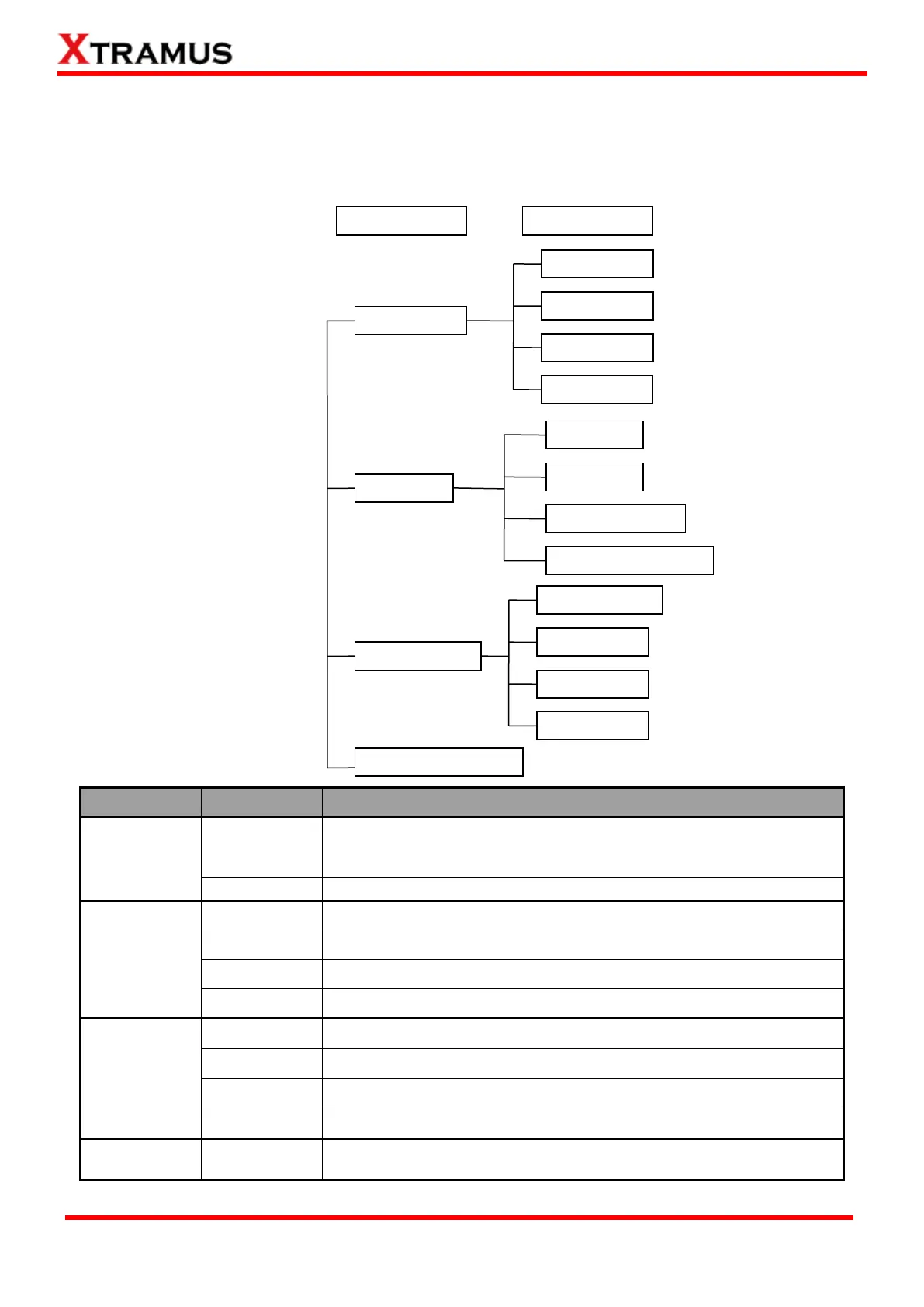
4.2.2. NuStreams-P9A LCD Overview
All configuration options and system information can be viewed via NuStreams-P9A’s LCD screen. All
options and their functions contained in the menu are listed down below:
Modify Run 1
Modify Run 2
Modify Run 3
You can configure test parameters for Run 1~3 under this menu.
Each Run can hold up to 4 tasks
Restore all parameters stored in Run 1~3 to default value
View test logs generated after the tests are complete
Delete all logs stored in NuStreams-P9A
Test reports will be stored automatically if this function is enable
System will issue warnings when log storage memory is running out
If enabled, system will buzz whenever a button is pressed
You can set new password for the system under this menu
System date and time can be configured under this menu
Restore all system settings to default value
Display detailed system information



 To Next Page