E-mail: sales@xtramus.com
Website: www.Xtramus.com
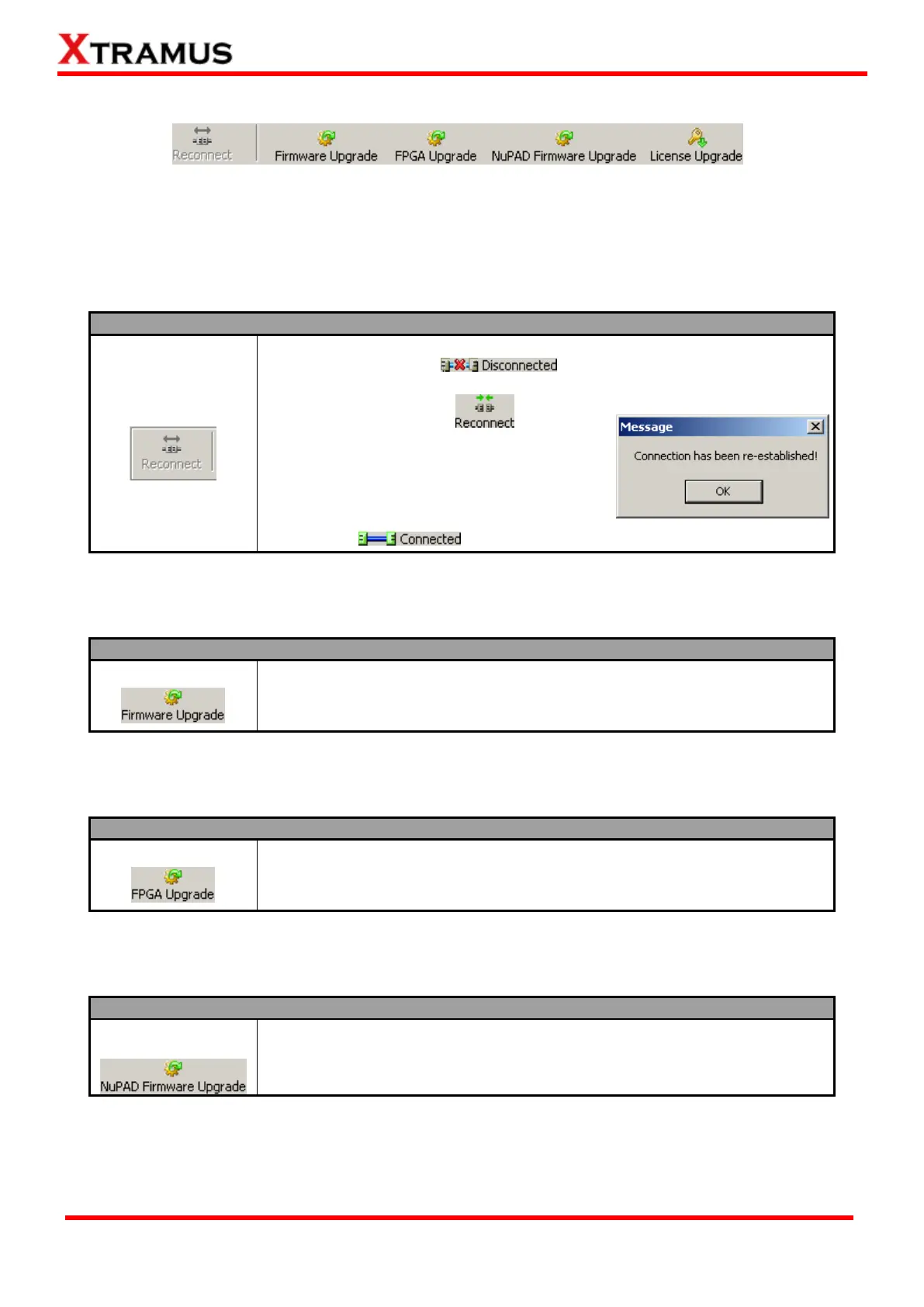
5.4.3. NuSet-MiniPG-UG Function – Quick Launch Buttons
These Quick Launch Buttons allow you to reconnect NuStreams-P5G/NuStreams-P9A, upgrading
NuStreams-P5G/ NuStreams-P9A’s firmware/FPGA, upgrading NuPAD’s firmware, and upgrading
NuSet-MiniPG/NuStreams-P5G/NuStreams-P9A’s license.
5.4.3.1. Quick Launch Buttons – Reconnect
If the USB connection between your PC and NuStreams-P5G/P9A is down,
a “Disconnected” icon will be shown in “USB Connection
Status”.
Press Reconnect button to
re-establish the connection between your PC
and NuStreams-P5G/P9A. If the connection
has been established successfully, a message
window will pop up, and the “USB
Connection Status” will be shown as
“Connected” .
5.4.3.2. Quick Launch Buttons – Firmware Upgrade
The Firmware Upgrade button allows you to upgrade NuStreams-P5G/
NuStreams-P9A’s firmware. For more detailed descriptions, please refer to
the “Firmware/FPGA Upgrade” section in “5.4.2.2. Menu Bar – Upgrade”.
5.4.3.3. Quick Launch Buttons – FPGA Upgrade
The FPGA Upgrade button allows you to upgrade NuStreams-P5G/
NuStreams-P9A’s FPGA. For more detailed descriptions, please refer to the
“Firmware/FPGA Upgrade” section in “5.4.2.2. Menu Bar – Upgrade”.
5.4.3.4. Quick Launch Buttons – NuPAD Firmware Upgrade
The NuPAD Firmware Upgrade button allows you to upgrade NuPAD’s
firmware. For more detailed descriptions, please refer to the “NuPAD
Firmware Upgrade” section in “5.4.2.2. Menu Bar – Upgrade”.



 To Next Page