E-mail: sales@xtramus.com
Website: www.Xtramus.com
6.3. Starting DUT Tests with NuPAD
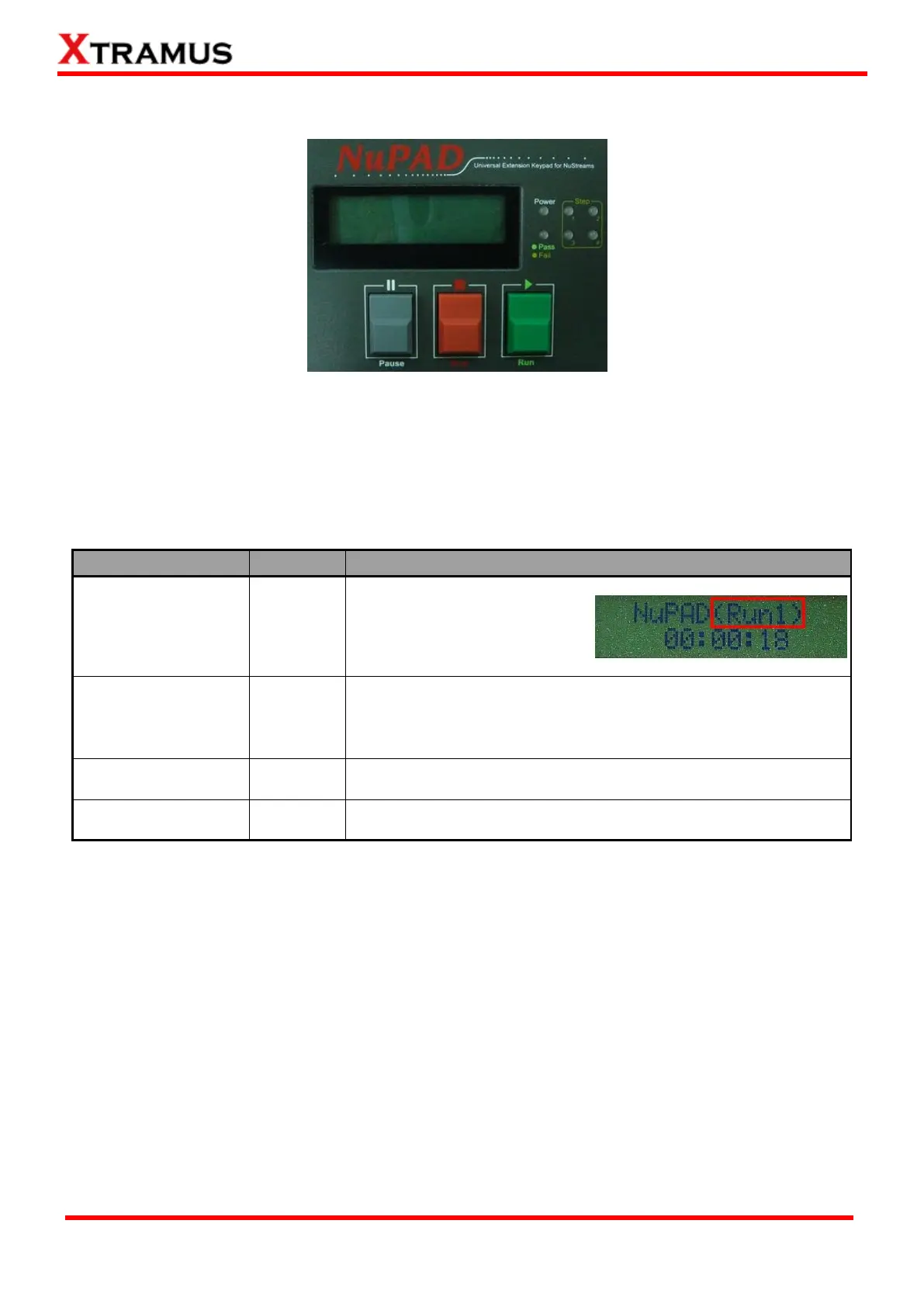
NuPAD has 3 buttons on its front panel: “|| Pause”, “■ Stop”, and “► Run”. After connecting NuPAD
with NuStreams-P5G/P9A with Cat-5 cable, you can start/pause/stop DUT tests with these 3 buttons.
Please see the table down below for a detailed description about these buttons’ functions.
Start Testing All
Tasks in Current Run
Press “► Run” to start all Tasks
in the current Run. The current
Run (Run 1~3) about to be
tested will be displayed on the
upper-right part of LCD.
To change the current Run (Run 1~3), press both “|| Pause” and
“■Stop” buttons at the same time. If NuPAD is current in Run 1,
pressing both “|| Pause” and “■Stop” buttons at the same time will
switch the current Run from Run 1 to Run 2.
Pause Current
Running Test
Press “|| Pause” button once to pause the current running test.
Press “|| Pause” button again to resume the test.
Stop Current
Running Test
Press “■Stop” button once to stop the current running test.



 To Next Page