EasyManua.ls Logo

Xtramus NuStreams-P5G - Page 32

Default Icon
73 pages
Print Icon
To Next Page IconTo Next Page
To Previous Page IconTo Previous Page
Loading...
32
E-mail: sales@xtramus.com
Website: www.Xtramus.com
XTRAMUS TECHNOLOGIES
®
Basic Test Performing Controls
Function
Control Button Action
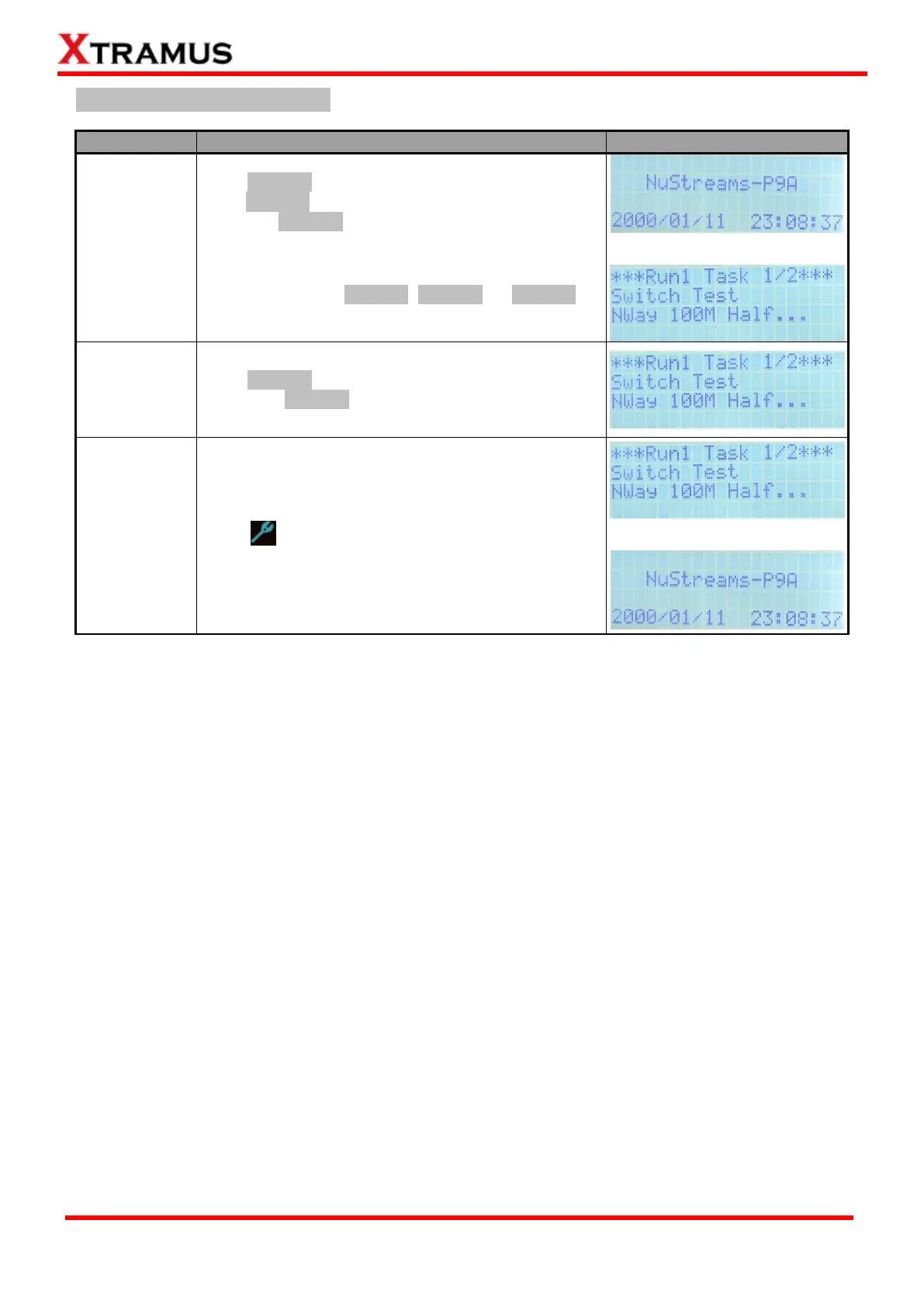
LCD Display
Start All Tasks
Set in Run 1~3
Press Run1 button to start all Tasks set in Run 1,
press Run2 button to start all Tasks set in Run 2,
and press Run3 button to start all Tasks set in Run
3.
All Tasks set in the Run will be performed at the same
time after pressing Run1, Run2, or Run3
button.
Pause
Press || Pause button to pause the current running
test. Press || Pause button to resume.
Stop All
Running Tests
& Exit
Press button to stop all running tests and exit.

Table of Contents

Related product manuals