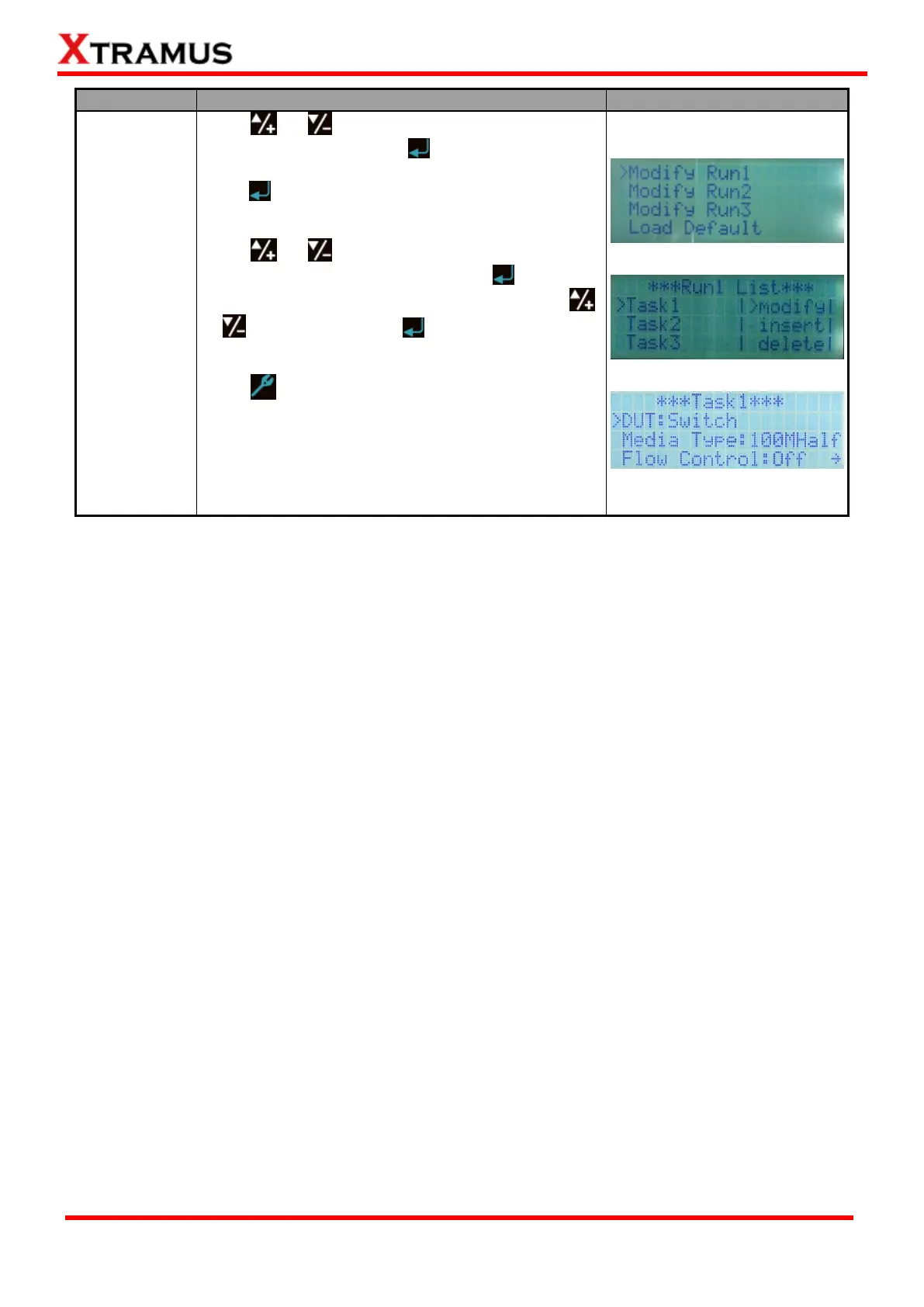
Press or buttons to choose which “Run” you
would like to modify. Press button to start
configuring the selected “Run”. Choose “Modify” and
press to start configuring parameters for the Task
you’ve chosen.
Press or buttons to choose which parameter
you would like to configure, and press button to
start configuring. Change parameter values with
or buttons, and press button to apply the
changes.
Press button again to save the settings you’ve
made to the Task and go back to Run List menu.
NuStreams-P9A supports 3 test modes: Router,
Switch, and Router + Switch. For detail test setting
options, please refer to “5.3.5. Configuring Tasks
with NuSet-MiniPG-Config”.



 To Next Page