Xtreme Power Conversion Corporaon
TX90 6kVA & 10kVA Service Manual
Page 29
Uninterrupble Power Supply
Calibraon from the Front Panel
Noce: For No load Inverter calibraon, you are required to use the seng soware to do it. The Calibraon from
the front panel is just only for the calibraon with load connected.
• Connect the UPS as gure.
• Connect a AC 1φ220Vac/50(60)Hz / 3φ380Vac/50(60)Hz source to the UPS input and adjust the charging
voltage to 273.7Vdc. (Make sure the baeries are disconnected.)
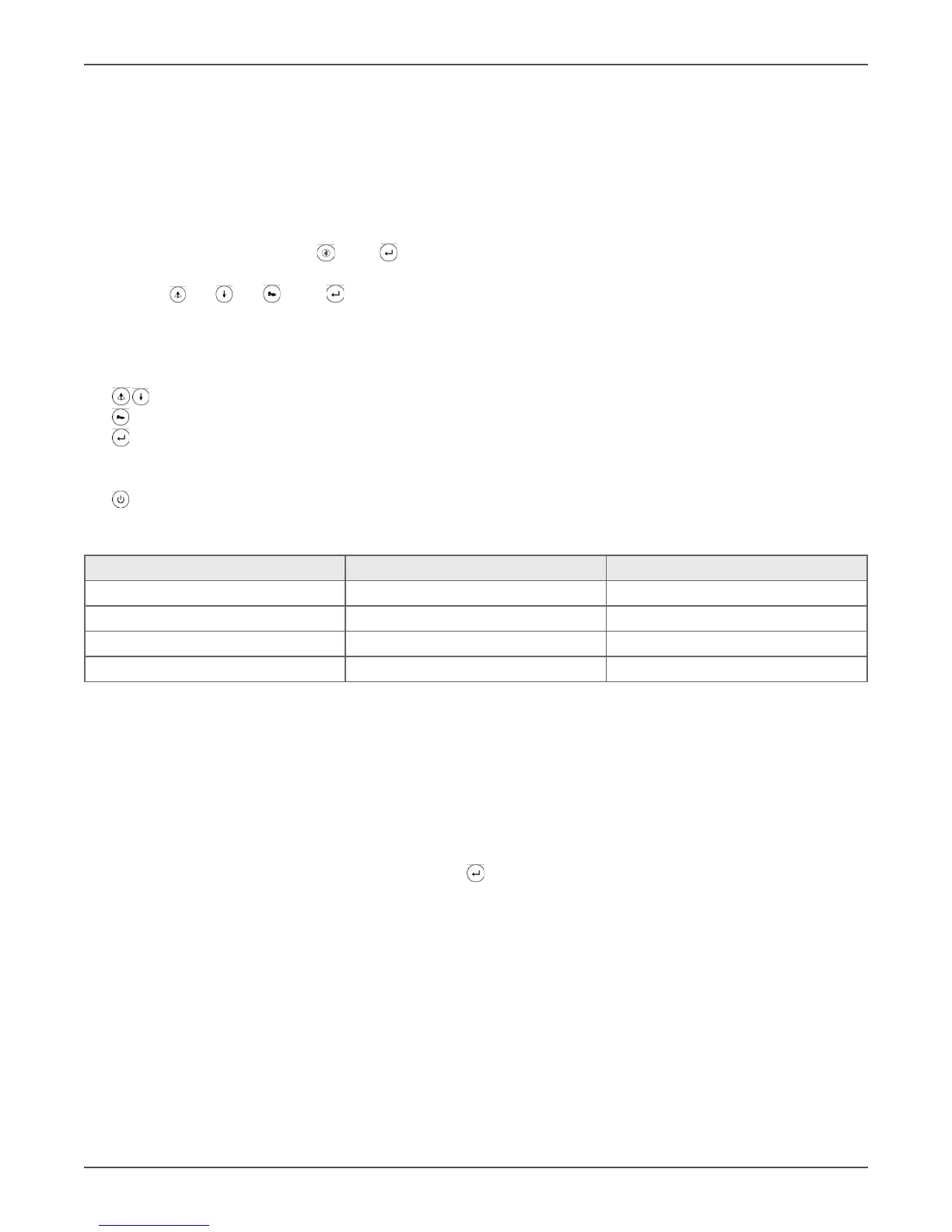
• Turn on CB1 & CB2, Press key & key on the front panel simultaneously to make the UPS into the cali-
braon mode (The “N+1”LED lit means the UPS is working under Calibraon Step 1 now).
• Use key key key & key on the front panel to proceed calibraon and seng.
• Enter correct voltage & load%, then press key to go into self-calibraon.
The funcons of those key pads are:
key: +/- adjustment
key: next item
key: Your adjustments are done completely, new data is wrien into EEPROM, then Escape from the Cali-
braon mode. If the UPS beeps twice, it means your Seng is successful; on the contrary, if the UPS beeps
connuously, it means your seng is in failure.
key: Give up this calibraon and turn o the UPS.
Adjustable Parameters
Adjustable Items Specicaons Remarks
AC Input Voltage 1φ220Vac(3φ380Vac) Including Reced & Bypass input
Inverter Voltage 220Vac
Load % >30%
Baery Voltage 273.0Vdc
• The UPS will escape from the calibraon mode if the calibraon is not nished in 10 minutes and go to
shutdown automacally and show “Line OFF” on LCD panel.
• Tuning the values shown on the LCD display are the same as that on the meter, then you may go to next
Calibraon item.
• The load% on LCD panel means the higher value of VA or W; therefore, you are recommended to use Re-
sistance Load to go for calibraon. To make sure the calibraon is precisely, you are also recommended to
use full load to calibraon the UPS
• The sequence of the LCD display is shown as Output Volt ← → LOAD%.
• Aer all the items desired are calibrated, press key and write them into EEPROM.
• When the UPS beeps twice, the UPS will go to shutdown and show “Line OFF”on the LCD panel.
• And then re-start the UPS to check if all values which have been calibrated on the LCD panel is the same
as those on the Power Meter.
• If the buzzer beeps intermiently and connuously, it means your calibraon is in failure.
Cauon:
• You are suggested to connect with 80% to 100% load in order to make sure the tolerance of the calibrated
values will be smaller and the values will be more accurate. All values can be calibrated except the value
of load% if the output load of UPS are less than 30% when you proceed calibrated acon.
• Make sure the tolerance of the adjustable range will be less than 8% for Voltage and 15% for Load; other-
wise, the seng will be in failure and the error code will be shown on the LCD panel.
• The values of both “load%” and “output voltage” must be round to Integer.



 To Next Page