41
Speech Processor
The FT-710 Speech Processor is designed to
increase “talk power” by increasing the average
power output of the transmitted SSB signal.
The speech processor function only works
in LSB/USB mode. It does not work in other
modes.
1. Adjust the MIC gain as described on the pre-
vious page.
2. Press the [FUNC] knob.
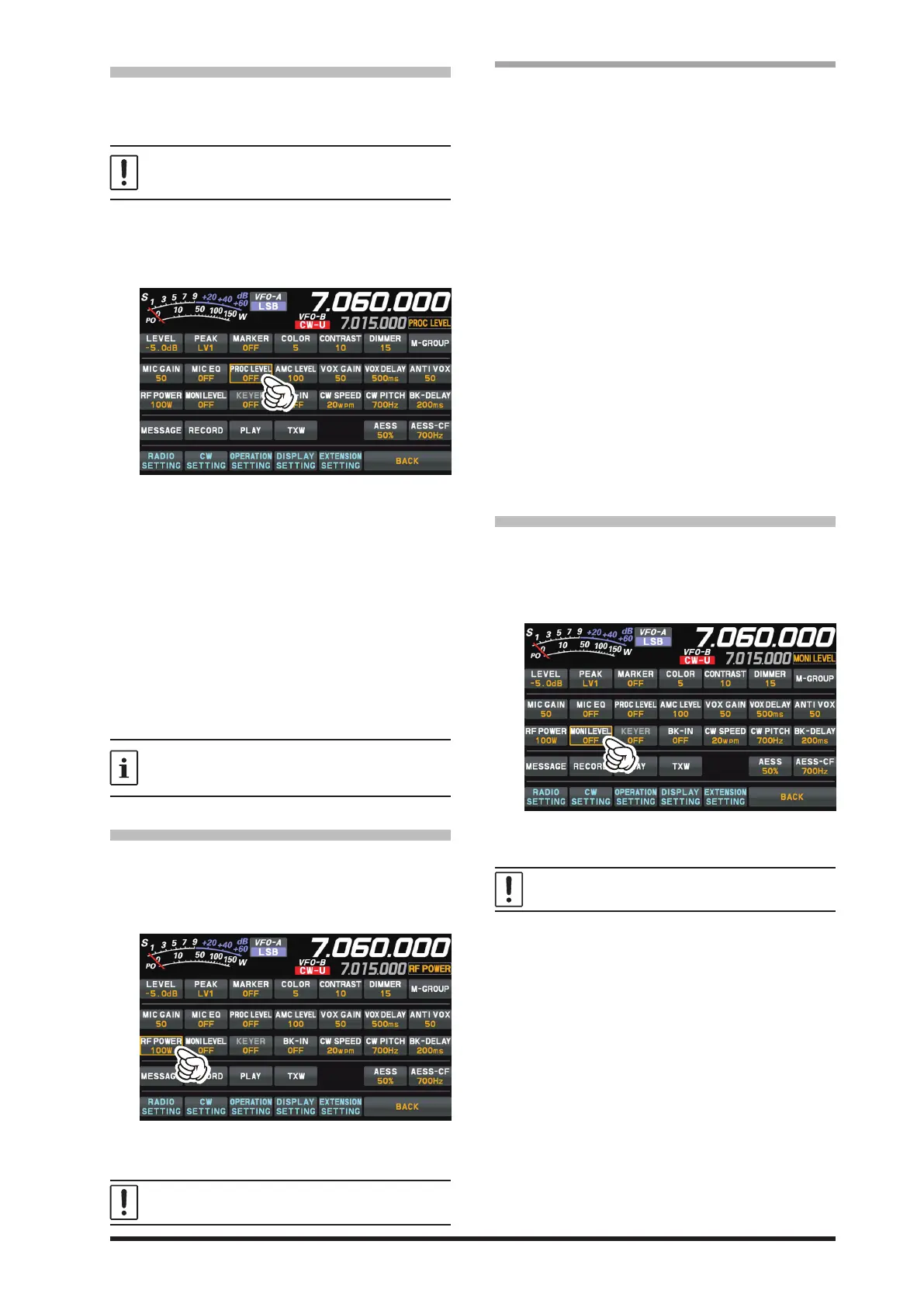
3. Touch [PROC LEVEL].
4. Touch the Meter area on the display to select
the “COMP” meter.
The transmit meter becomes the “COMP” meter.
5. Press the PTT switch on the microphone, and
speak into the microphone in a normal voice
level.
6. Adjust the [FUNC] knob to set the compres-
sion level within 10 dB.
●
The Transmit Monitor is a helpful aid to verify
proper adjustment of the Compression level.
● The “PROC” indicator lights in the display.
Rotate the [FUNC] knob to the left to turn the
speech processor function “OFF”.
The speech processor can distort the transmit
waveform when used to increase the average TX
power, so it is not used in normal communication.
RF Power output control
Turn the [FUNC] knob to adjust the RF power
output.
1. Press the [FUNC] knob.
2. Touch [RF POWER].
3. Rotate the [FUNC] knob to adjust the RF
power.
When transmitting in the AM mode, set a maxi-
mum (carrier) power output of 25 Watts.
● Setting of maximum transmission output
The maximum transmit power can be set for each
of the HF Bands, the 50MHz band and the AM
mode. Set it according to operating conditions,
when high transmit power is not needed.
1. Press the [FUNC] knob.
2. Select [OPERATION SETTING] → [TX GEN-
ERAL].
3. Rotate the [FUNC] knob to select the item
you want to set.
HF MAX POWER (HF band)
(The setting range is 5 to 100 W)
50M MAX POWER (50 MHz band)
(The setting range is 5 to 100 W)
70M MAX POWER (70 MHz band)
(The setting range is 5 to 50 W)
AM MAX POWER (AM mode)
(The setting range is 5 to 25 W)
4. Press the [FUNC] knob, or wait for about 3
seconds to save the setting.
5. Touch [BACK] several times to return to nor-
mal operation.
MONI (Monitor)
Use the Monitor feature to listen to the quality of
the transmitted signal.
1. Press the [FUNC] knob.
2. Touch [MONI LEVEL].
3. Rotate the [FUNC] knob to adjust the Monitor
level.
Transmit audio monitor is not activate in the FM,
FM-N, DATA-FM and D-FM-N modes.
● If you are using the speaker for monitoring,
instead of headphones, excessive advance-
ment of the Monitor level can cause feedback
to occur. Additionally, this feedback can cause
the VOX system to hang up in a loop, making
it impossible to return to receive. Therefore,
we recommend the use of headphones, if at all
possible, or the minimum usable setting of the
Monitor level, if the speaker must be used.
4. To cancel the monitor function, turn the
[FUNC] knob to set “MONI LEVEL” to “OFF”.
● Because the Monitor feature samples the trans-
mitter IF signal, it can be very useful for check-
ing the adjustment of the Speech Processor or
Parametric Equalizer on SSB, and for checking
the general signal quality on AM.



 To Next Page