67
Screen capture
The display on the TFT screen may be saved on
the SD card.
When performing screen capture, a commer-
cially available SD card is necessary.
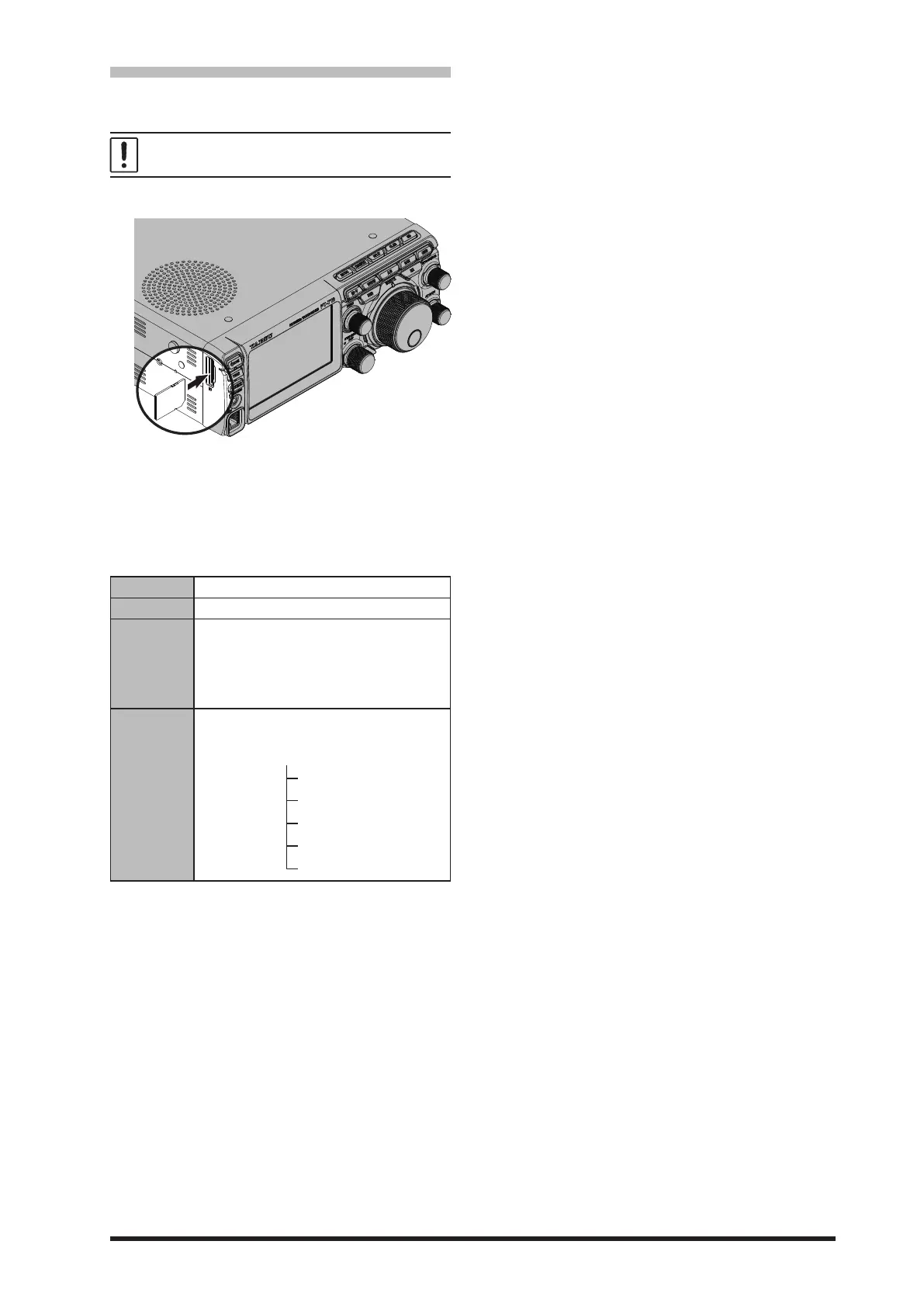
1. Insert the SD card into the SD card slot.
2. Display the screen that is to be saved.
3. Hold down the [MODE] key until “SCREEN
SHOT” appears on the screen.
Screen data is saved to the SD card.
Data saved on the SD card can be displayed on
a personal computer or similar viewer.
data form bmp (Bitmap format)
Image size 800×480
File Name
yyyymmdd_hhmmss.bmp
The captured date and time will be the le
name.
y (year), m (month), d (day), h (hour),
m (minute), s (second)
Data storage
location
“Capture” folder
Folder structure in SD card
Capture
MemList
Menu
Message



 To Next Page