52
• Checking the CW Memory Contents
1. Press the [FUNC] knob.
2. Touch [BK-IN] to turn it “OFF”.
3. Touch [MONI LEVEL] and then turn the
[FUNC] knob to adjust the volume of the mon-
itor.
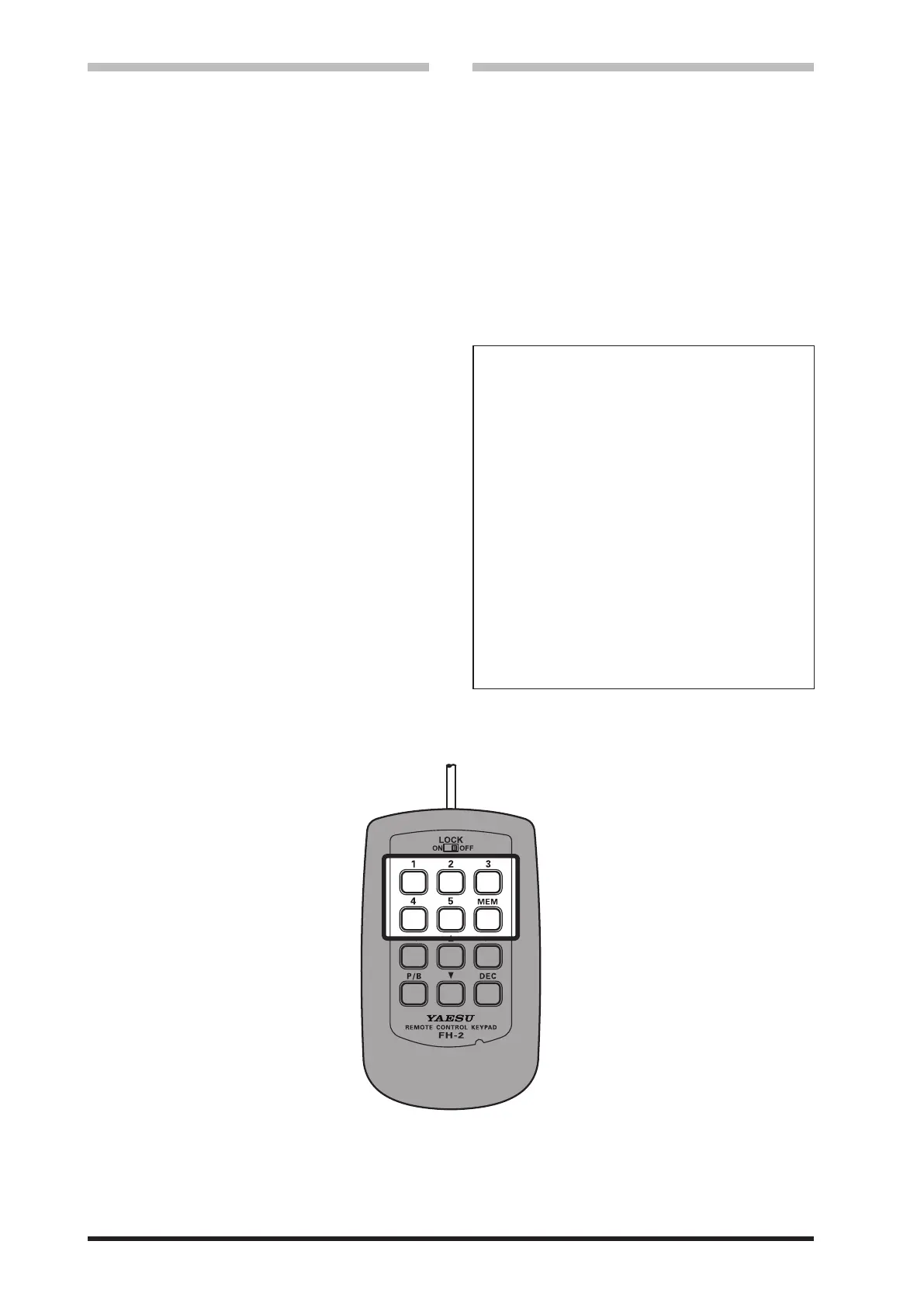
When using FH-2, go to step 6.
4. Press the [FUNC] knob.
5. Touch [MESSAGE].
The “MESSAGE MEMORY” screen will be
displayed.
6. Touch [1] - [5] on the display or press the
FH-2 [1] - [5] key, whichever memory was just
recorded. The message will be played and
heard in the sidetone monitor, but no RF en-
ergy will be transmitted.
● The “MSG” will appear in the display.
• On-The-Air CW Message Playback
1. Press the [FUNC] knob.
2. Touch [BK-IN] to turn it “ON”.
When using FH-2, go to step 4.
3. Touch [MESSAGE].
The “MESSAGE MEMORY” screen will be
displayed.
4. Touch [1] - [5] on the display or press the
FH-2 [1] - [5] key, to transmit the recorded
CW Memory Register message. The pro-
grammed message will be transmitted on the
air.
● During a transmission, the same key may
be pressed again to immediately end the
transmission.
Transmitting in the Beacon Mode
In “Beacon” mode, any programmed mes-
sage, (either via Paddle, or via “Text” input
method) may be repeatedly transmitted.
The time delay between message repeats
may be set from 1 to 60 seconds, in one
second steps, via Menu item “REPEAT IN-
TERVAL”.
To transmit the message:
1. Touch and hold [1] - [5] on the display
or press and hold the FH-2 [1] - [5] key.
Repetitive transmission of the Beacon
message will begin.
2. Press the same key again to cancel the
Beacon Mode.



 To Next Page