TIP
It is recommended that a password is used that is difficult to break. It is not recommended
that names, places or things, especially those closely related to the user, are used in the
password.
For increased password security, it is recommended that:
• the random password generator is used,
• the password length is 12 characters at least,
• various characters from different character sets are combined (small/capital letters, digits,
special characters, etc.).
Configuration via Hardware
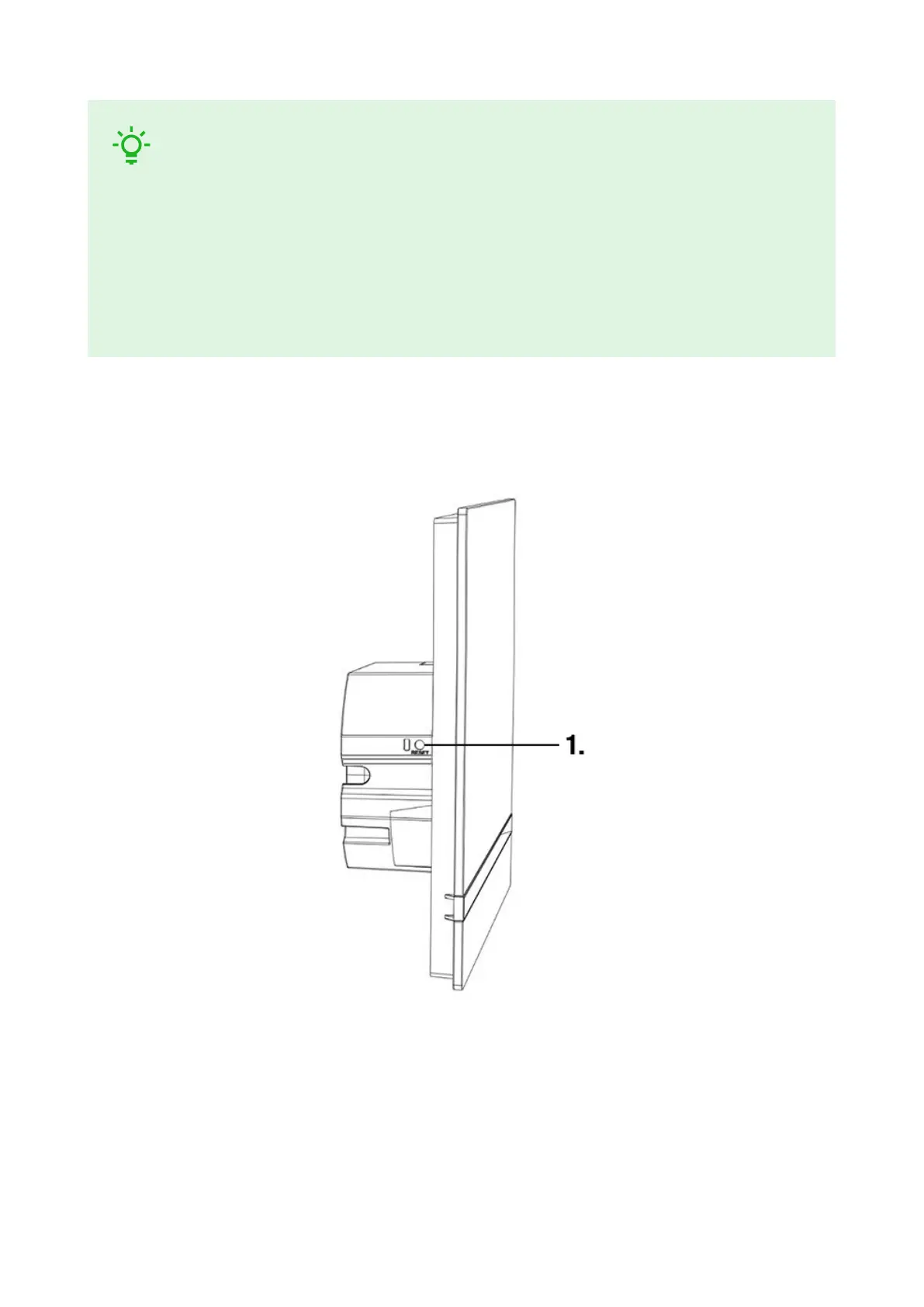
Where software configuration is unavailable, make basic settings using the RESET button (refer to 1).
The RESET button helps you reset the factory default values, restart the device, retrieve the device IP
address and switch the IP address static/dynamic mode.
Device Restart
Press the button shortly (< 1 s) to restart the system without changing configuration.
IP Address Retrieval Using Hardware
Follow the instructions below to retrieve the current IP address:
Brief Guidelines
18



 To Next Page