Signaling of Operational Statuses
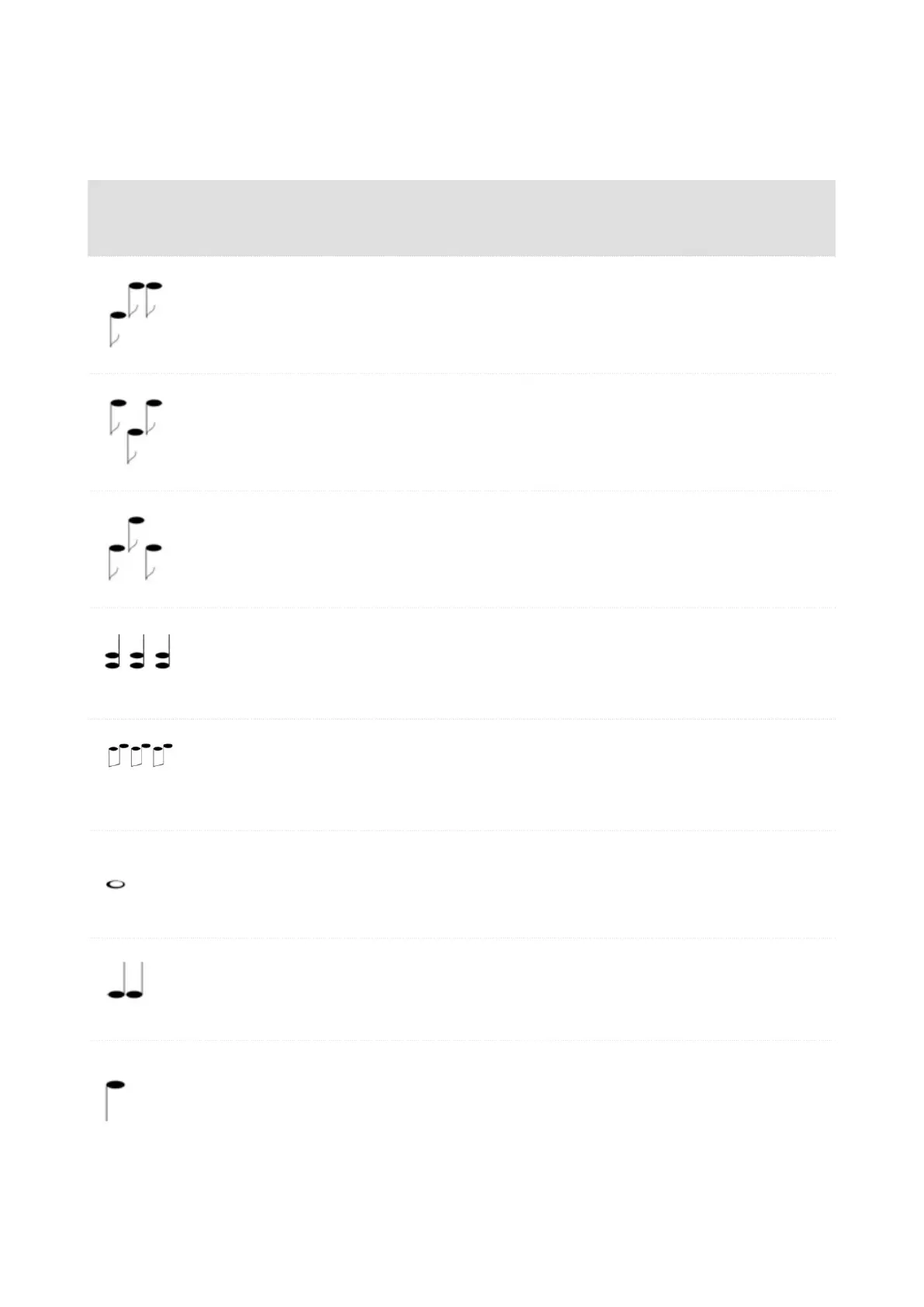
The device generates sounds to signal changes of and switching between operational statuses. Each status
change is assigned a different type of tone. See the table below for the list of signals.
Sound
signaling
State
Internal application started
The internal application is launched after the power supply is turned on or the device is
restarted.
Connected to the LAN, IP address received
Once the internal application is started, the device logs in to the LAN.
Disconnected from the LAN, IP address lost.
Disconnected from the LAN, IP address lost
Invalid phone number or invalid switch activation code
The device allows you to enter the door opening code. This tone signals that invalid
values have been entered.
Reset of network parameters
Upon power up, the network parameters can be changed by hardware, refer to Configu-
ration via Hardware (p. 18).
Approaching call end signaling
The device allows you to set a call end timeout, refer to General Settings (p. 32).
Call extension confirmation signaling
A call can be extended by pressing a key on the VoIP phone.
Connected call from a VoIP phone to the device
A short tone is played to signal that the VoIP call has been connected to the device.
Device Control
58



 To Next Page