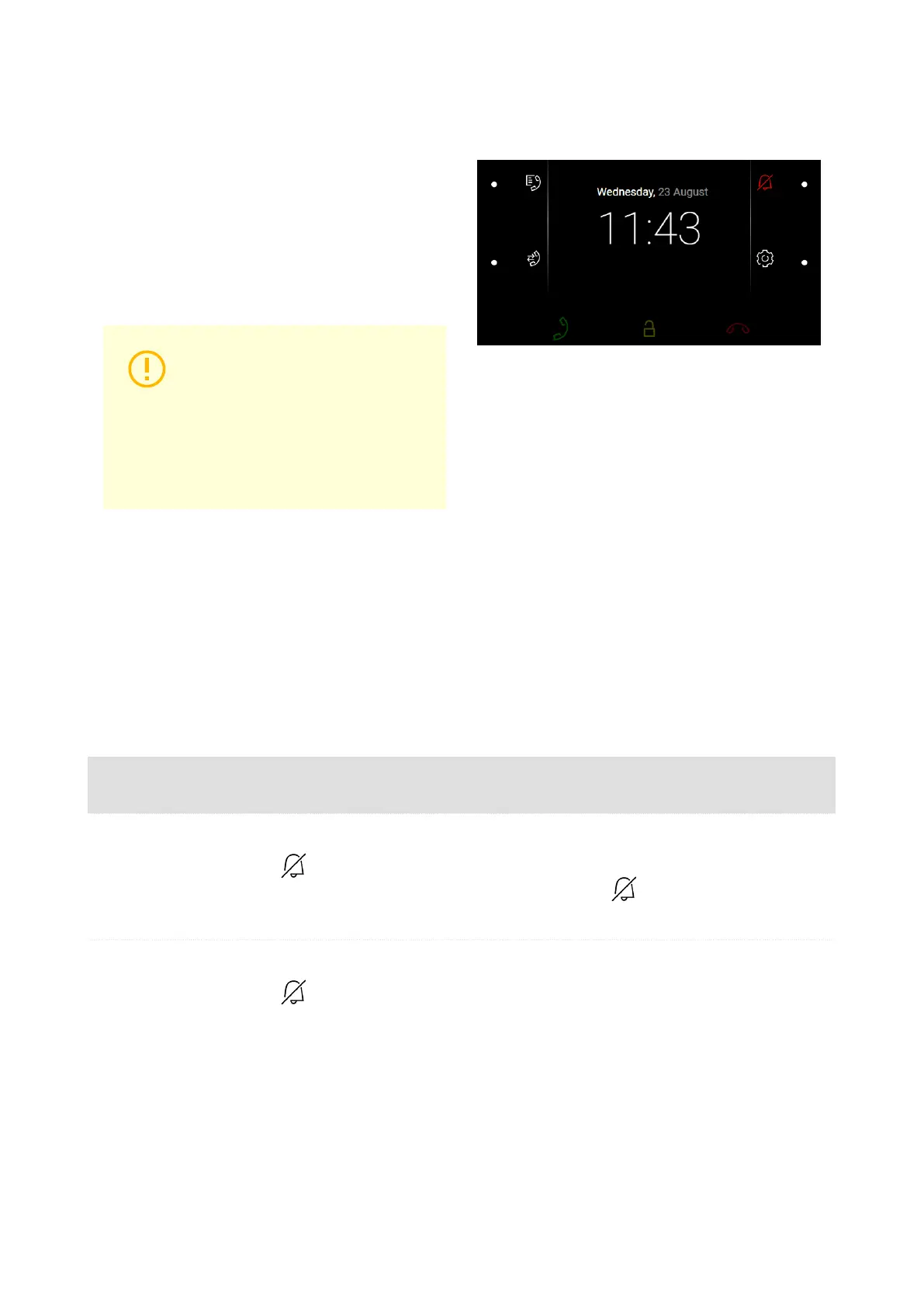
Do Not Disturb Mode
The incoming call ringtone is switched off in the
DND mode. A call can be received, rejected or
ended in this mode, refer to Calls (p. 59).
The display shows the camera preview if availa-
ble , CLIP and the Incoming call message.
CAUTION
The doorbell tone is switched on.
Set the doorbell tone in the DND
mode in the web interface (Calls
> Calls (p. 32) > Incoming calls
> Do Not Disturb mode for door-
bell).
In the DND mode, you can also set automatic
call rejection for the device (directly on the device
or in Calls > General settings > Incoming calls >
Reject calls in DND mode) and automatic DND
activation/deactivation according to the set time
profiles (Calls > Calls (p. 32) > Incoming calls >
Do Not Disturb mode with time profile).
Possible actions Performance Action result
Do Not Disturb Acti-
vation
on the home screen or
in the Settings menu.
Activation of the Do Not Disturb mode. The
DND mode can be disabled by a repeated
short press of .
Do Not Disturb De-
activation
on the home screen or
in the Settings menu.
DND is deactivated and the doorbell icon
turns white.
Device Control
63



 To Next Page