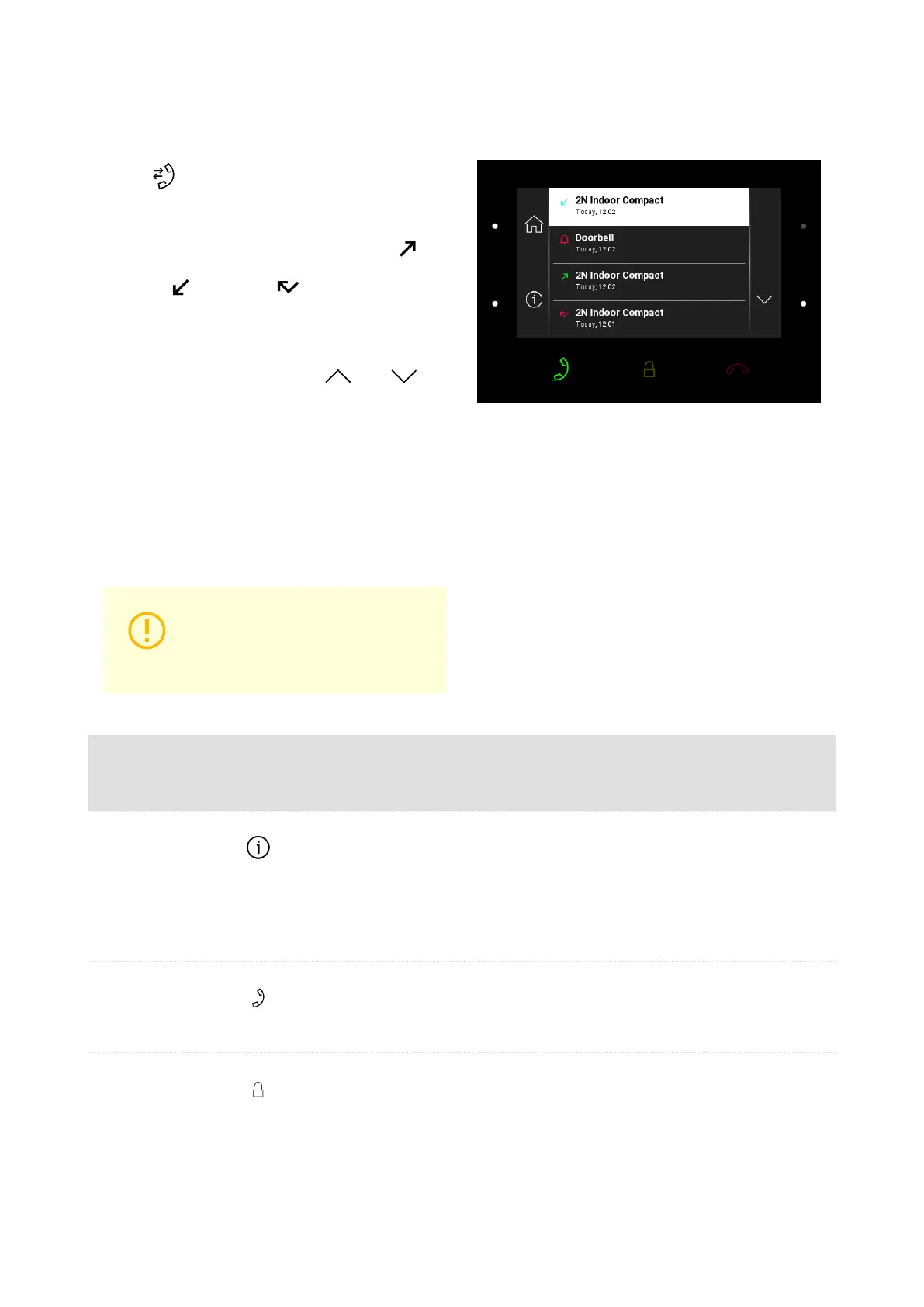
Call Log
Press to display the call log.
The device displays a list of all accomplished
calls including date, time, status (outgoing ,
incoming or missed ) and information on
from/to which destination the call was made.
Use the up/down buttons at the and
icons to select a call in the log. The selected call
is on a white background and ready for actions,
the other calls are on a grey background.
The maximum call log capacity is 20 calls. The
log list and details provide door contact status in-
formation as configured (door open too long, door
open by force).
CAUTION
The device restart results in a
deletion of the call list.
Possible ac-
tions
Perform-
ance
Action result
Show call detail Call information and device camera preview if available are dis-
played.
If available, screenshots are displayed in the call detail and can be
switched between. The screenshot time is shown in the right-hand
upper corner.
Outgoing call
setup
An outgoing call is set up to the selected record destination.
Selected De-
vice Unlocking
A specifically configured unlock code is sent to the target device
and, if the code is compatible with the device, the target device lock
opens. If no unlock code is set, the default unlock code is sent to
the target device.
Device Control
55



 To Next Page