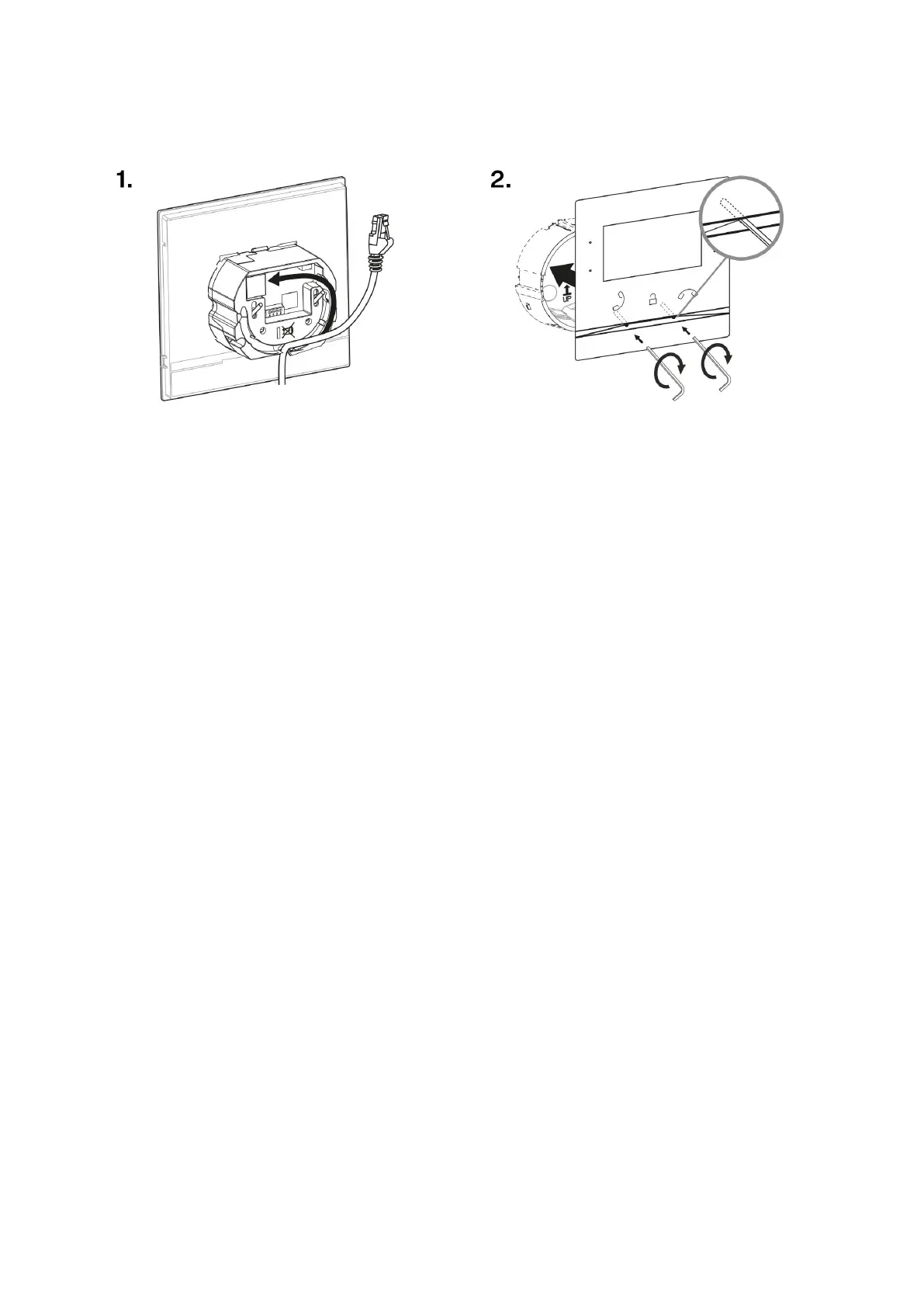
Flush Mounting Box Device Installation
1. Remove the cover from the walled-in mounting box. Remove the pre-prepared cabling, UTP cable,
doorbell twin cable and power supply cable.
2. Shorten the cables to 150 mm or less as required. Connect the doorbell twin cable or power supply
cable to the connector provided.
3. Crimp the RJ-45 connector onto the UTP cable.
4. Take 2N Indoor Compact and lean its bottom edge against the wall below the flush mounting box. First
plug the green power/doorbell connector.
5. Connect the LAN connector.
6. Put the cables carefully in the pre-drilled back slot of the device to prevent them from blocking any
horizontal levelling movement during the final installation stage.
7. Insert the device in the flush mounting box making sure that it clicks onto the centering pins. The pins
allow for a 5–6 ° inclination on either side for accurate horizontal levelling of the device.
Now the device is ready for basic operation. It is necessary to perform software configuration (p. 25) to
achieve a full functionality of the device.
Wall Mounting Box Installation for Device Wall Mounting
2N Indoor Compact can be installed using a wall mounting box. The device display slope is 12% in this type
of installation. Use the mounting box (Part No. 91378803), which is not included in the package.
Mechanical Installation
12



 To Next Page