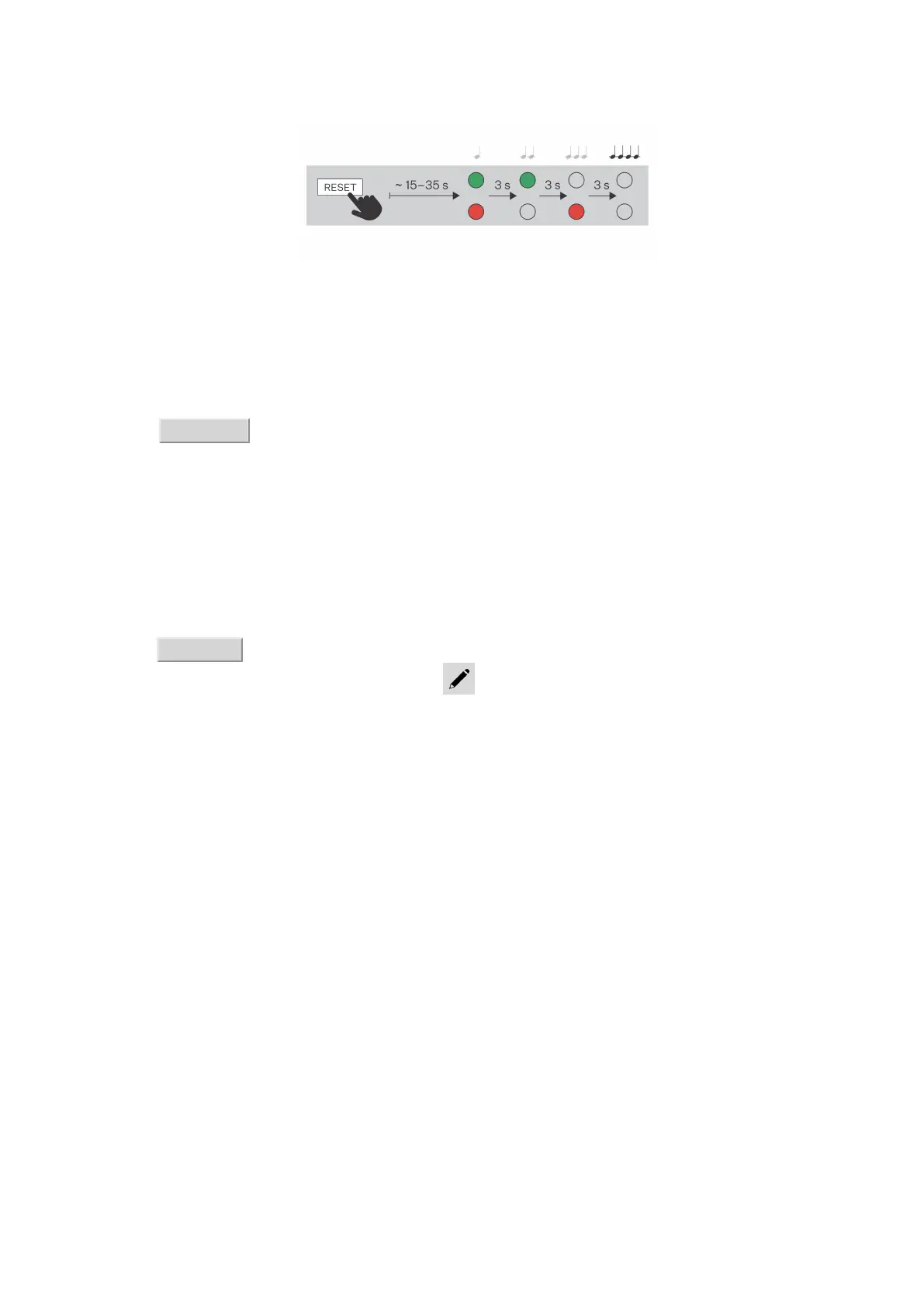
6. Release the RESET button.
Call Connection
To make calls with other terminal devices in IP networks, it is necessary to assign the device to a contact in
the Directory.
Connection with 2N Devices in LAN
1. Make sure that Local Calls (p. 36) is enabled on both the 2N devices.
2. Click Find device above the table. Check the listed device that you want to establish connection to.
Once the device is added, editing becomes available.
3. Edit the following:
•
allowing the contact to be shown on the display by checking the selected box
•
a virtual number to start a call by entering the number via your numerical keypad
•
basic information.
Once saved, the contact will be shown in the phone book on the device display.
4. Make sure that Local Calls (p. 36) is enabled on the called 2N device to make a successful call.
Connection with Other Devices
1. Click Add device or open the existing contact detail to create a new contact.
2. Click the pencil icon next to the Phone number to open phone number editing.
3. Select the type of call:
•
“SIP” for calls via SIP
•
“rava” for calls with Creston
•
“vms” for calls with Axis Camera Station
•
“device” for calls with a local 2N device
4. Enter the calling destination address into the destination field to which the call is to be routed. Complete
the target IP address or SIP URI in the format “ user_name@host” (e.g.: “johana@2.255.4.255” or
“johana@calls.2N.com”). For local calls, fill in the called 2N device ID as specified in the Local Calls (p.
36) tab in the called device web interface.
5. Edit the following:
•
allowing the contact to be shown on the display by checking the selected box
•
a virtual number to start a call by entering the number via your numerical keypad
•
basic information.
Once saved, the contact will be shown in the phone book on the device display.
6. Make sure that the call transmitting service is enabled on the called 2N device to make a successful call.
Brief Guidelines
24



 To Next Page