TIP
It is recommended that a password is used that is difficult to break. It is not recommended
that names, places or things, especially those closely related to the user, are used in the
password.
For increased password security, it is recommended that:
•
the random password generator is used,
•
the password length is 12 characters at least,
•
various characters from different character sets are combined (small/capital letters, digits,
special characters, etc.).
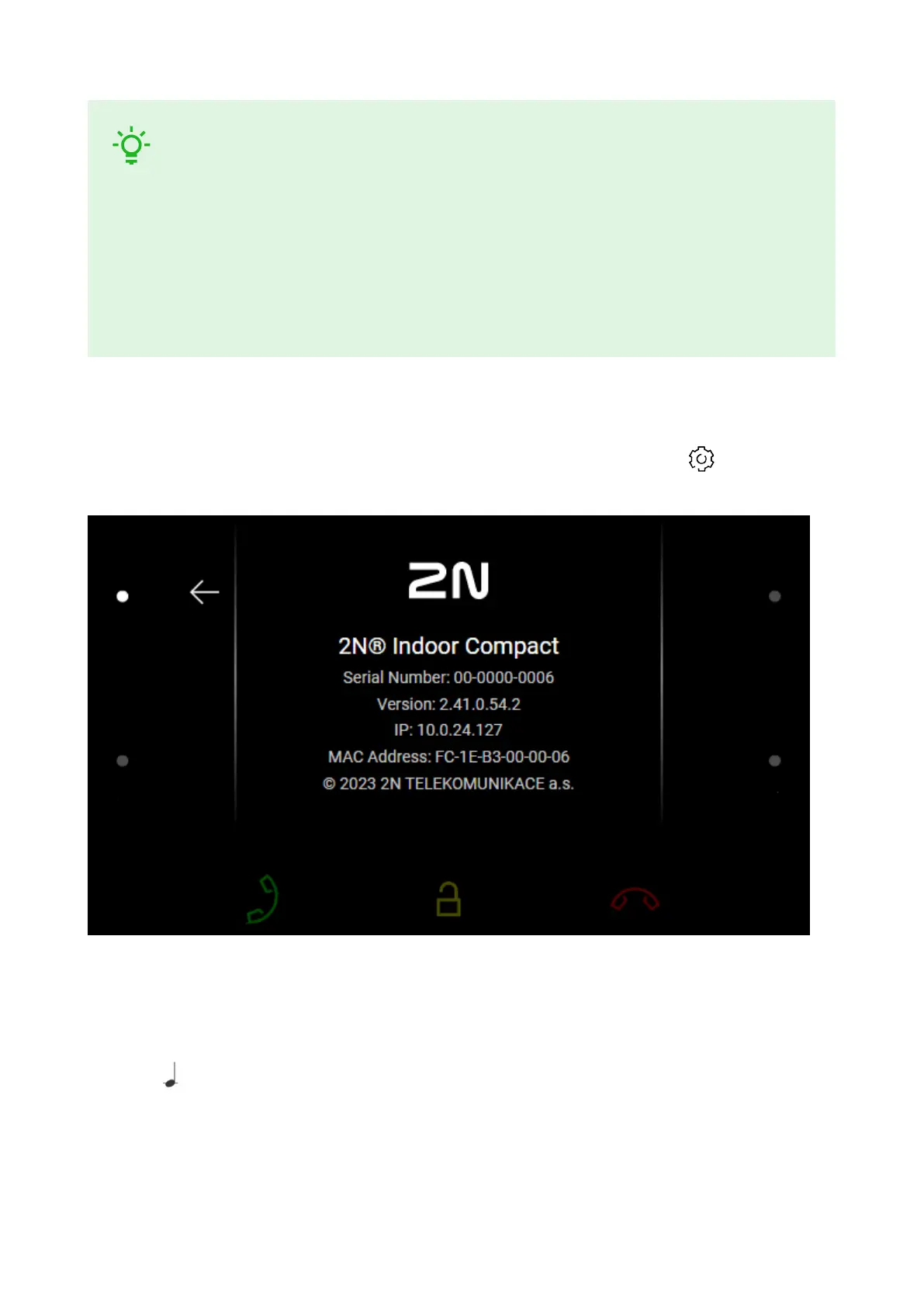
IP Address Retrieval using Device Display
To find the device IP address using the display, press any display spot to quit the Idle mode. The
Settings menu is displayed on the home screen after a long press of the setting icon in the right-hand
bottom corner buttons. Find the IP address information in the System > About device menu.
IP Address Retrieval Using Hardware
Follow the instructions below to retrieve the current IP address:
1. Press and hold the RESET (p. 7) button.
2. Wait until the red and green LEDs go on simultaneously on the device and the acoustic signal can be
heard (approx. 15–35 s).
3. Release the RESET button.
Brief Guidelines
22



 To Next Page