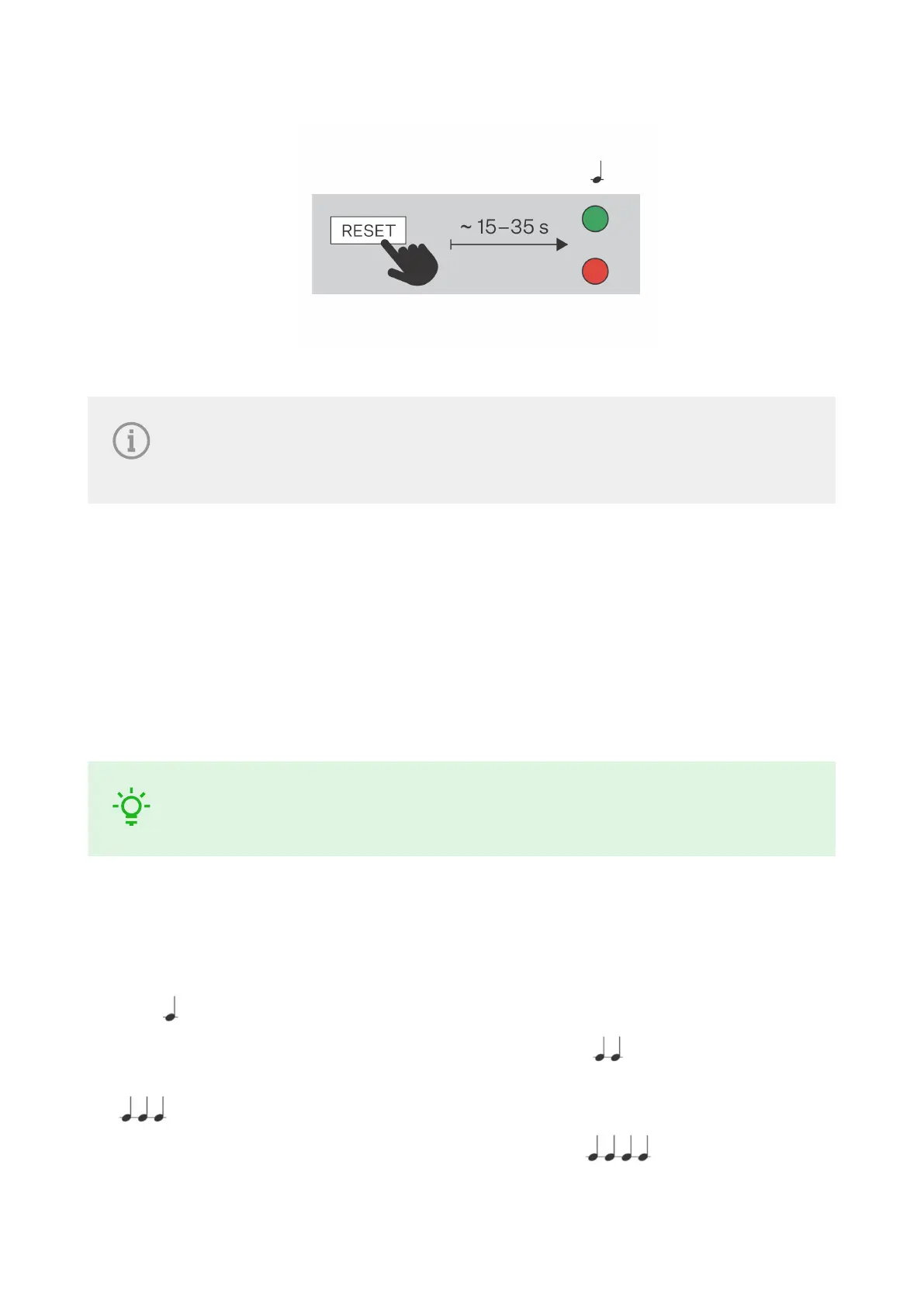
4. The device announces the current IP address via the speaker automatically.
NOTE
The delay after pressing RESET till the first light and sound signaling is set to 15–35 s
depending on the device model used.
Firmware Update
We recommend that the firmware is also updated during the 2N Indoor Compact installation. Refer
to 2N.com for the latest FW version.
Refer to Subs. Maintenance (p. 48) for firmware upgrade details.
Once the firmware is uploaded successfully, the device is restarted automatically.
TIP
You can make bulk updates for multiple devices via 2N Access Commander.
Factory Default Reset
1. Press and hold the RESET (p. 7) button.
2. Wait until the red and green LEDs go on simultaneously on the device and the acoustic signal can be
heard (approx. 15–35 s).
3. Wait until the red LED goes off and the acoustic signal can be heard (approx. for another 3 s).
4. Wait until the green LED goes off and the red LED goes on again and the acoustic signal can be heard
(approx. for another 3 s).
5. Wait until the red LED goes off and the acoustic signal can be heard (approx. for another 3 s).
Brief Guidelines
23



 To Next Page