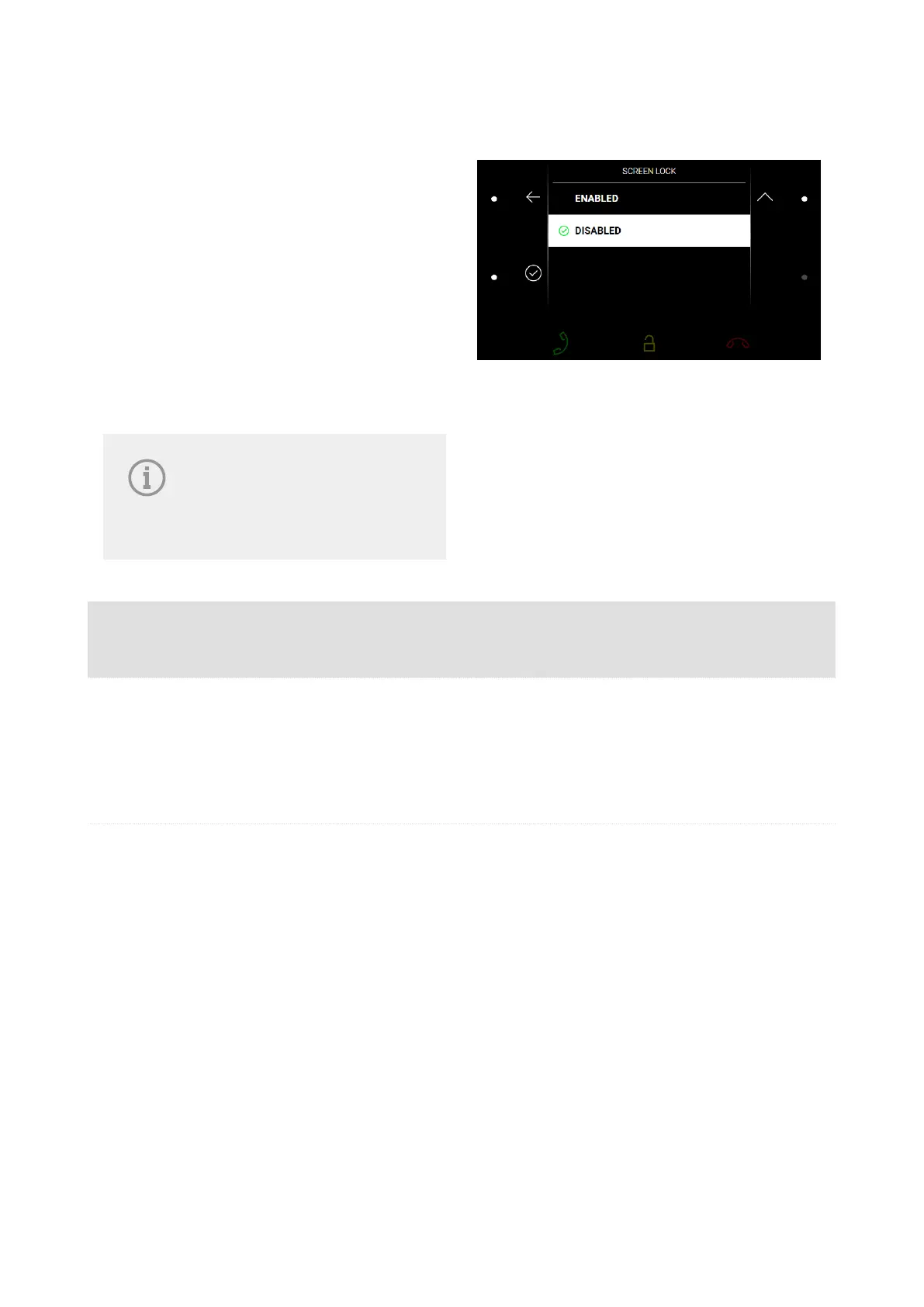
Device Lock
When the 2N Indoor Compact lock is activated,
enter the PIN code (digits 1–4) for device locking.
The same PIN code is required for device unlock-
ing.
When the lock is activated, the device rings
to signal an incoming call and displays the call-
er identification including the camera preview if
available. The call cannot be received until the
device lock is deactivated.
NOTE
Set the device lock activation in
the Idle mode in the Display (p.
41) web configuration menu.
Possible ac-
tions
Performance Action result
Device lock ac-
tivation
Activation of the function
and setting of a 4-digit PIN
code with subsequent confir-
mation
The lock is activated.
Device lock de-
activation
Correct PIN entering
The device is unlocked and you can go to other
operational statuses and perform other actions.
When an incorrect PIN code is entered, a remedy
instruction is displayed. The count of incorrect PIN
code entering attempts is unlimited.
Device Control
62



 To Next Page