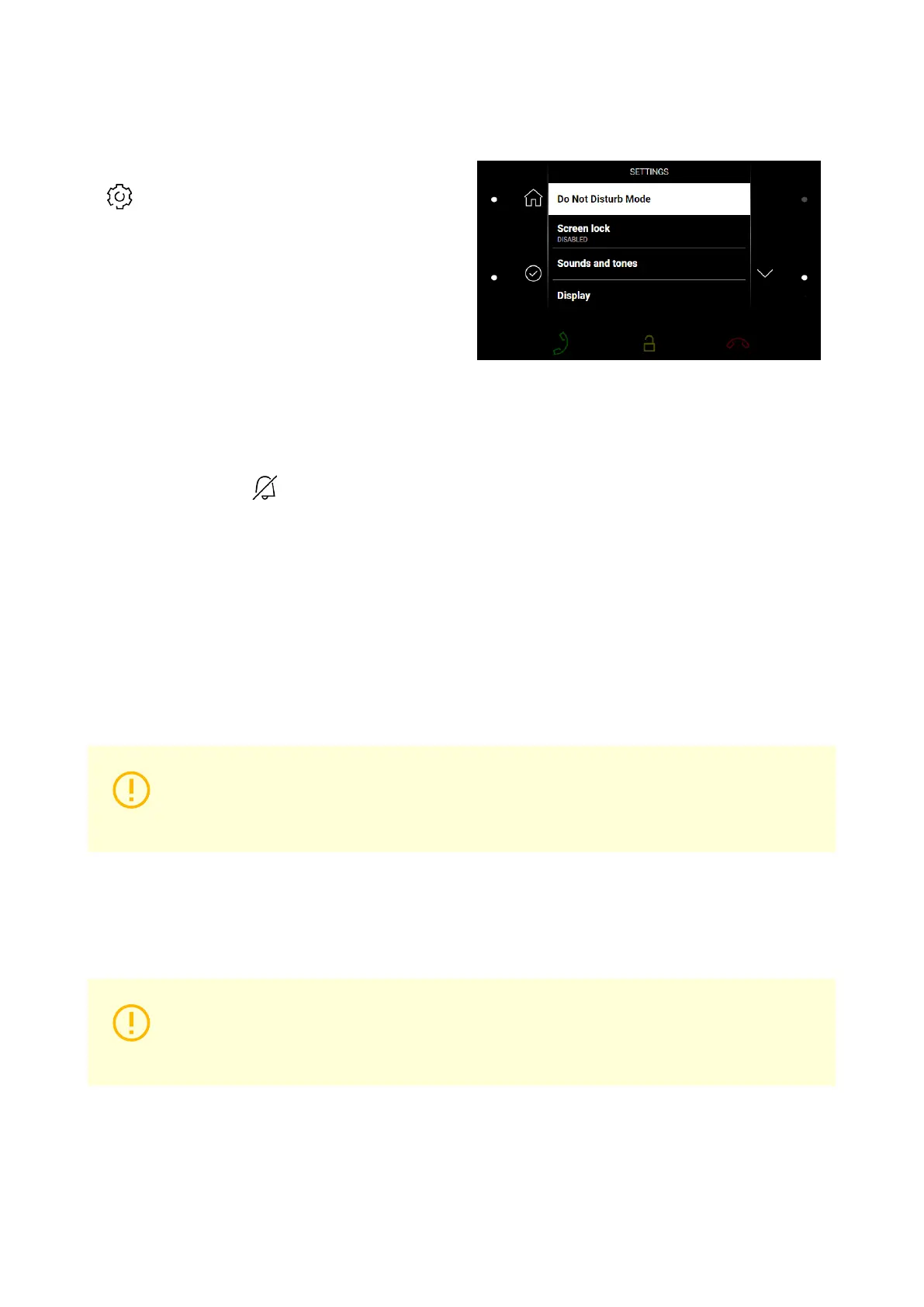
Settings Menu
A long press of the right-hand bottom button at
on the Home screen displays the Device
Settings menu. Here set the DND mode, screen
lock, device sounds and tones and display/sys-
tem properties.
Do Not Disturb Mode
Enable/disable the DND mode after confirmation using the left-hand lower button.
In the DND mode, the icon on the Home screen is red backlit. The device does not play the selected
ringtone. The display shows the camera view if available, CLIP and Incoming call message.
Device Lock
Enable/disable the device lock after confirmation using the left-hand lower button.
With the device lock on, enter the PIN code to enable the screen lock. Enter the same PIN code to disable
the screen lock.
Sounds and Tones
Here set the ringing/call volume and select the ringtone and door bell ringtone.
CAUTION
Remember to press the left-hand bottom button to confirm a setting change. The change
will not be saved unless confirmed.
Display
Here set the display brightness, idle timeout and button backlight.
CAUTION
Remember to press the left-hand bottom button to confirm a setting change. The change
will not be saved unless confirmed.
Screen timeout – timeout after which the device automatically goes into Sleep Mode if there is no activity.
System
Here set date and time, My2N/SIP Proxy state and language and get basic information on the device.
Device Control
56



 To Next Page