Possible ac-
tions
Performance Action result
Ringtone Dis-
able
Called De-
vice Camera
Preview
Switch
(Cannot be
displayed un-
til is se-
lected.)
The camera preview is switched to another camera assigned to the
device. The icon number indicates the camera placement in the
sequence.
Camera Pre-
view Focus
on Face
(Cannot be
displayed un-
til is se-
lected.)
The camera preview focuses on the face of the person standing at
the device.
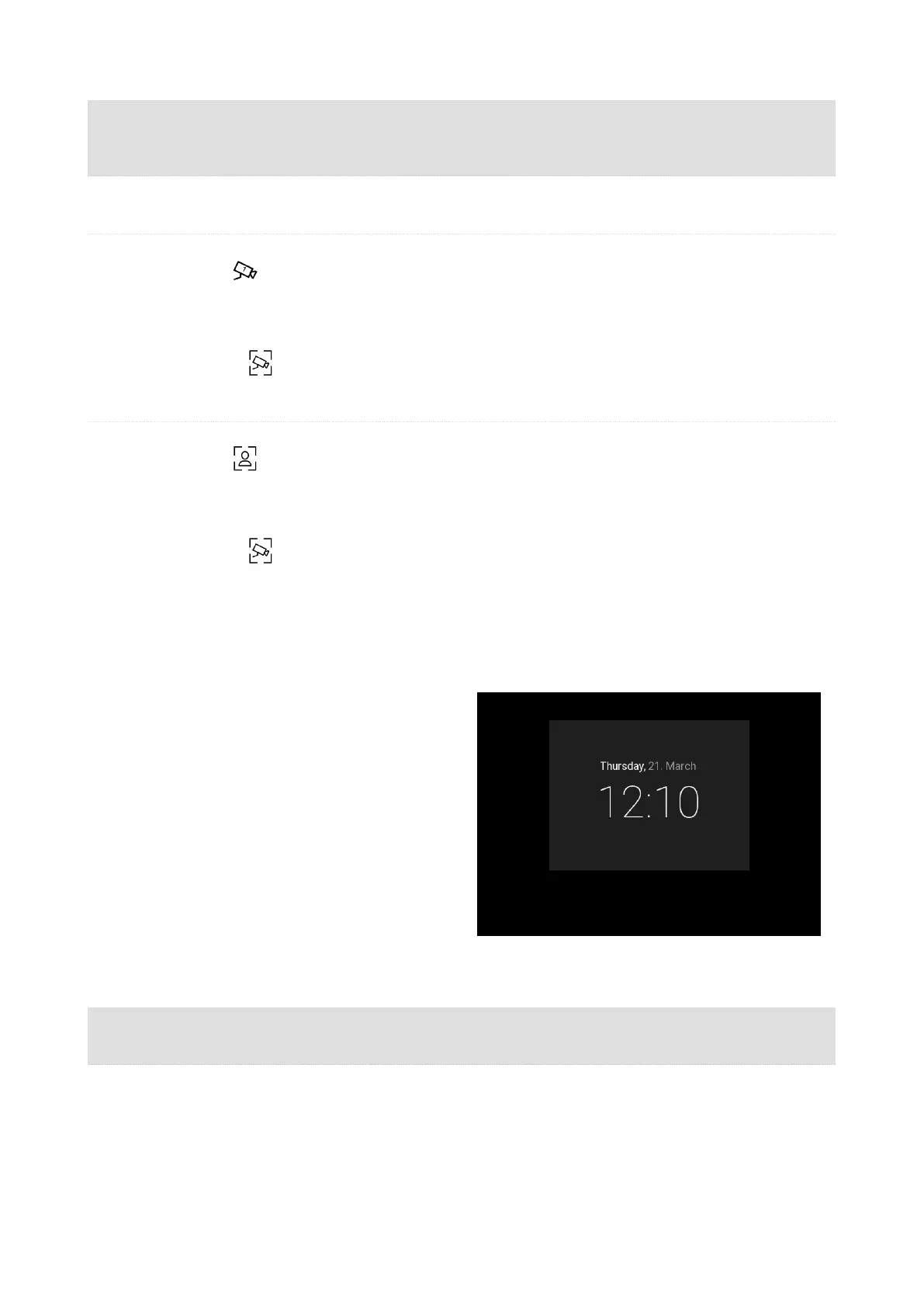
Idle Mode
2N Indoor Compact transits into the Idle mode
after a set inactivity period. Set the inactivity time-
out in the Display (p. 41) > Backlight web configu-
ration menu. The operation power consumption is
reduced in the Idle mode.
The device can show the following in the Idle
mode as configured:
•
door contact state,
•
date,
•
time.
Possible actions Performance Action result
Idle mode end
Press any key
The device quits the Idle mode. The , Home Screen (p. 53) or
Device Lock (p. 62)is displayed.
Device Control
61



 To Next Page