12 | 3DGence INDUSTRY F340
4.3.1. Connection specications:
A connection suitable for the 3DGence INDUSTRY F340 printer should have the following specications:
Voltage: 230V~
Frequency: 50Hz
Grounded grid with PE, protected with at least a 16A fuse
Maximum power draw: 2700W (2,7kW)
Current: ~11A
4.4. Prior to startup
Prior to each startup make sure that all the following requirements and actions are met:
• check if cables are free from any tears or visible damage. In case of any damage to cables report it to 3DGence
technical support immediately. At the same time it is prohibited to connect the device to the mains and/or make any
repairs on your own,
• check if the lament is dirty, broken, bent or entangled on the spool,
• check if there are any objects or print remains in the printer working area that could cause jamming or damage to
the machine,
• check X and Y axes to verify if nothing obstructs their movements. Check if toothed belts are tensioned and do not
show any visible damage. It can be done through the open printer front door once the device is off and cooled down,
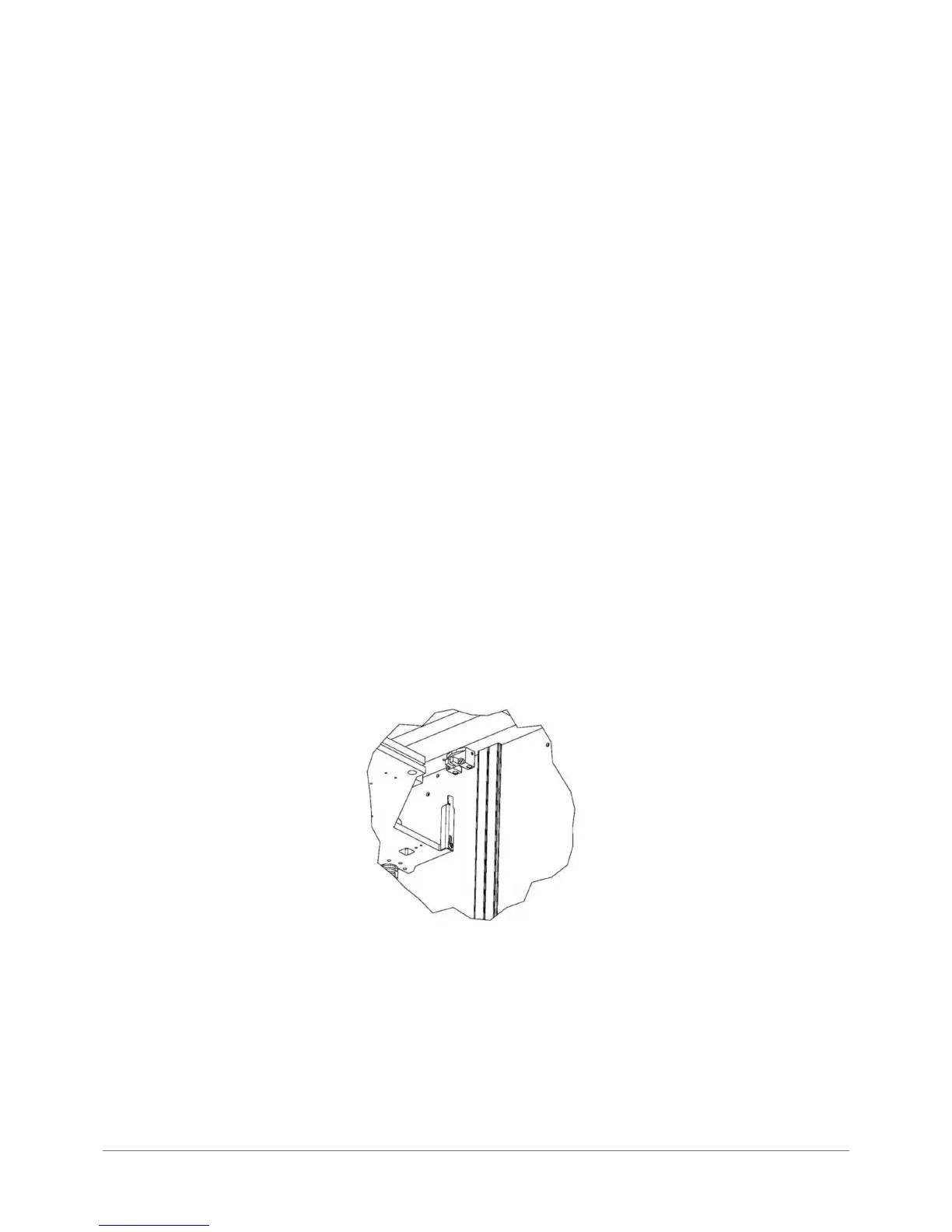
• check if the Z axis stop (g. 8) is not damaged, broken or bent and if it is aligned with the Z axis endstop position (if it
ts into the endstop notch),
• check the correct operation of thermistors (temperature sensors), hotends, chamber and heatbed. To do this start
heating hotends, table and chamber and check if temperature readings on LCD display are increasing. def value
shown on the display indicates a problem,
• directly prior to start make sure that no undesired or dangerous objects are present in the immediate vicinity of the
printer and inside it.
Fig. 8. Stopper and axis Z endstop in correct position.



 To Next Page