24 | 3DGence INDUSTRY F340
1
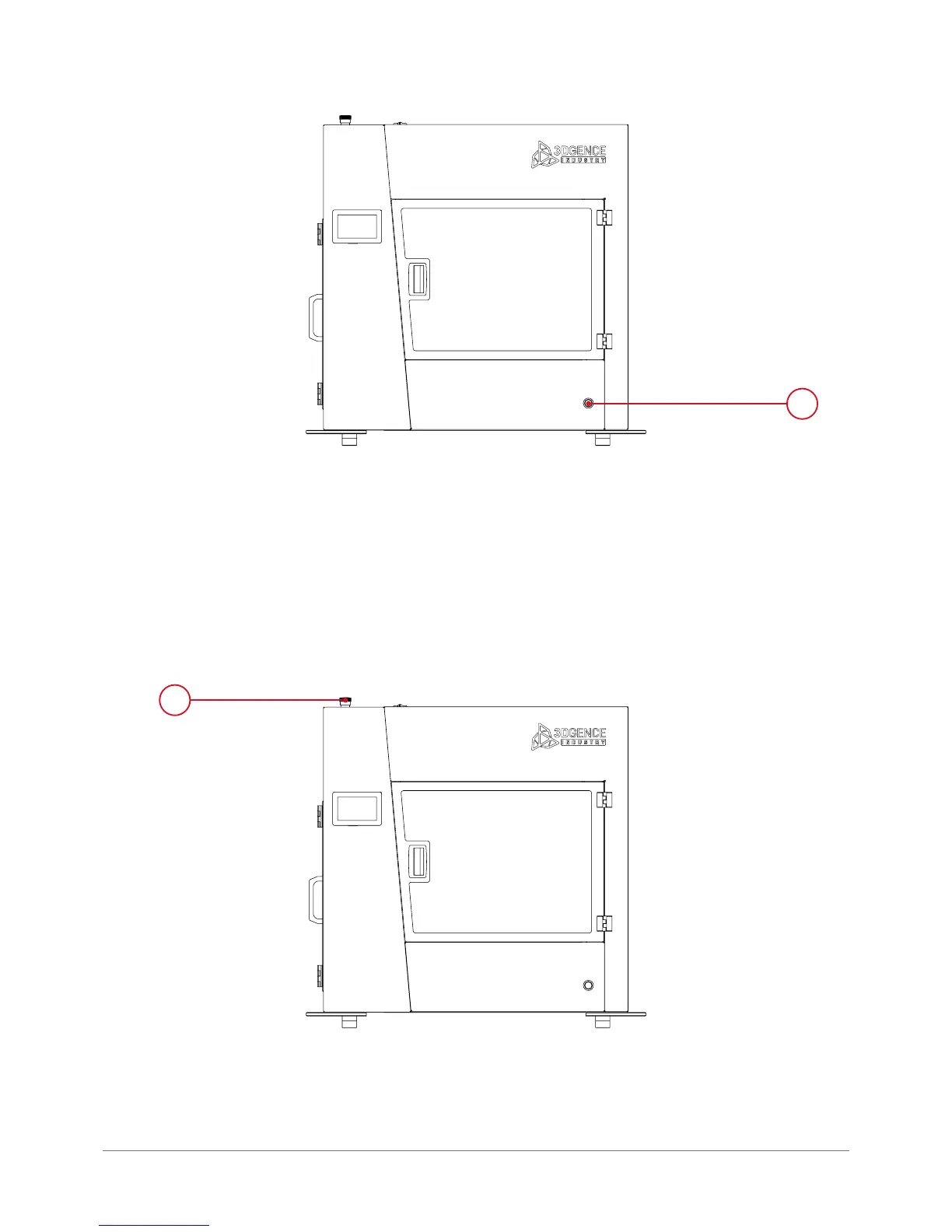
Fig. 21. Location of printer power switch (1).
1.7.3. Emergency stop button
The emergency stop button is located on the top of the device (g. 22).
Pressing the button results in immediate power cut-off to all motors, heaters and the controller. After pressing, the button remains
in the pressed position until it is turned clockwise. The device operation is disabled until the emergency stop button is reset.
1
Fig. 22. Location of the emergency stop button (1).



 To Next Page