To facilitate the operation of 3DGence INDUSTRY F340 printer and to make reading and understanding the rest of manual
easier, you will nd a number of gures below including the descriptions of the most important device components. Re-
ferring to gures and terms will make it easier to understand the terms used in 3D printing.
1.1. Outline
II DEVICE DESCRIPTION
1. PRINTER CONSTRUCTION
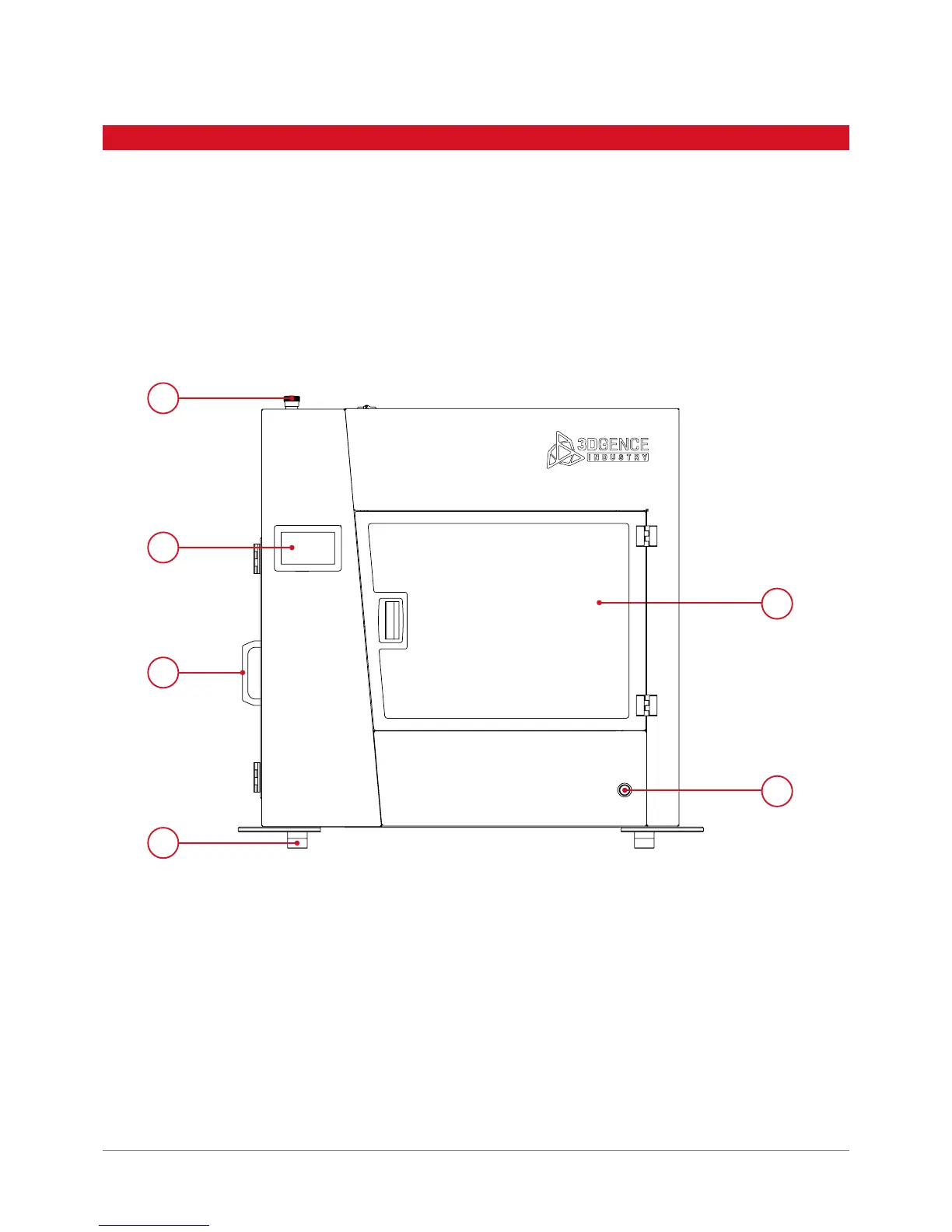
Fig. 9. 3DGence INDUSTRY F340 (front view):
1. Emergency stop button | 2. LCD display | 3. Filament chamber handle
4. Vibroisolator | 5. Chamber’s door | 6. Power button
5
6
1
2
3
4



 To Next Page