26 | 3DGence INDUSTRY F340
3.1. Standby menu
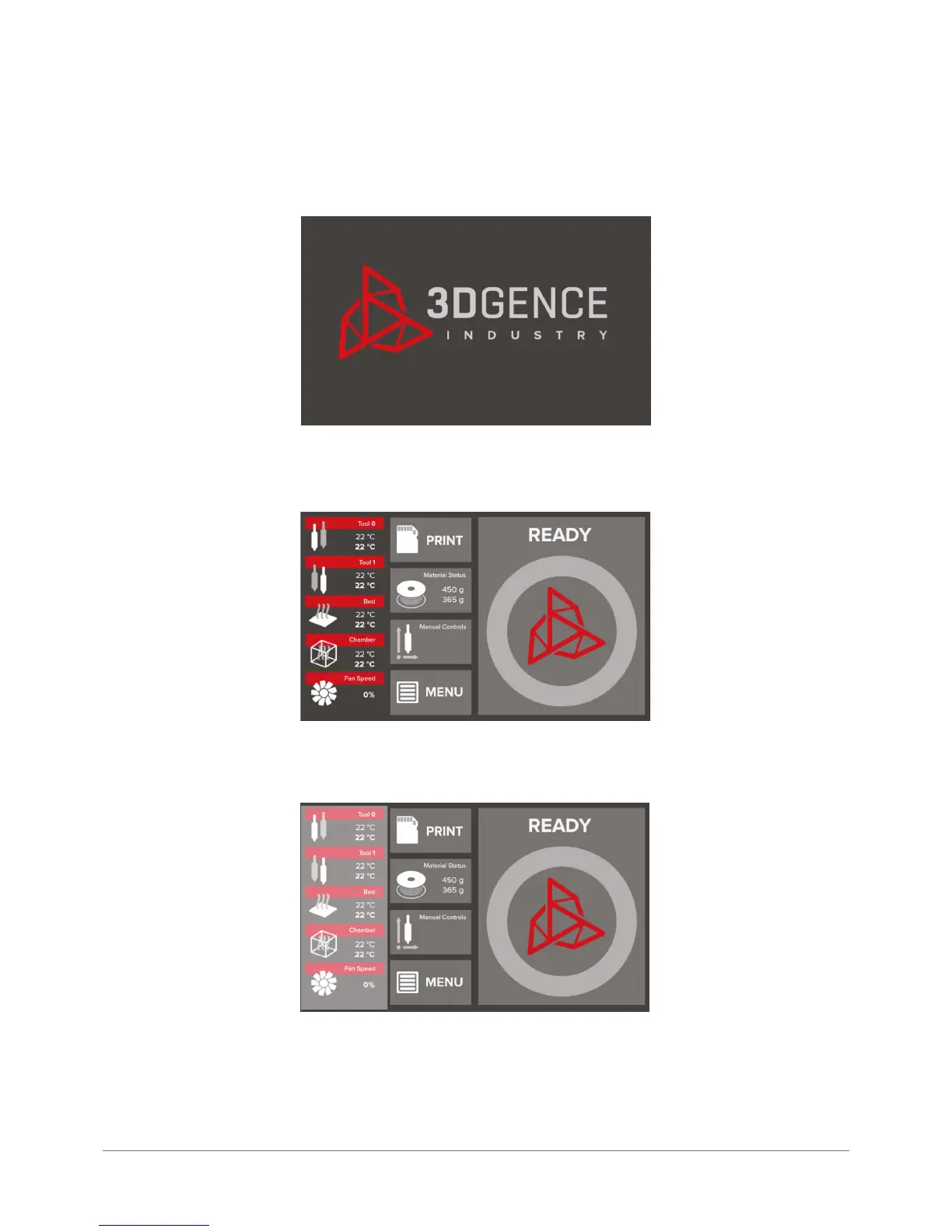
After turning the device on, when it is connected to the mains, an initialization screen is displayed indicating that the
printer is being prepared to operation:
Once the initialization is completed, the display shows a main standby menu:
The left side of the menu shows information on temperatures and the status of print cooling fans. They are from top to bottom:



 To Next Page