36 | 3DGence INDUSTRY F340
INFO
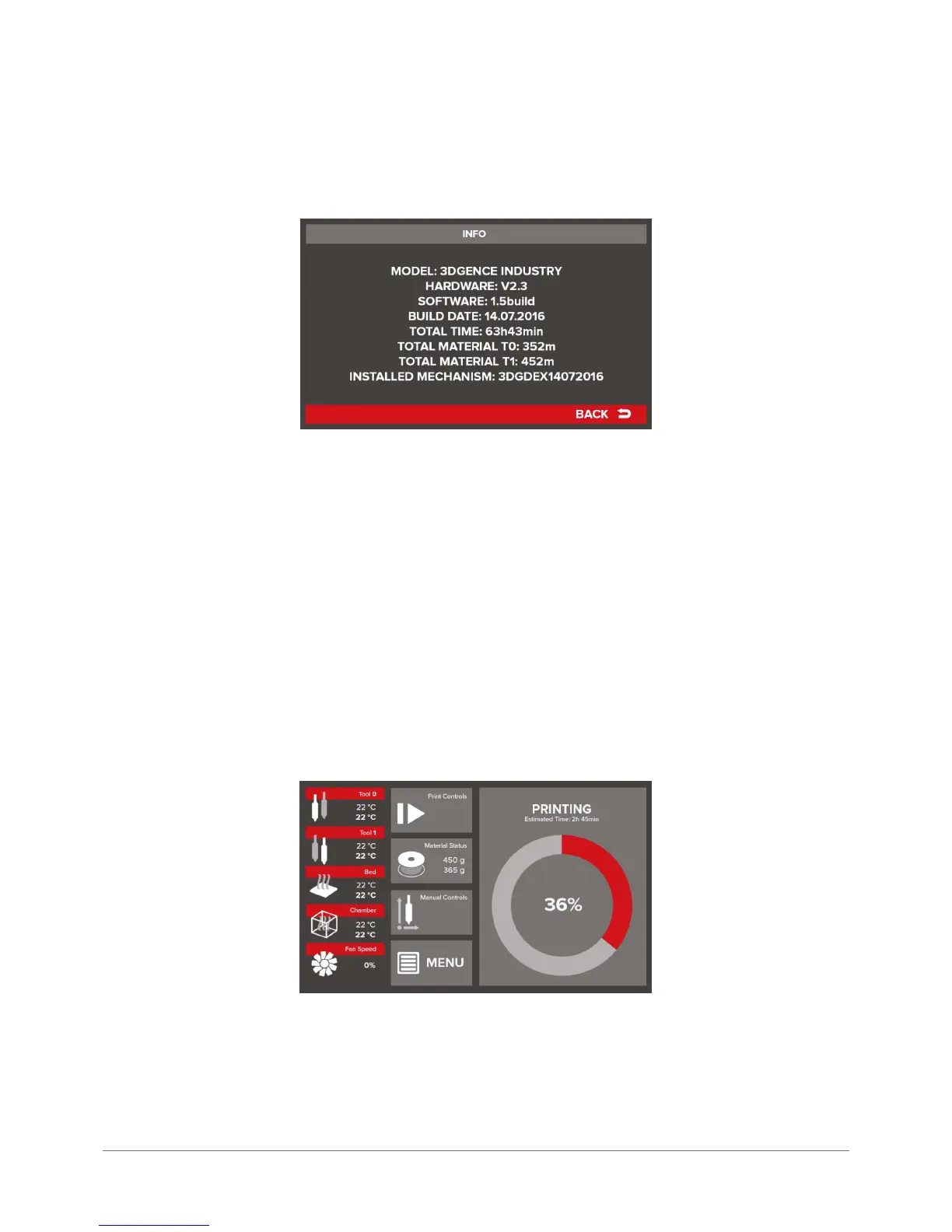
The INFO screen shows the following device information:
MODEL – device model
Hardware – hardware version
Software – installed driver version (rmware)
BUILD DATE – date of release for driver version
TOTAL TIME – total device operation time
TOTAL MATERIAL T0 – total length of the material used by the T0 extruder
TOTAL MATERIAL T1 – total length of the material used by the T1 extruder
INSTALLED MECHANISM – dual-head module version installed in the device
3.2 Menu during operation
The 3DGence INDUSTRY printer menu is subject to signicant changes when the device is in printing mode. Some menu
options available in the standby mode are unavailable during printing. The description of all menu aspects in the operation
mode is available below.
The main menu of the working device is as follows:
On the left it is the same as in the standby mode. Menu displays information on preset temperatures and current temper-
atures of all heating elements as well as actual temperature of print cooling fans.
The central column of the buttons includes the following menu:



 To Next Page