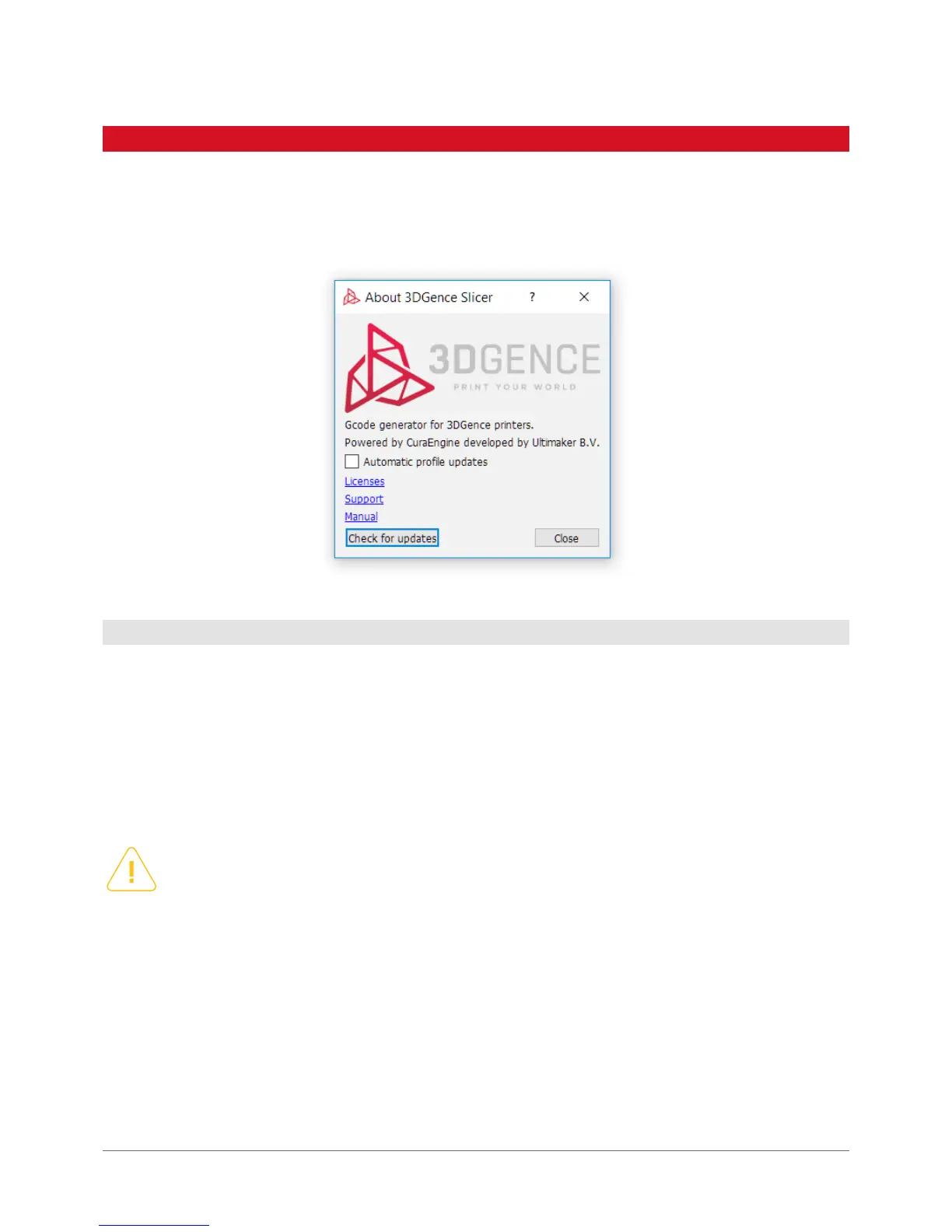
Under 3DGence button, you can nd the software information, direct link to the producer’s technical support, licence
information, ability to download the latest print proles manually and the ability to enable or disable automatic updates
of the print proles.
The recommended way to obtain any support related to the software and print quality is to use the link under 3DGence but-
ton in the top left corner of the software window.
The producer guarantees the highest possible quality of models produced with the dedicated software and materials.
If the user detects any defects of the produced model or software errors when using the software, please contact us by
e-mail and attach a photo and description of such a defect and, whenever possible, a .gcode and .stl le. Every model
submitted to the manufacturer in this way will be assessed and/or printed in the company’s headquaters. The producer
will suggest a problem solution, advice, start maintenance activities (whenever required), prepare an error-free .gcode
executable le or updatie print proles.
If the user needs any settings for a specic material or any other quality settings, they may request them using the tech-
nical support form. If the user created an initial prole corresponding to their needs, they can submit it to the producer
using the same form, who will take measures to introduce it as an ofcial prole.
The producer does not provide support for advanced proles.
7.1 Support
Please remember that using any materials and print settings not provided by the producer makes the user fully
liable. The producer shall not be held liable for any failures resulting from such activities especially with respect
to the printhead and material feeding system. The producer discourages from using printing materials which
may damage the nozzle (e.g. the ones containing glass or carbon bre) or clog it (materials with insufciently
ground additives, e.g. wood).
7. SUPPORT AND UPDATES



 To Next Page