72 | 3DGence INDUSTRY F340
7.2 Updating print proles
The automatic updates are a service which enables the software to automatically load the latest print proles (machine
settings and materials), provided ofcially by the producer. The software checks for updates after each start-up, provided
the user agreed to have the updates on. They can be enabled by pressing the button with the producer’s logo in the top left
corner of the interface and selecting the relevant option. The software itself needs to be updated manually.
When you disable the automatic updates, this will block software contact with any external servers without any explicit re-
quest from the user. The updates require active connection with the producer’s servers, granted by the operating system
to the software.
Automatic updates do not affect the existing advanced proles, though they load additional les to the editable prole direc-
tory. Those are described with a date. To use older proles, activate the proles with relevant dates by means of advanced
options “Custom Prole”. Any legacy and experimental proles are available on the producer’s website.
3DGence Slicer software updates should be installed manually, using the installer le available on the producers website.
With the enabled automatic updates of the print proles, the software checks for any new version upon each boot-up. On
the same station, several software versions may be installed simultaneously with no adverse effects.
The print prole updates are always going to be published for the latest software version.
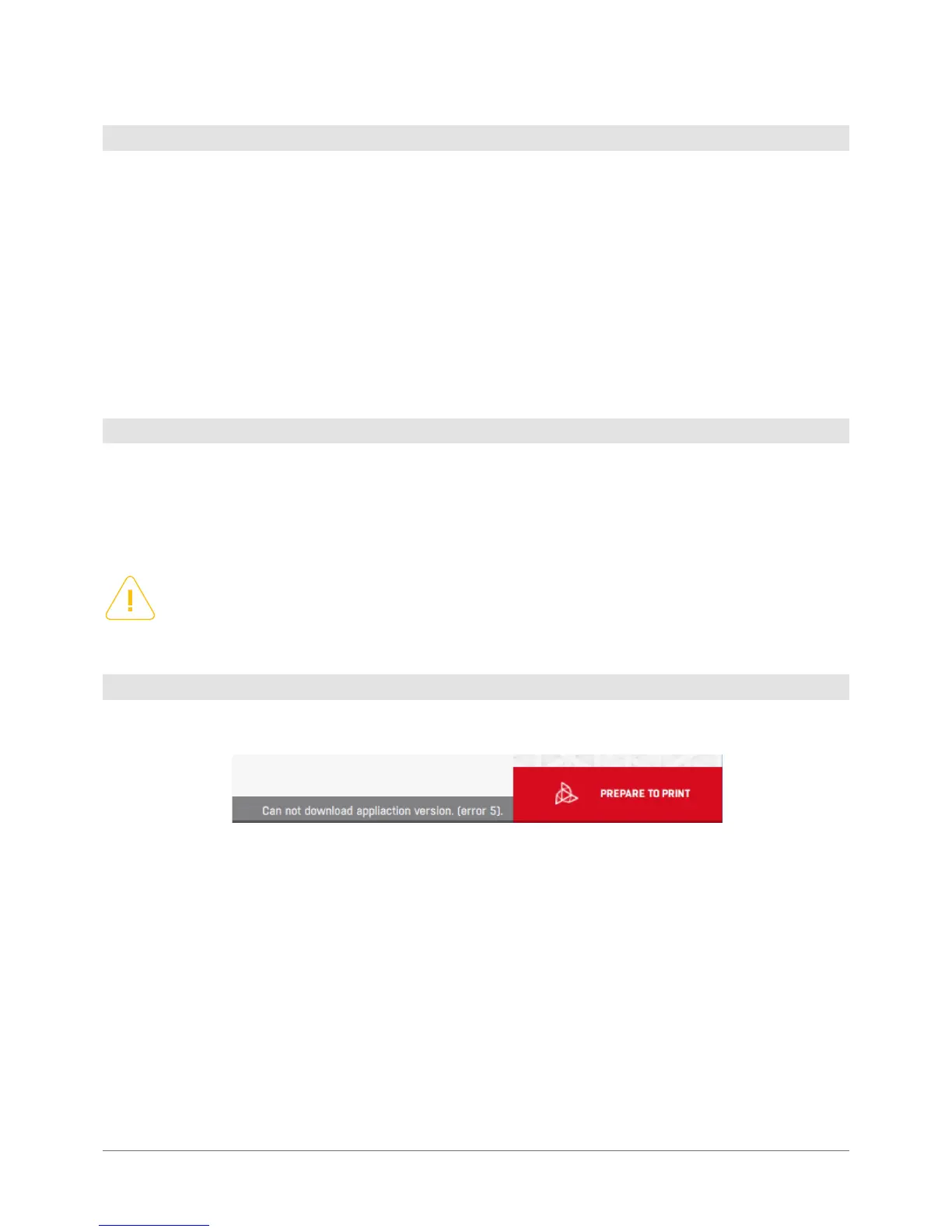
The update status appears on the progress bar immediately after the software is started, beside the Prepare to print button.
Checking for updates...: the software checks for any available updates. You can work as usual.
Newest proles loaded: the software uses the newest material proles available.
New prole downloaded: restart program to update: The software updated the proles, restart it to load them.
Prole updates disabled: automatic updates are disabled and no attempt at checking for prole availability has been made.
New version available: a software update is available which needs to be downloaded and installed manually. Prole updates
have not been downloaded as they require a new software version.
Error: failure when downloading print proles. The number in the bracket is the update error code. For example the message:
Cannot download application version (error 5) means the error of software communication with the server.
7.3 Software update
Please note that although the producer makes every effort to ensure any advanced proles created by users
are compatible with the latest software versions, always verify the print settings following any update as this
may bring about the risk of damaging the machine or compromising the print quality, as well as intruducing
new functionalities not supported by older versions
7.4 Update statuses



 To Next Page