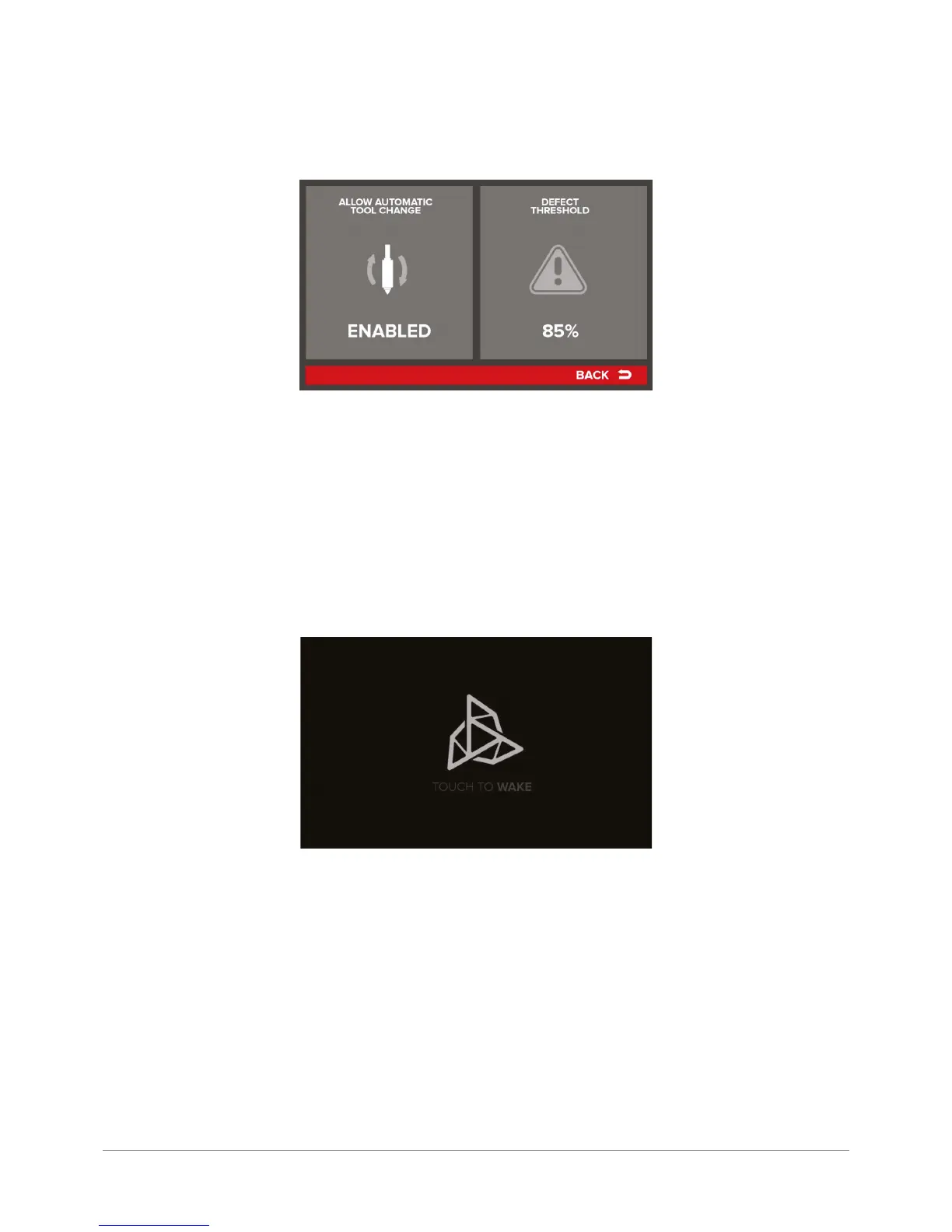
SMART MATERIAL MANAGER – – menu describing the device behavior in case of detecting a material feeding problem:
Allow Automatic Tool Change – enabling this option allows the device to change a head automatically and complete the
print using another material, if any feeding problem of the rst material is detected.
Defect Threshold – one of the information provided during printing is the aforementioned Feed Quality parameter. If the
Feed Quality value drops below the threshold value dened in the Defect Threshold option, the printing head will be
changed as described above. Alternatively, print can be suspended until the problem is solved by the operator, when it
can be resumed.
SLEEP MODE – settings for printer sleep mode. Time set with +/- denes the period af ter which the printer goes into sleep
mode. Pressing the RESET button restores the default value. Sleep mode means that the device goes into the status of
reduced power consumption, turns off its lighting and changes the display screen into the following:
To return to the printer standby status, touch the screen. The screen displays the main menu again.
FACTORY RESET – selecting this option restores all values and variables to factory settings.. The changes introduced
and cleared by selecting the FACTORY RESET command cannot be restored – they should be re-entered manually. The
command also deletes the autocompensation matrix and all the Offset settings. It will be required to re-scan the printing
bed and calibrate the dual-head module.



 To Next Page