34 | 3DGence INDUSTRY F340
CONFIGURATION
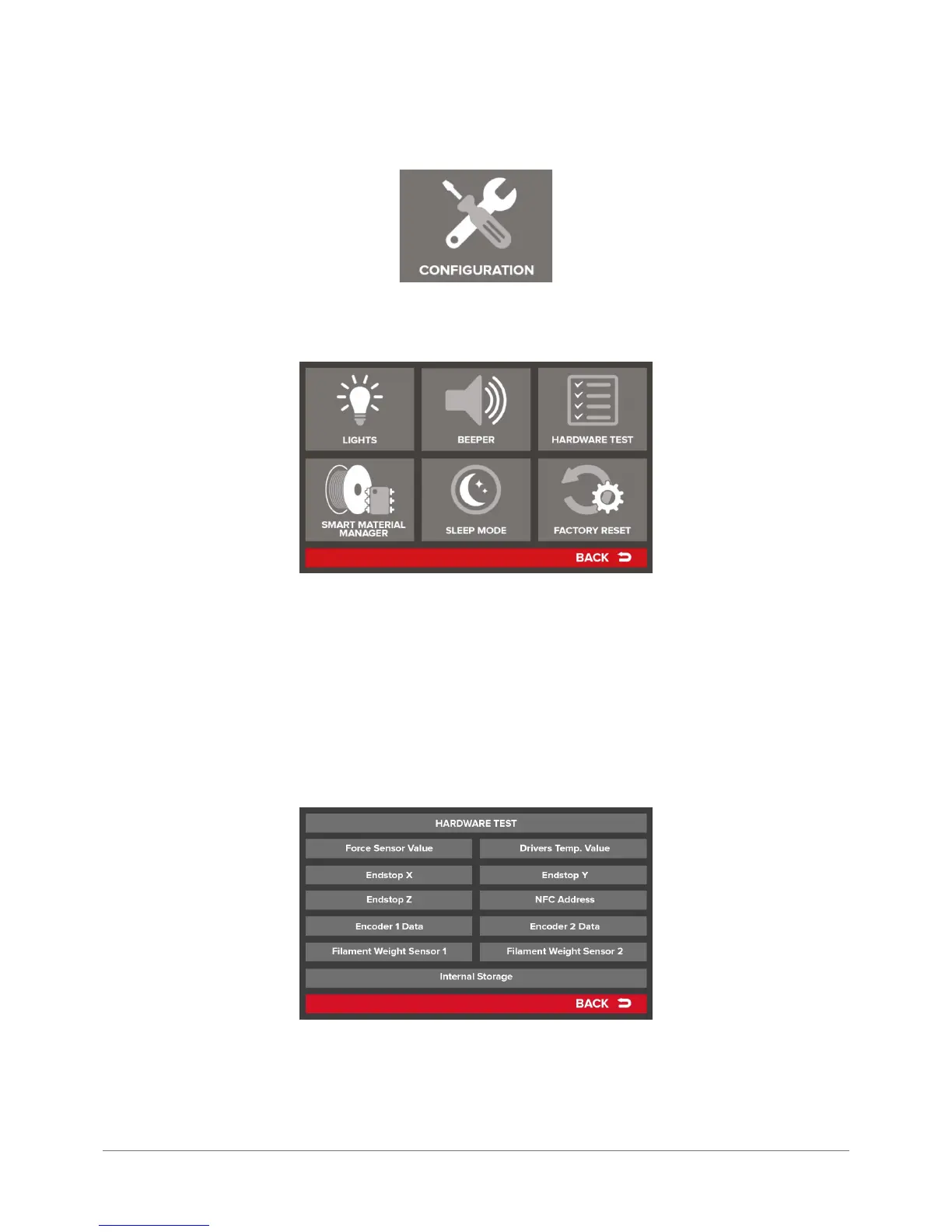
CONFIGURATION menu is used to set up the 3DGence INDUSTRY printer. It includes the following settings:
LIGHTS – settings for printer working area lighting. Default lighting, in the form of 2 LED strips placed in the printer cham-
ber is enabled all the time. One exception is sleep mode, described below. By using the LIGHTS option you can turn on/
off the working area lighting.
BEEPER – the printer is tted with an acoustic signaling device informing the operator, for instance, of chamber reaching
a preset temperature or when the printing bed scanning is completed. A beep indicates also when some errors occur,
described in more detail in MAINTENANCE chapter, section 5. By pressing the BEEPER key you can turn the acoustic
signaling on or off.
HARDWARE TEST – pressing it calls up a screen with information on the status of hardware installed in the printer. The
list includes the following readings:



 To Next Page