The delivered predened settings have such options as layer height, print speed, work temperature, volume of extruded
material per milimetre of path etc. selected specically to achieve the required result. The selectable options in this menu
change dynamically depending on the selected material.
Greater visual quality will reduce the height of the printed layer and improve visual parameters of the printed model. This
will also signicantly increase the printing process duration.
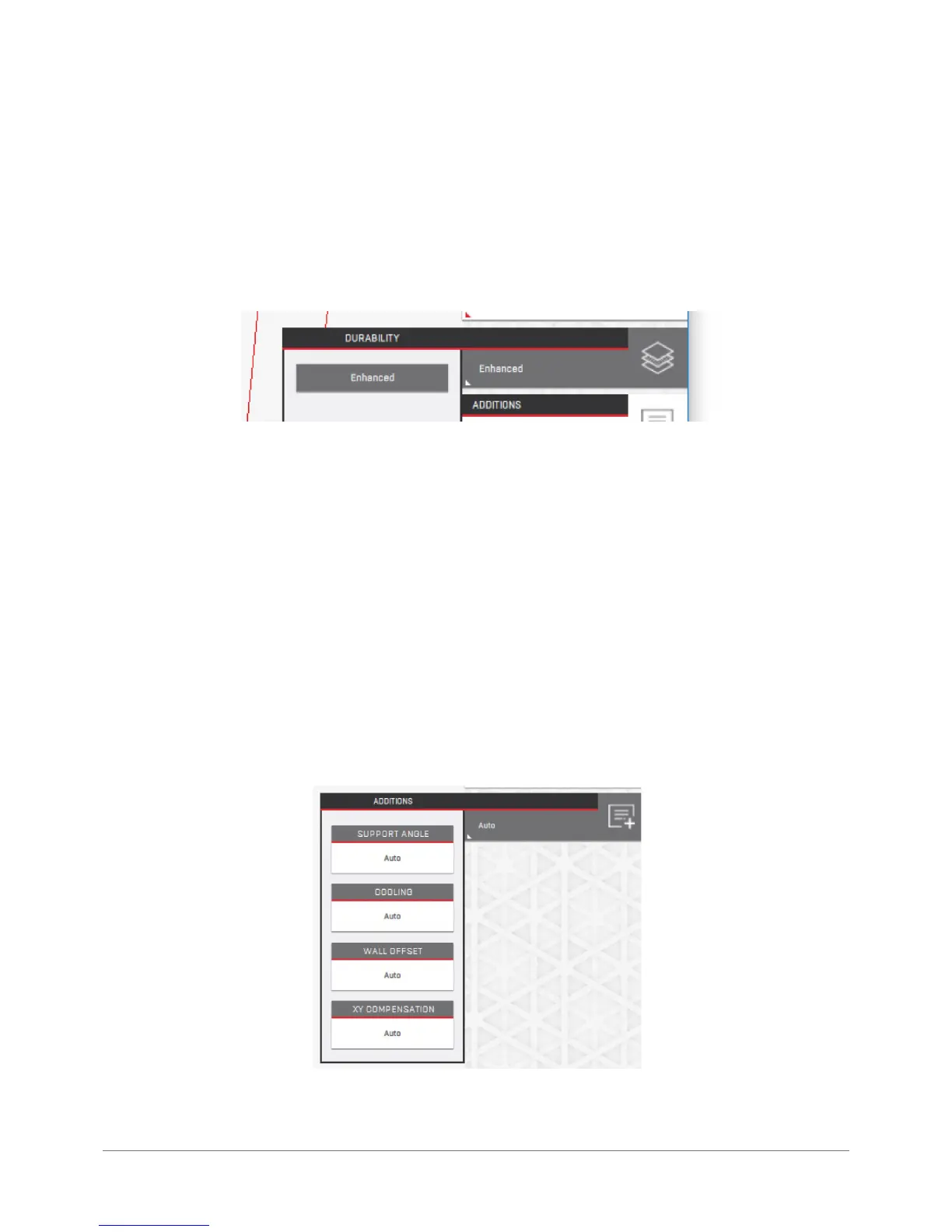
Durability: enables the user to change the settings related to the durability of printed models.
The pre-dened settings delivered include such options as density, volume of extruded material per millimetre of path,
number of solid upper and lower layers in the model, print speed, tool temperature etc. selected specically to achieve
the required result. The selectable options in this menu change dynamically depending on the selected material and the
Visual Quality option.
Increased durability means more material will be used for the printout and the model will have higher overall strength.
It will be more susceptible to deformation related to material shrinkage and will have longer printing duration. The Solid
durability also may (although does not need to) affect the visual quality of the model adversely.
The same durability type for various materials may mean different actual durability values. For example, the same model
printed from Nylon with a lower durability setting will still be more resilient than the ABS printout with the highest dura-
bility setting as this is an inherent material property.
Additions: quick access to advanced options impacting the model size (offsets), the minimum overhang angle in relation
to the builplate to be used for the generating supports and cooling parameters. For most printouts this option should be
set to Auto.



 To Next Page