4 5
1
INSTRUCTIONS FOR USE Wells, Buttons, & Display Interpretation
1
11
9
4
7
8
2
3
5
10
6
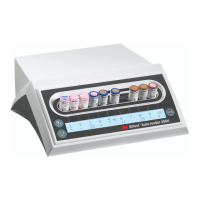
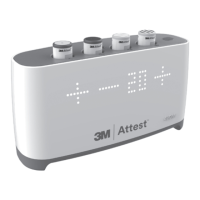
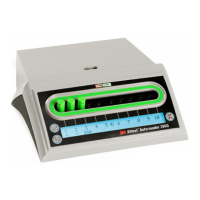
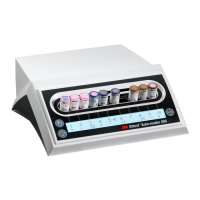
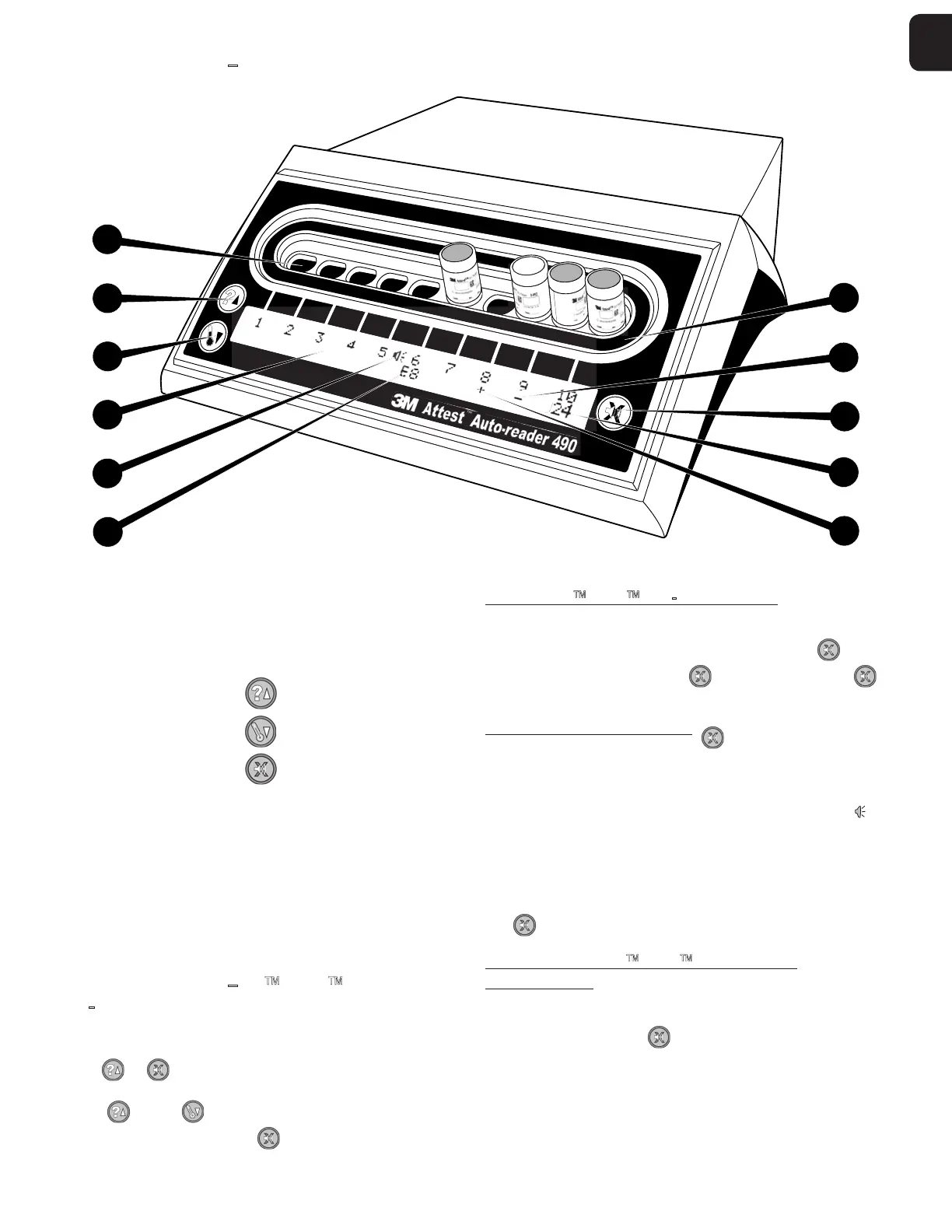
Please familiarize yourself with the face of the 3M™ Attest™ Autoreader490:
Wells
1. Incubation/Reader Wells The 3M™ Attest™ Autoreader490 has ten
incubationwells.
Buttons
2. Information / Up Arrow Button
3. Temperature / Down Arrow Button
4. Buzzer Alarm OFF / Enter Button
Information Display
5. LCD Display Display is backlit.
6. LCD Display Example of Error Message for well #6
7. LCD Display Example of Remaining Incubation Time for well #10
8. LCD Display Example of Negative () BI result for well #9
9. LCD Display Example of Positive (+) BI result for well #8
10. LCD Display Alarm Enabled Indicator
Configuration Indicator
11. Incubation well configuration sticker is black.
INSTRUCTIONS FOR USE 3M Attest
Auto
reader490Configuration
Note: Ideally, the 3M™ Attest™ Autoreader 490 should be empty (i.e. have no incubating
BIs) when it is reconfigured.
Press the and buttons on the front of the 3M™ Attest™ Autoreader490
simultaneously for 3 seconds to enter configuration mode. Once in configuration mode,
use the Up and Down buttons to set the 3M™ Attest™ Autoreader 490 clock,
audible alarm, and Web App as desired. The
button acts as an Enter key and moves
the flashing cursor to the next changeablesetting.
Setting the 3M Attest Autoreader490 Clock
The 3M™ Attest™ Autoreader490 date and time are displayed in this format:
YYYYMMDD HH:MM, with the time displayed using a 24-hour clock. To change the year,
if necessary, push the up or down buttons to set desired year, then press
to advance
to the month, adjust as necessary and press
to advance to the day. Use the
button to move to the time and set the hours andminutes.
Setting the Audible Alarm Function
Move across the top row of text by pushing the button. The flashing B in Buzzer
indicates this is a changeable setting. It is recommended this be set at Buzzer Enabled
to audibly alert the operator to a positive BI but it may be set to Buzzer Disabled by using
either the up or down button.
Note: If Buzzer Disabled is selected, and the change accepted, the speaker icon (
) will
disappear from the LCD panel and the alarm will be disabled for all positive 3M™ Attest™
Biological Indicators, error codes, and caution code alarmwarnings.
Note:The 3M™ Attest™ Autoreader 490 Display backlight flashes whenever an
audible alarm sounds. Disabling the audible alarm does NOT disable the LCD display
backlightflashing.
Press
to select the desired option and advance to the next changeable setting.
Setting the Optional 3M Attest Auto-reader 490
Web AppFunction
It is recommended that the default Web Pages Enabled setting is used. If desired,
however, the 3M™ Attest™ Auto-reader 490 Web App can be disabled by pressing
either the up or down button. Press
to select the desired option and advance to the
Acceptscreen.
Note: Disabling the 3M™ Attest™ Auto-reader 490 Web App will not affect connectivity to
3rd party software.


 To Next Page
 Loading...