PROPRIETARY INFORMATION
CONFIDENTIAL MATERIAL
Not for Customer Distribution Assays/Reagents
AEROSET
®
System Troubleshooting Guide 29
94816-107—November 2004
Absorbance Mode
When the system is in Absorbance mode, results print as
absorbance values. A result equal to or higher than the
Multi DOA Cutoff calibrator absorbance is considered positive
for the assay tested and negative for a value lower than the
Multi DOA Cutoff calibrator absorbance.
Perform the following steps to configure an assay in
Absorbance mode.
1. Select <Assays> in the Information Access Area of the
Main Display. The ASSAYS screen displays.
2. Select the desired assay button. The ASSAY STATUS
screen displays.
3. Select <Config> in the right column of the screen. The
Assay Configuration screen displays.
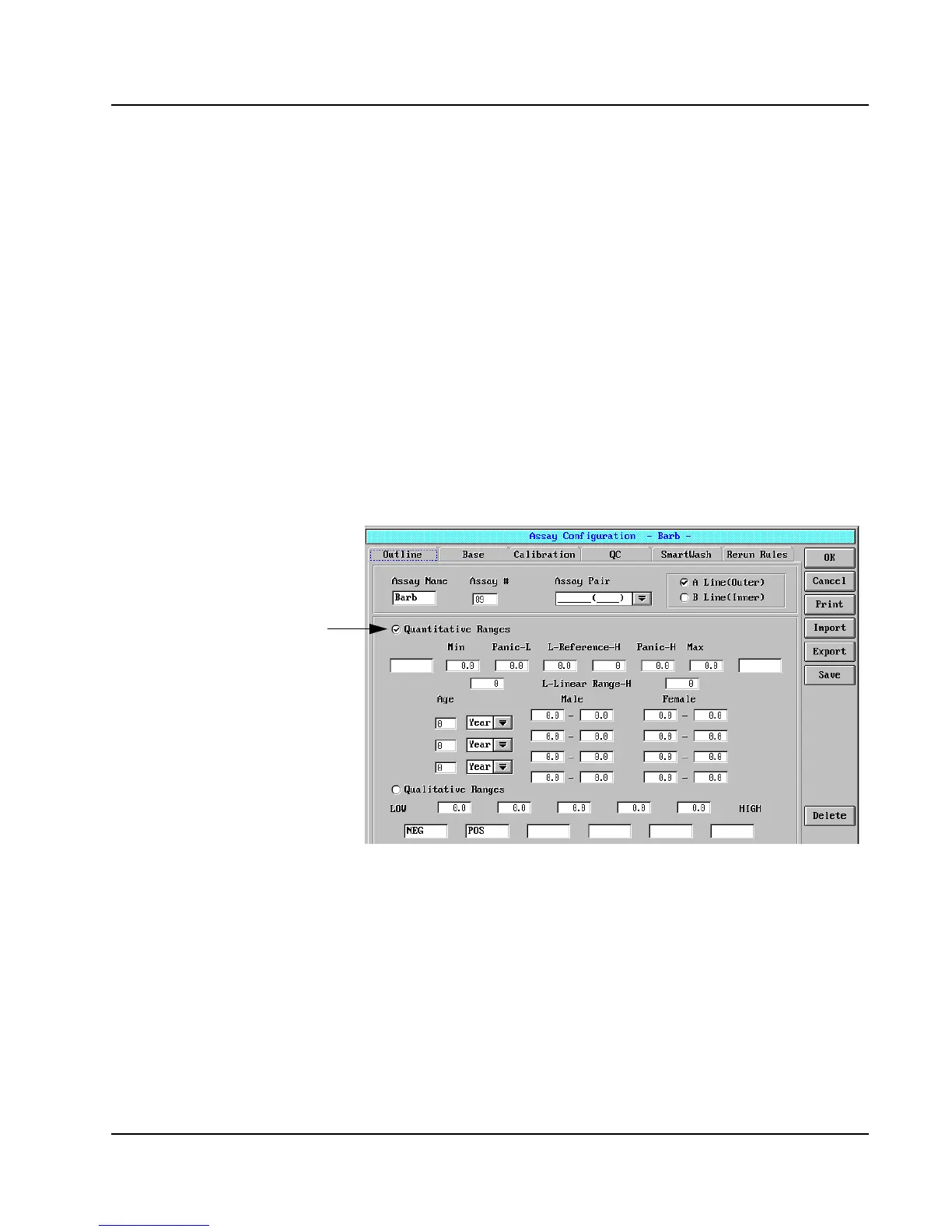
4. The Outline page is the default view.
Figure 5: Assay Configuration Screen, Outline Page
5. Verify Quantitative Ranges is selected (聺). This is the
default setting.
6. Edit the L-Reference field from “-9999” to “0.0”.
Select



 To Next Page