EasyManua.ls Logo

Abbott AEROSET - Color Coding on the AEROSET System

Abbott AEROSET
264 pages
Print Icon
To Next Page IconTo Next Page
To Previous Page IconTo Previous Page
Loading...
PROPRIETARY INFORMATION
CONFIDENTIAL MATERIAL
Not for Customer Distribution Software
AEROSET
®
System Troubleshooting Guide 173
94816-107—November 2004
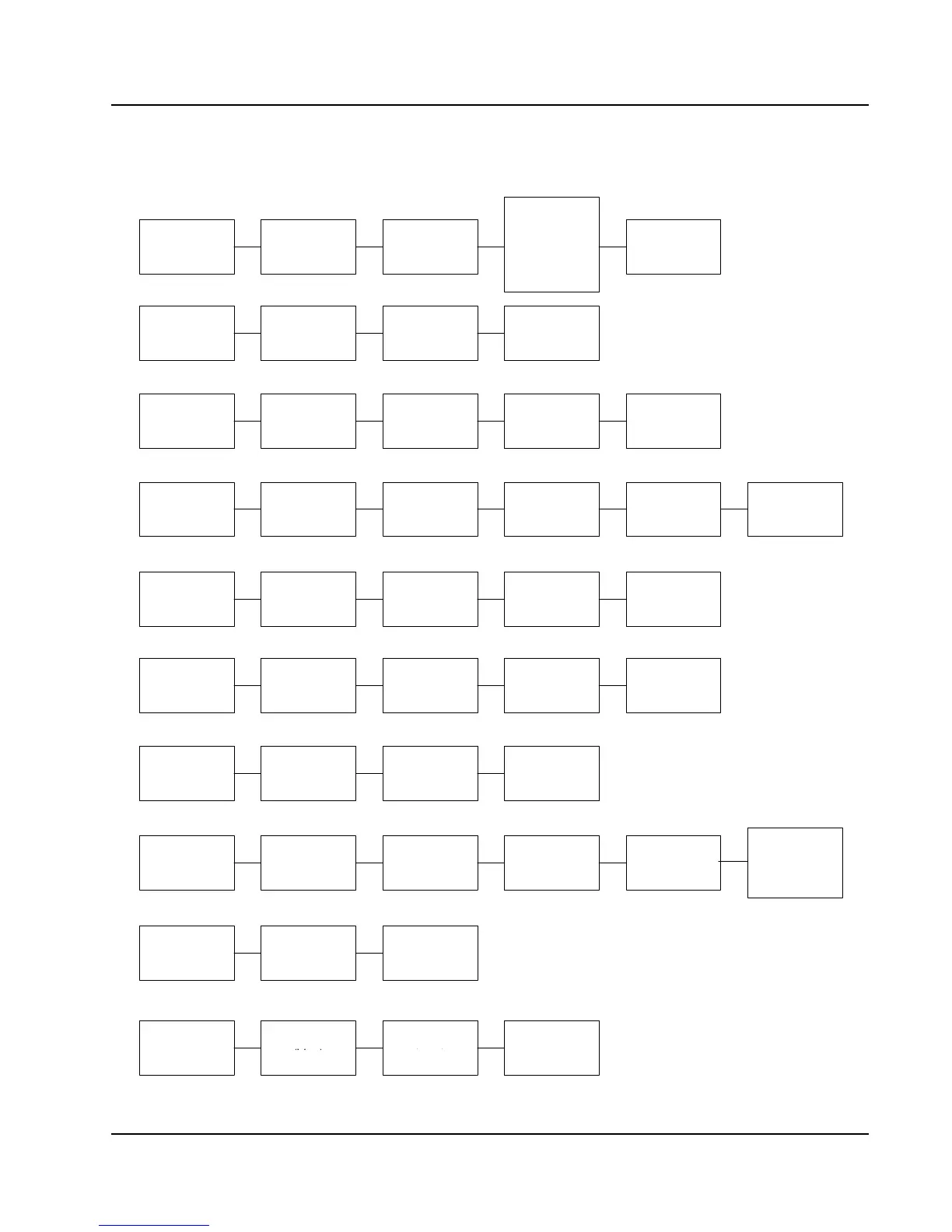
Color Coding on the AEROSET System
Assay
OK
(Green)
Reagent Low/
Cal error
(Yellow)
Reagent expired
or empty/
calibration
expired or
unusable
(Pink)
Illegal assay
(Black)
Database
Running
(Brown)
Pending
(Pink)
Complete/
not validated
(Blue)
Incomplete/
not validated
(Blue)
Validated
(Black)
Run Progress
Patient Sample
(Gray)
STAT Sample
(Pink)
Calibrator
(Green)
Control
(Yellow)
Water Bath
Hot
(Pink)
OK
(Green)
Cold
(Blue)
Controls
Levey-Jennings
Graph
2 SD
(Yellow)
1 SD
(Green)
3 SD
(Red)
Outside 3 SD
(Blue)
Cal Summary
Pending/
Cal expired
(Pink)
OK
(Black)
Failed
(Brown)
START UP
SHUTDOWN
Bulk solutions
low
(Red)
Bulk solutions
OK
(Green)
Reagent
Expired/empty
(Pink)
OK
(Green)
Reagent low
(Brown)
Reagent
scanned
(Brown text)
Reagent
manually
configured
(Black text)
Assay Status
Previous curve
(grey)
Current curve
(blue)
Stored curve
(pink)
Error Log
Level 1
(Red)
No error
(Gray)
Level 2
(Pink)
Level 3
(Yellow)
(Gray)
(Blue)
(Pink)

Table of Contents

Related product manuals