4. Mount the centering tool on the support plate, and place it on the chin rest support
(Figure 7).
5. On the virtual keyboard, select Standard Panoramic – Adult – and make an exposure
at 66kV, 5mA.
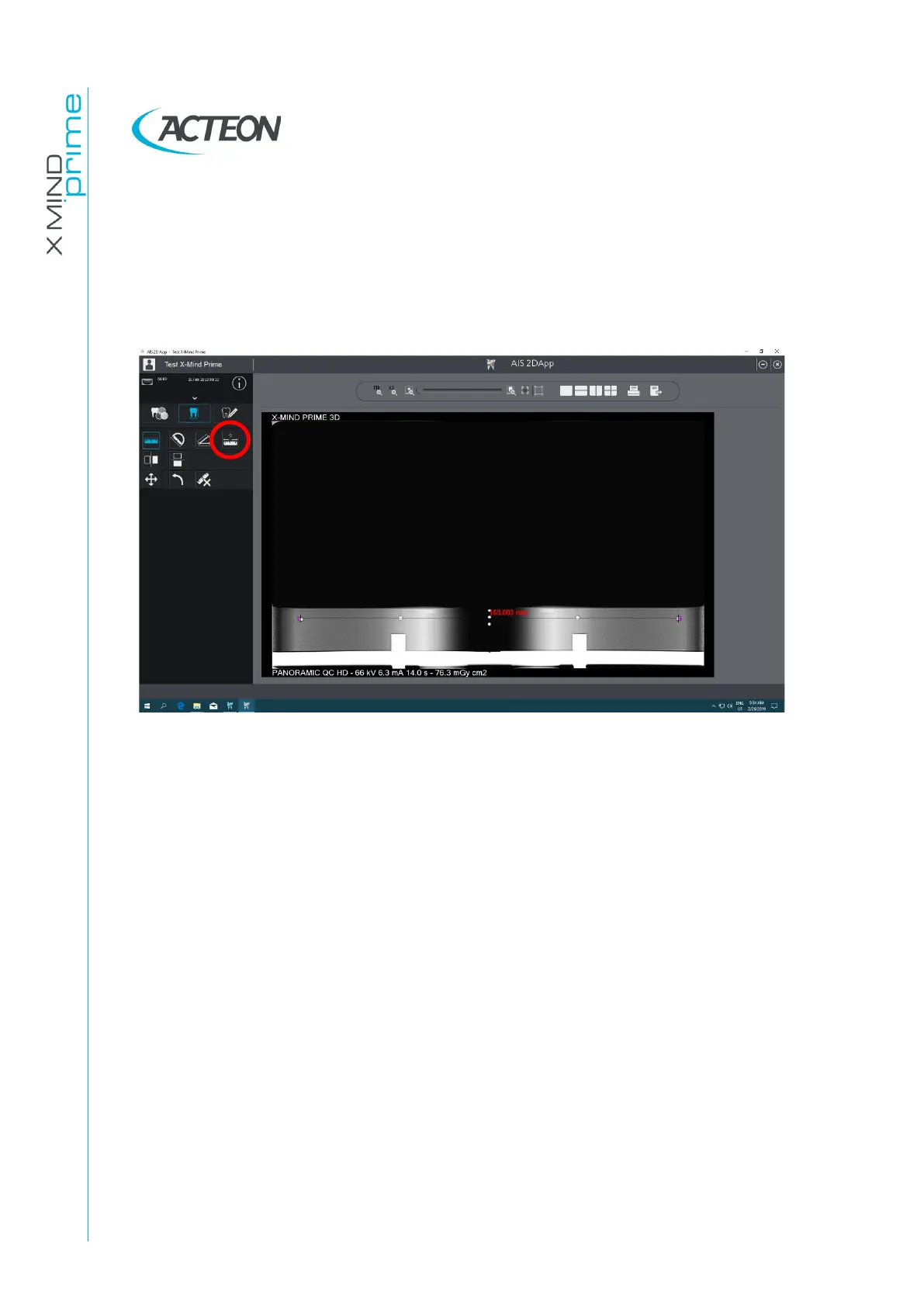
6. Select the "Ruler" icon and measure the distance between the two external spheres;
this value must be 169mm ± 2mm.
In case the test fails, call technical assistance.
7. Measure the distance between the left external sphere and the central one and the
distance between the right external sphere and the central one: the difference of
these values must be maximum 2mm.
In case the test fails, call technical assistance.
8. Record the tests results in the log book at paragraph 7.6.1.















 To Next Page