EasyManua.ls Logo

Acteon X-MIND prime - Image Quality Assessment: Geometry and S;N Checks

Acteon X-MIND prime
118 pages
Print Icon
To Next Page IconTo Next Page
To Previous Page IconTo Previous Page
Loading...
User Manual Quality assurance program
USER MANUAL • X-MIND prime • (19) • 01/2020 • NXMPEN010C
41
7.4 Image quality check
7.4.1 Geometry check
Warning
X-rays will be emitted during the performance of the following operations. It is
recommended to use the greatest caution and to comply with local safety
regulations and laws.
1. Switch ON the unit and go to Exam Selection.
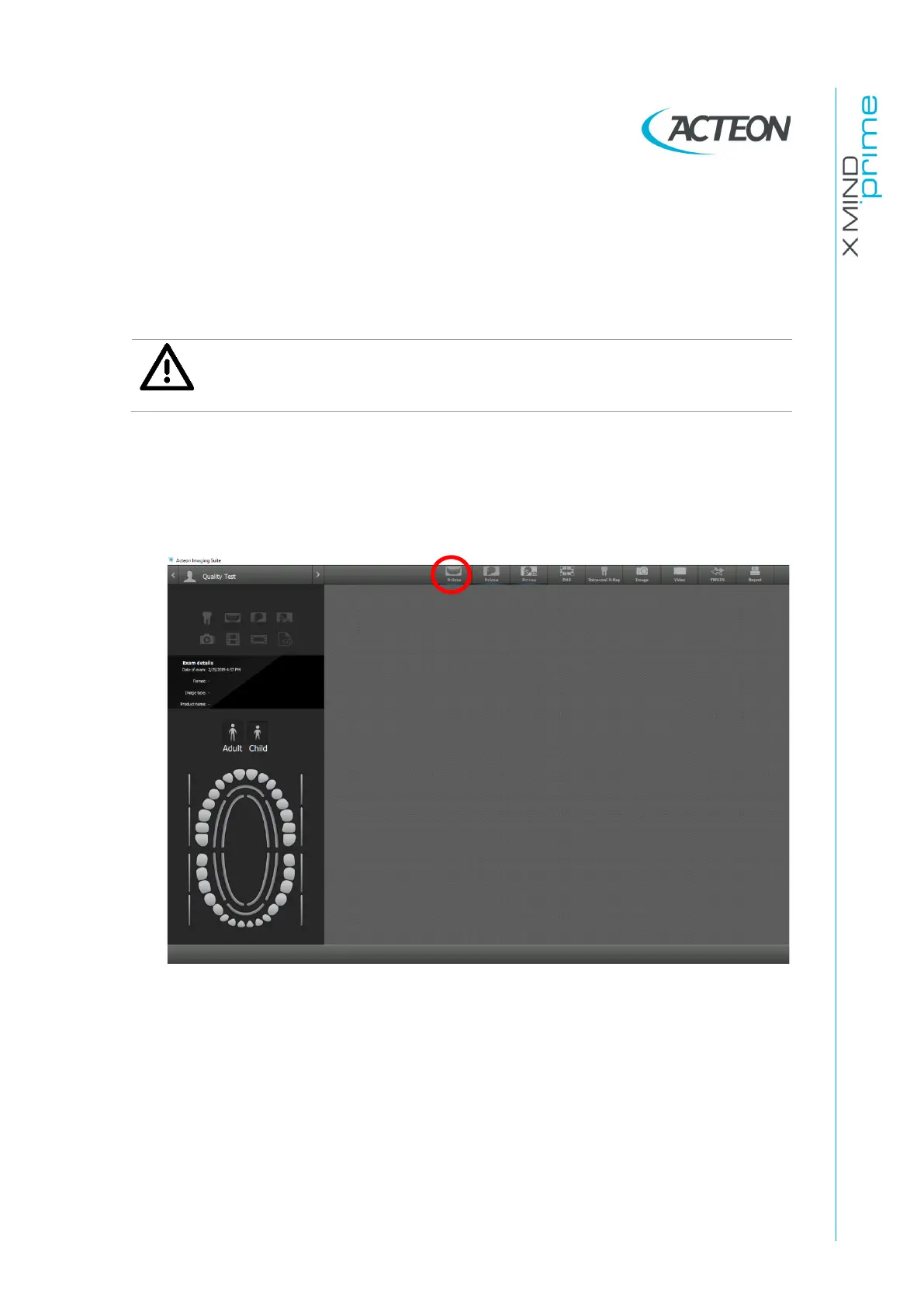
2. Open AIS software and open the patient "Quality Test". If not present, create a new
patient (Name: "Quality"; Family name: "Test").
3. From the top toolbar, select the Panoramic icon to open the X-MIND prime interface

Table of Contents

Related product manuals