8.8.2 Preparation of the device
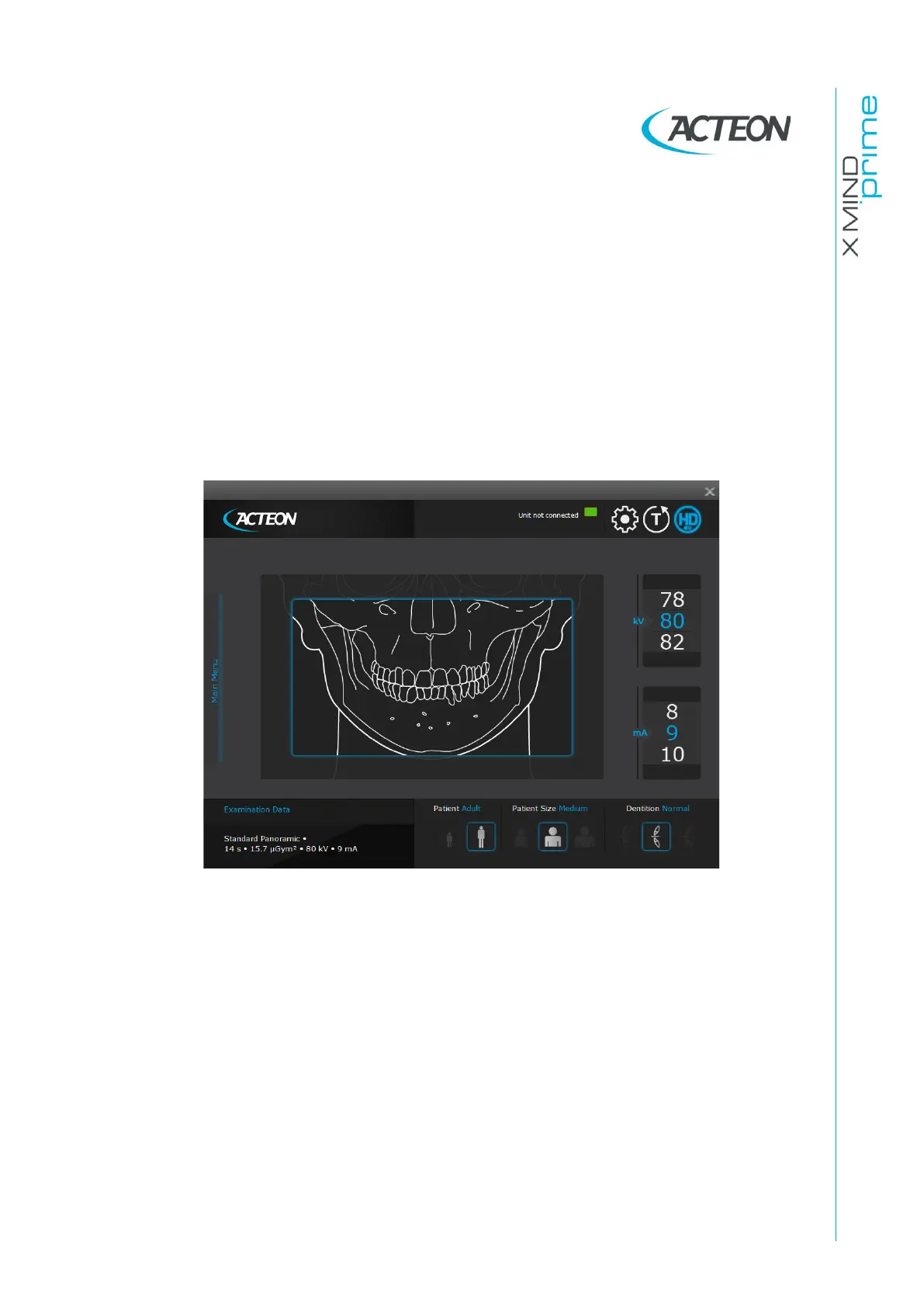
When the unit is switched ON, Panoramic exam mode is selected as standard. If the
operator has previously carried out another kind of exam, use the main window in
extended view to select Panoramic mode.
The system positions itself with the following configuration:
•
ADULT with the display of the corresponding graphic for the key
•
MEDIUM SIZE with the display of the corresponding graphic for the key
•
NORMAL DENTITION with the display of the corresponding graphic for the key
•
default exposure parameters (if this is the first panoramic exposure), or the exposure
parameters of the last exposure performed.
Figure 13
Select the type of patient with the Patient icons (Adult - Child).
Select the type of build with the Patient Size icons (Small - Medium - Large).
Select the type of biting with the Dentition icons (Protruded - Normal - Retracted)















 To Next Page