User Manual – Quality assurance program
USER MANUAL • X-MIND prime • (19) • 01/2020 • NXMPEN010C
7.5 Dosimetry test (paragraph for authorised personnel)
Note
The dosimetry test has to be performed only by authorized personnel.
The present paragraph explains the procedure for dosimetry test with non-
invasive method. For further details, please refer to Service Manual.
Warning
The device collimator gives a narrow X-ray beam.
Measurement taken with non-invasive method and a narrow beam can be
difficult and/or unreliable; it is therefore necessary to use a special probe with
a reduced sensitive area. It may be helpful to use a fluorescent screen to locate
the X-ray beam and consequently position the probe of the kV meter.
1. Place the probe of the dosimeter on the sensor plastic cover.
2. Open the PhD_Test software (located at C:\Program Files (x86)\Acteon
Imaging\Panoramic X-MIND prime) and check that the unit is connected to the PC
(the message "MCU is connected" is displayed in the bottom left corner of the
program window).
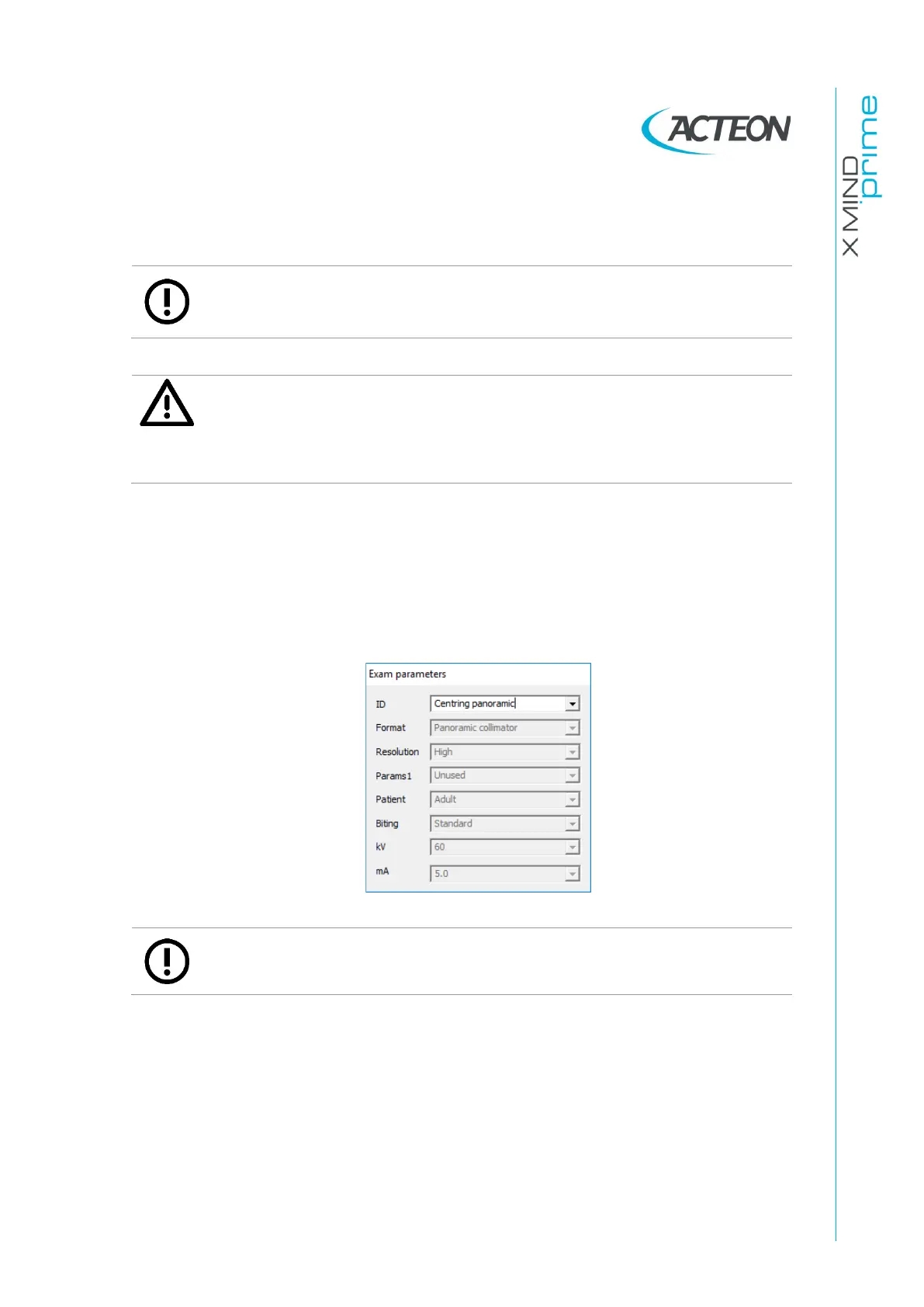
3. From the "Exam parameters" panel select the ID as "Centring panoramic".
Note
The "Centring panoramic" choice allows you to carry out the dosimetry test
without the rotation of the tube-head arm.















 To Next Page